
Originally by penndorf
If one uses the feature setVisibleDaysOfWeek of Calendar, the invisible days are not skipped in single-day-mode.
Steps To Reproduce: 1. Go to Vaadin Calendar Example at http://demo.vaadin.com/calendar 1. Select "Hide weekends" checkbox 1. Select a Monday for Day-View by clicking on the date 1. You are now in single-day-mode, the monday beeing displayed (see screenshot attached) 1. Step back one day by clicking gray triangle on top left corner 1. Empty sunday will be shown (see screenshot attached)
Imported from https://dev.vaadin.com/ issue #12243
该提问来源于开源项目:vaadin/framework


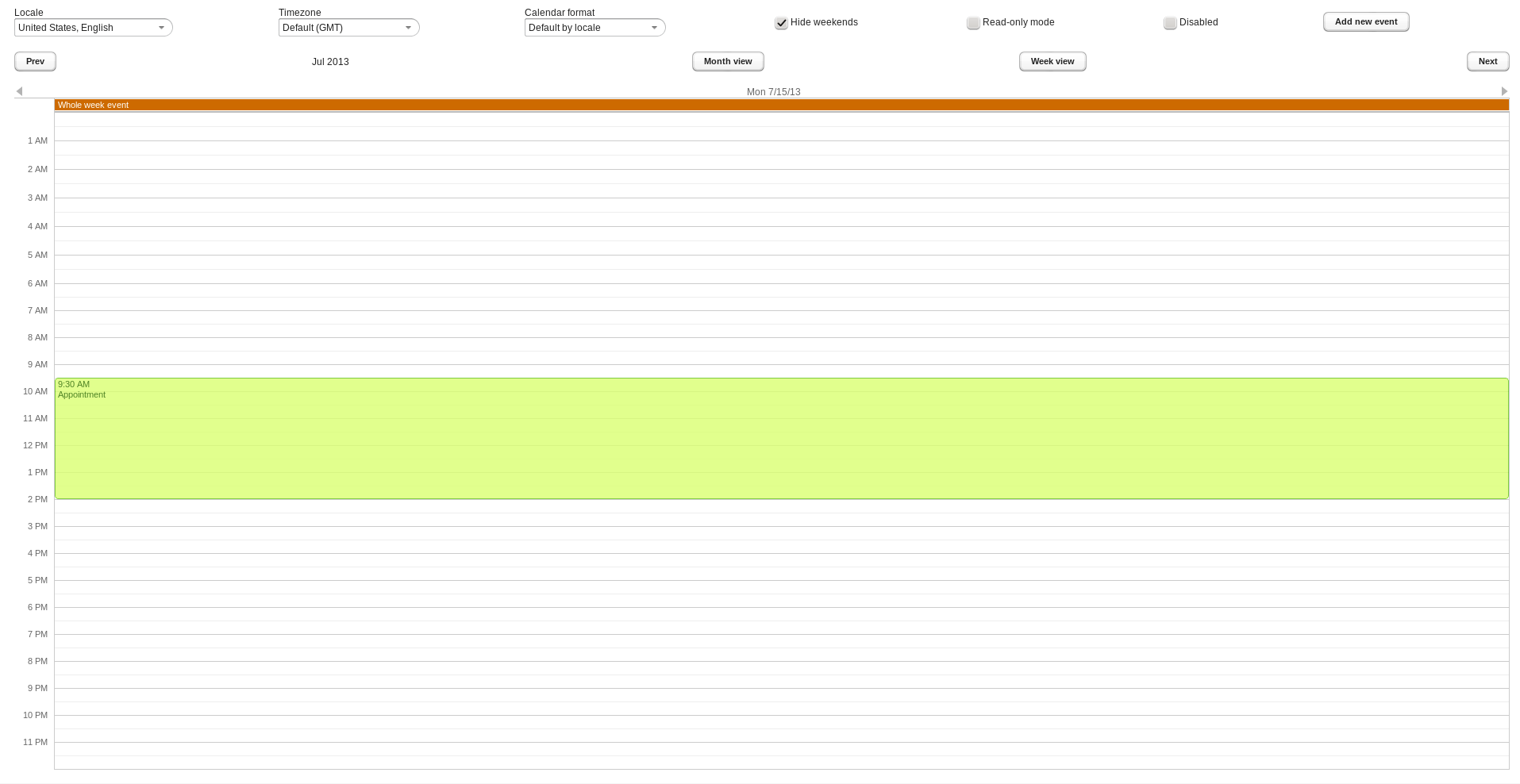 https://trac-attachments.vaadin.com/trac/12243/Vaadin-Calendar-Single-Day-View.png
Single Day View for Monday July 15th 2013 (correct single day view)
https://trac-attachments.vaadin.com/trac/12243/Vaadin-Calendar-Single-Day-View.png
Single Day View for Monday July 15th 2013 (correct single day view)
