
错误如下: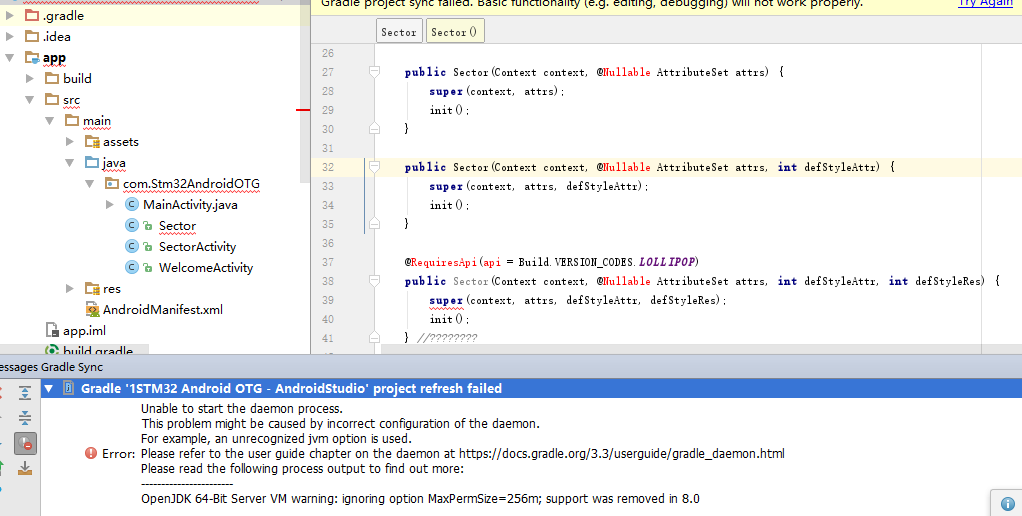
Error:Unable to start the daemon process.
This problem might be caused by incorrect configuration of the daemon.
For example, an unrecognized jvm option is used.
Please refer to the user guide chapter on the daemon at https://docs.gradle.org/3.3/userguide/gradle_daemon.html
Please read the following process output to find out more:
OpenJDK 64-Bit Server VM warning: ignoring option MaxPermSize=256m; support was removed in 8.0
请问这个怎么解决呢?非常感谢


