
同样的一个页面,使用webstorm自带的服务器打开,和在本地打开后显示的样式不一样
不知道是什么原因,请大神指点。
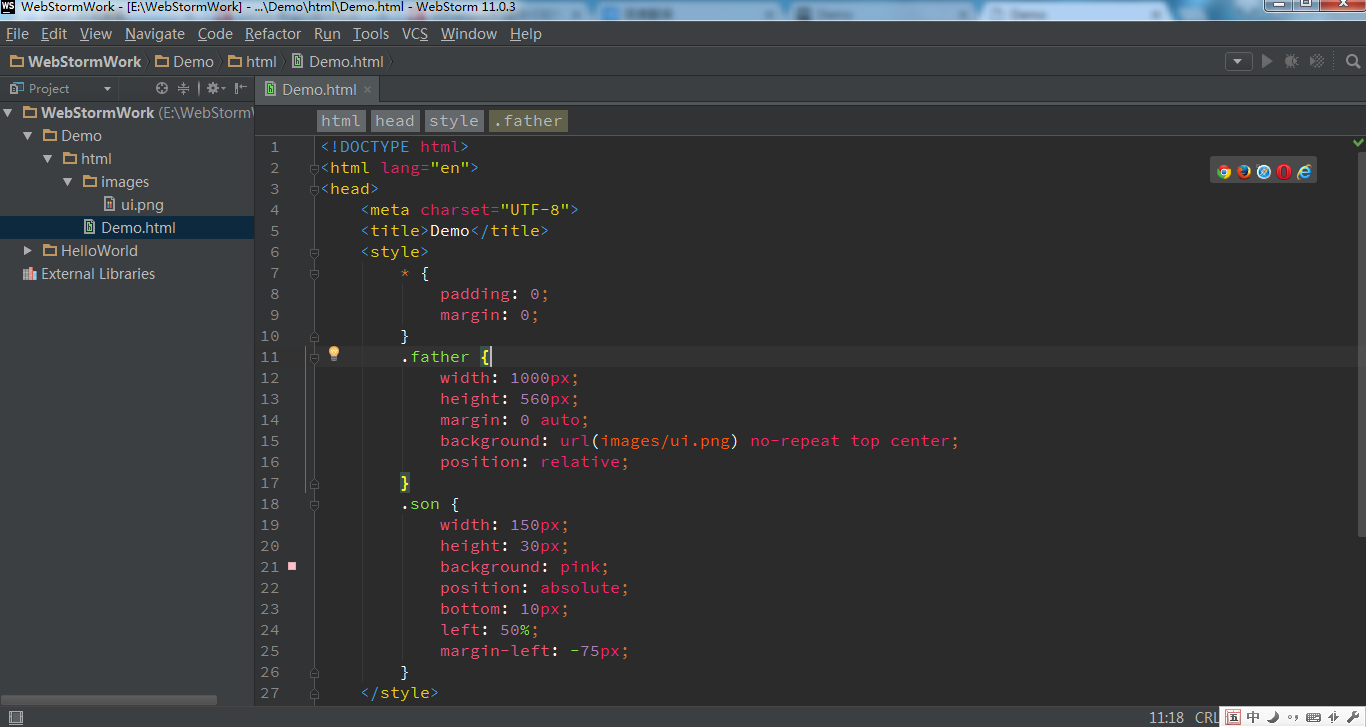
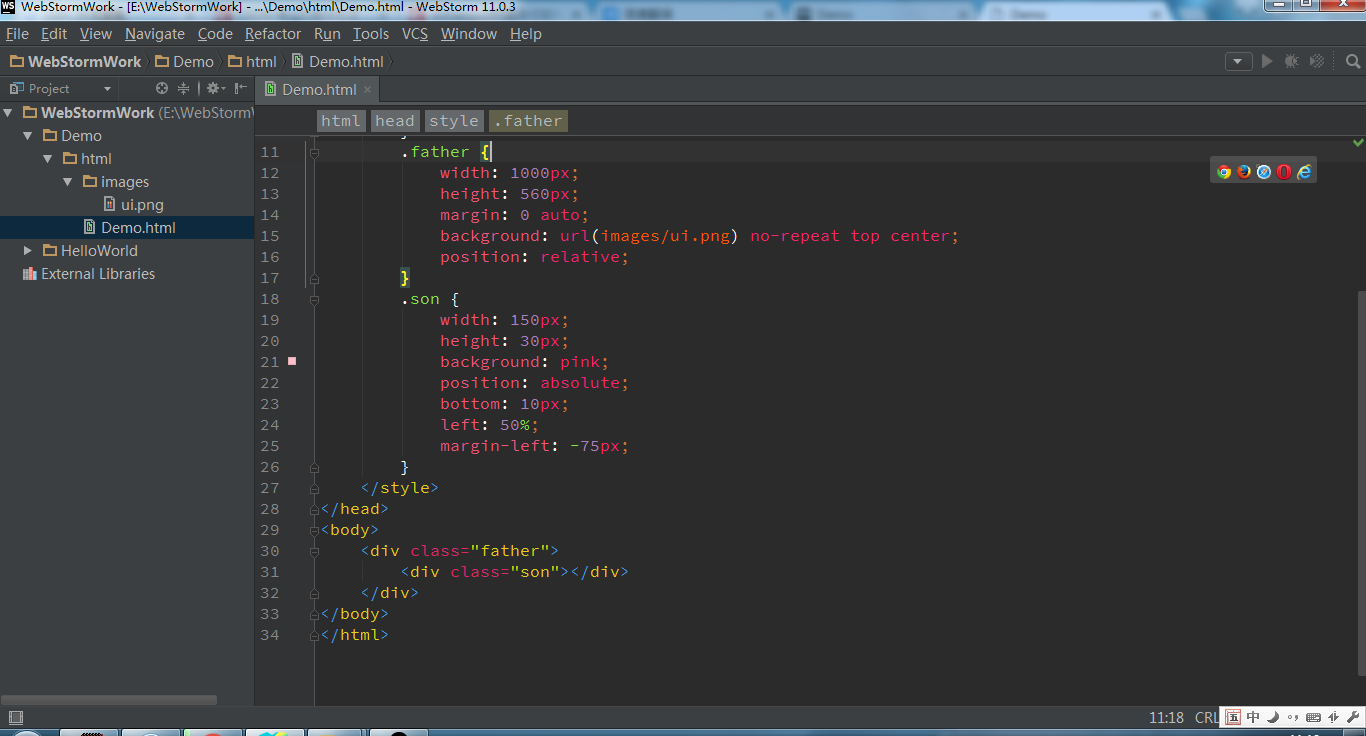
原代码:
 <!DOCTYPE html>
<html lang="en">
<head>
    <meta charset="UTF-8">
    <title>Document</title>
    <style>
        * {
            padding: 0;
            margin: 0;
        }
        .father {
            width: 1000px;
            height: 560px;
            margin: 0 auto;
            background: url(images/ui.png) no-repeat top center;
            position: relative;
        }
        .son {
            width: 150px;
            height: 30px;
            background: pink;
            position: absolute;
            bottom: 10px;
            left: 50%;/*1000*50%*/
            margin-left: -75px;
            /*right: 75px;*/
        }
    </style>
</head>
<body>
    <div class="father">
        <div class="son"></div>
    </div>
</body>
</html>
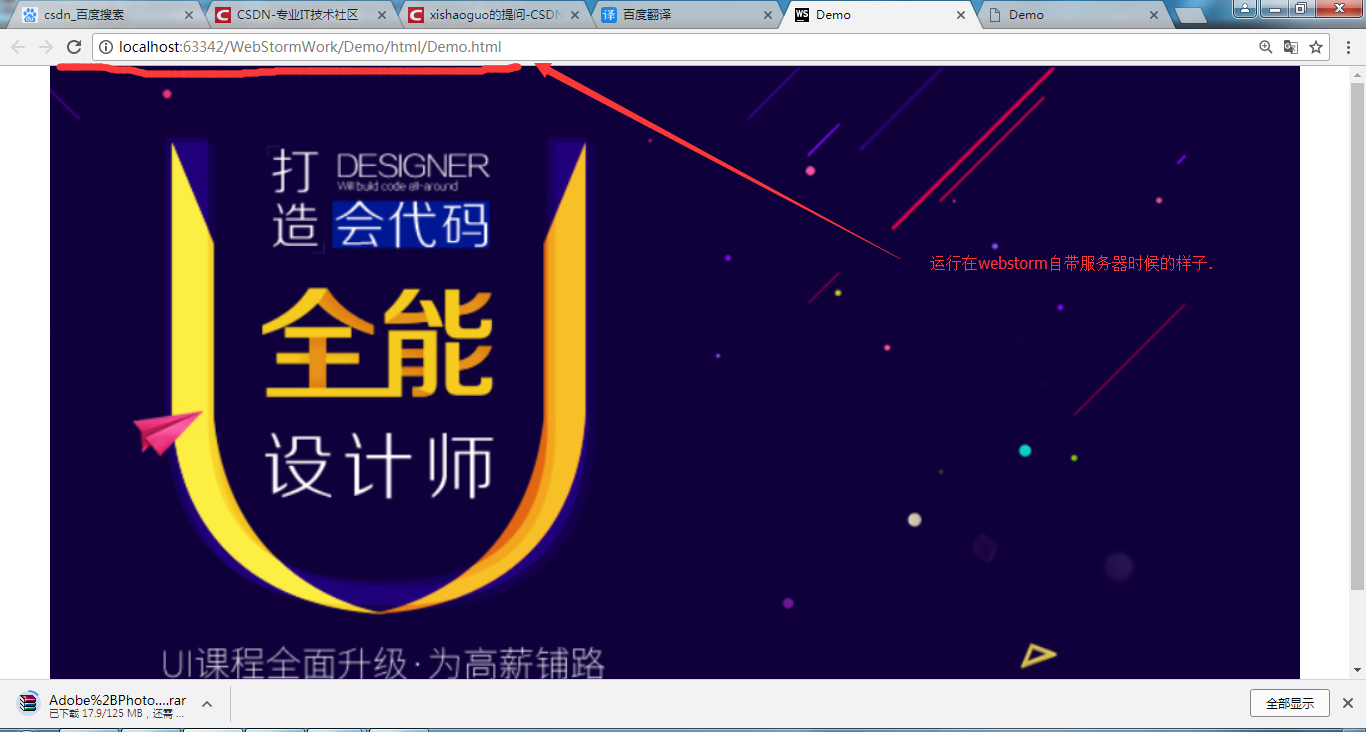
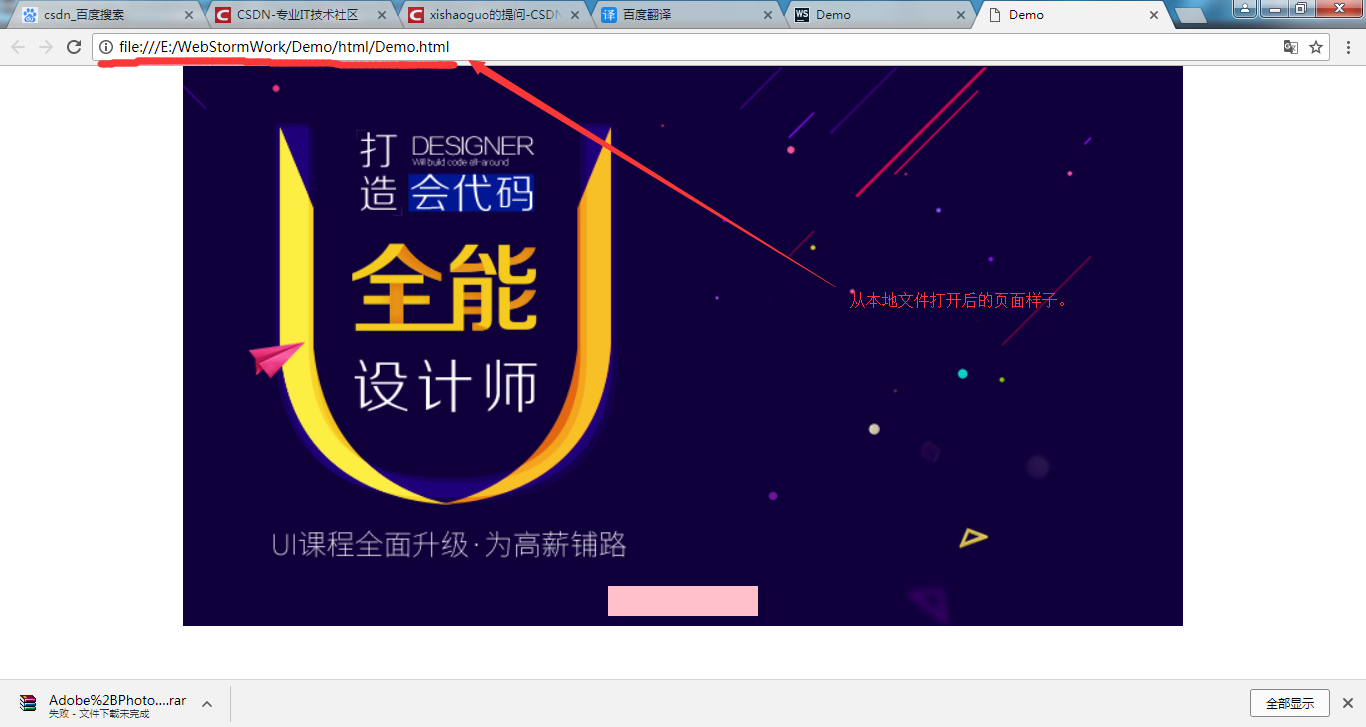
同样的html文件,打开后的样子就是不一样,大小不一样。


