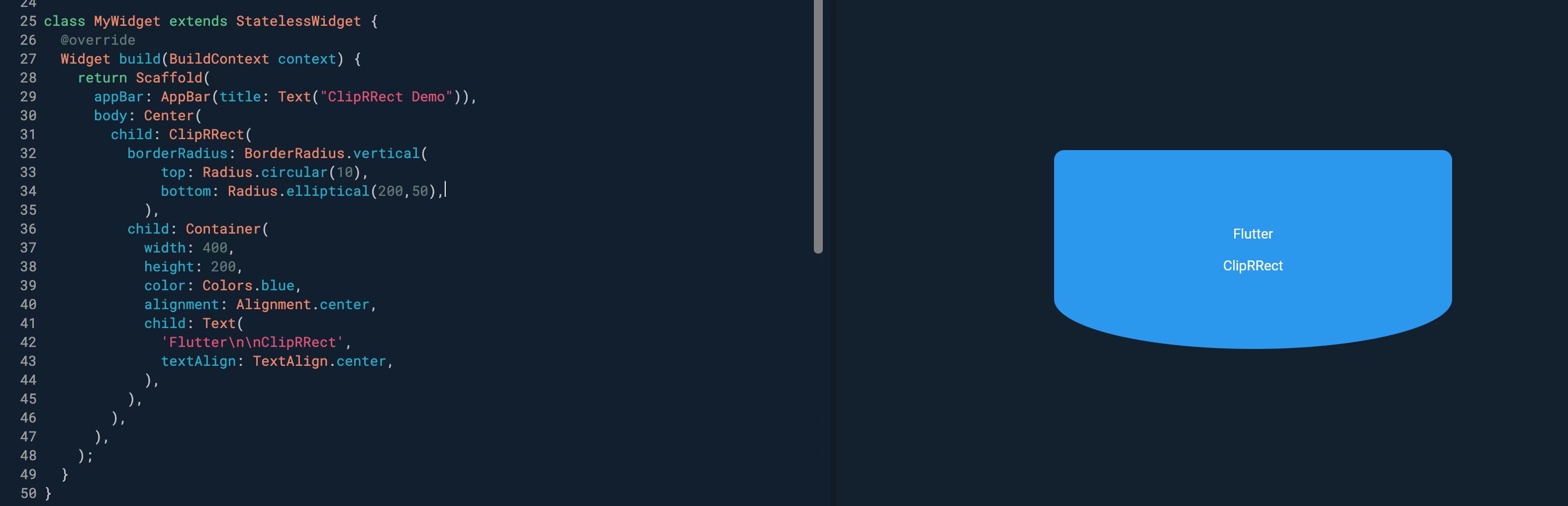
同样是 Flutter 实现底部曲线剪裁效果,你觉得哪种方式更优雅?【今日思考】[face]monkey2:037.png[/face]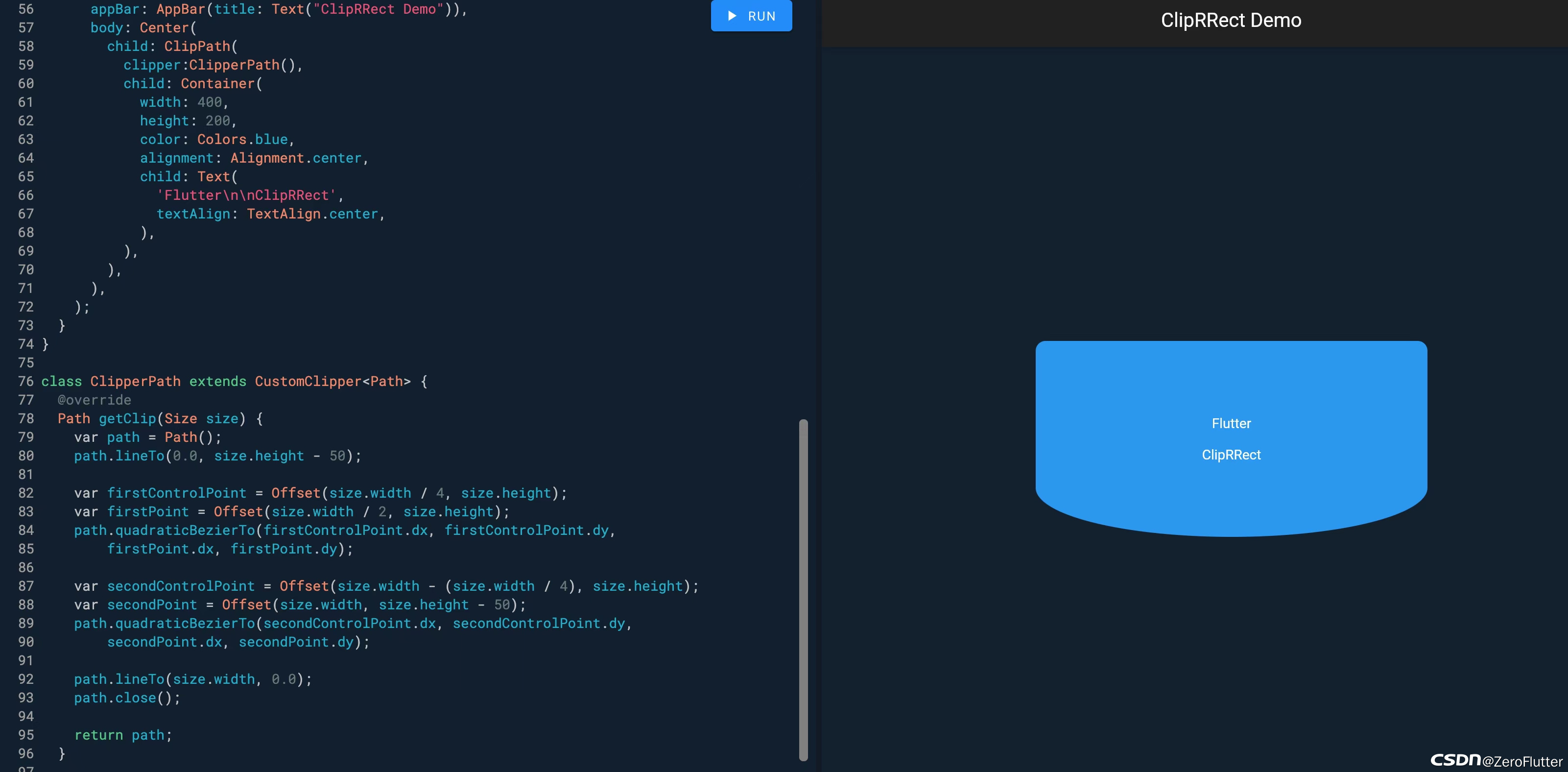

 分享
分享
 关注
关注让阿豪来帮你解答,本回答参考chatgpt3.5编写提供,如果还有疑问可以评论或留言为了实现底部曲线剪裁效果,有两种常见的方式:使用CustomPainter绘制底部曲线,或者通过ClipPath与CustomClipper来实现。
import 'package:flutter/material.dart';
class CustomCurvePainter extends CustomPainter {
  @override
  void paint(Canvas canvas, Size size) {
    Paint paint = Paint()
      ..color = Colors.blue
      ..style = PaintingStyle.fill;
    Path path = Path()
      ..lineTo(0, size.height)
      ..quadraticBezierTo(size.width / 2, size.height - 40, size.width, size.height)
      ..lineTo(size.width, 0)
      ..close();
    canvas.drawPath(path, paint);
  }
  @override
  bool shouldRepaint(CustomPainter oldDelegate) {
    return false;
  }
}
class CurvedBottomContainer extends StatelessWidget {
  @override
  Widget build(BuildContext context) {
    return CustomPaint(
      size: Size(MediaQuery.of(context).size.width, 100),
      painter: CustomCurvePainter(),
    );
  }
}
import 'package:flutter/material.dart';
class CurveClipper extends CustomClipper<Path> {
  @override
  Path getClip(Size size) {
    Path path = Path()
      ..lineTo(0, size.height)
      ..quadraticBezierTo(size.width / 2, size.height - 40, size.width, size.height)
      ..lineTo(size.width, 0)
      ..close();
    return path;
  }
  @override
  bool shouldReclip(CustomClipper<Path> oldClipper) {
    return false;
  }
}
class CurvedBottomContainer extends StatelessWidget {
  @override
  Widget build(BuildContext context) {
    return ClipPath(
      clipper: CurveClipper(),
      child: Container(
        height: 100,
        color: Colors.blue,
      ),
    );
  }
}
在我看来,使用ClipPath与CustomClipper更加优雅,因为可以直接在Widget层面实现剪裁效果,不需要额外的CustomPainter。同时,CustomClipper的复用性更强,可以轻松地在其他Widget中复用。
分享
