想写JAVA题库,解压完之后出现了如图画面,求告知如何解决。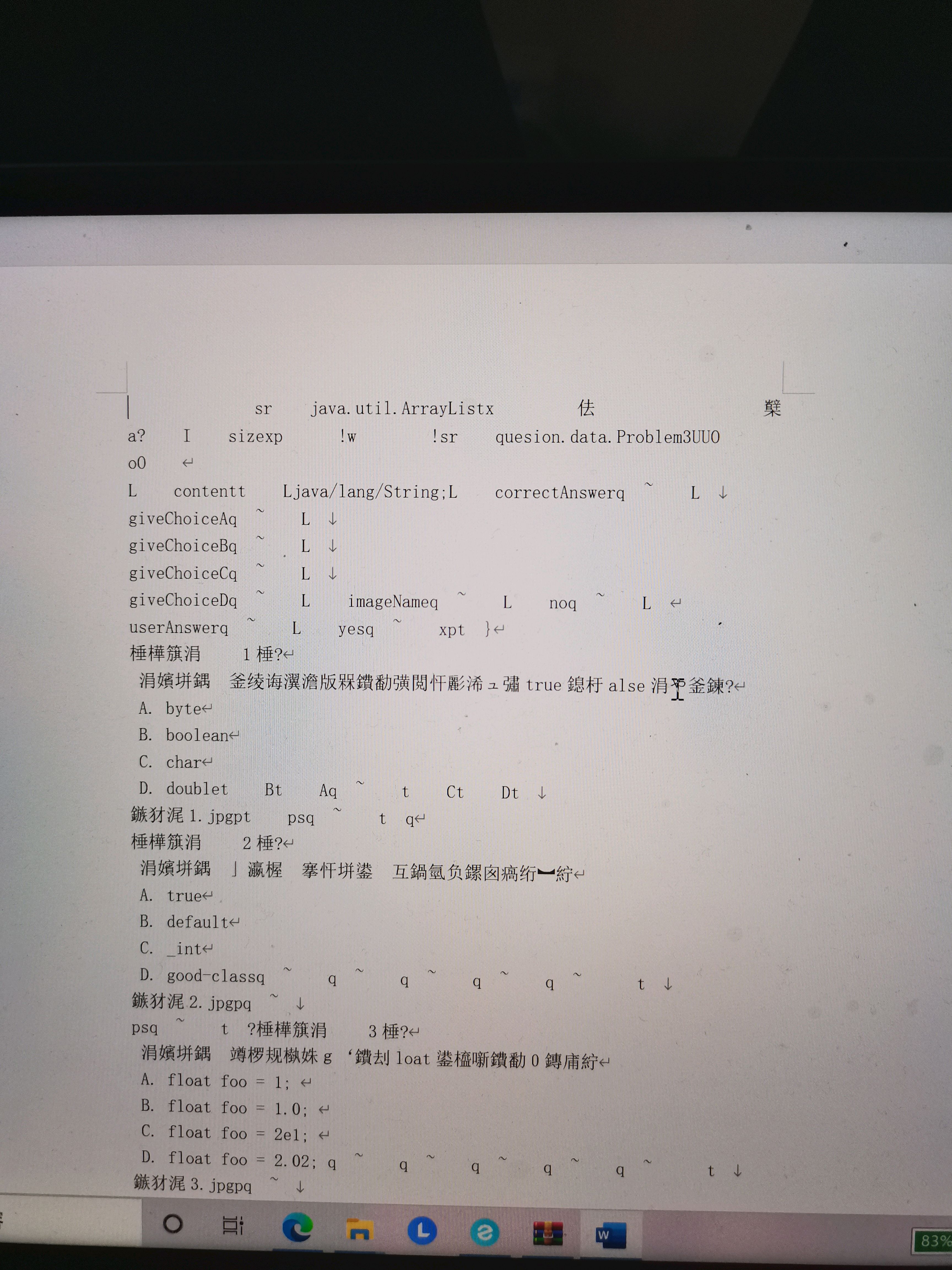

 分享
分享
 关注
关注让阿豪来帮你解答,本回答参考chatgpt3.5编写提供,如果还有疑问可以评论或留言这个问题看起来是在解压Java题库文件时出现了乱码的情况。这通常是因为压缩文件的编码方式与当前系统的编码方式不匹配导致的。 解决方法可以尝试以下几种:
import java.io.*;
import java.nio.charset.*;
public class UnicodeExtractor {
    public static void main(String[] args) {
        try {
            String zipFile = "path/to/your/zip/file.zip";
            String outputFolder = "path/to/output/folder";
            ZipInputStream zipInputStream = new ZipInputStream(new FileInputStream(zipFile), Charset.forName("UTF-8"));

            ZipEntry entry = zipInputStream.getNextEntry();
            while (entry != null) {
                String fileName = outputFolder + File.separator + entry.getName();
                File extractedFile = new File(fileName);

                FileOutputStream fos = new FileOutputStream(extractedFile);
                byte[] buffer = new byte[1024];
                int length;
                while ((length = zipInputStream.read(buffer)) > 0) {
                    fos.write(buffer, 0, length);
                }
                fos.close();

                entry = zipInputStream.getNextEntry();
            }

            zipInputStream.close();
        } catch (IOException e) {
            e.printStackTrace();
        }
    }
}
以上是三种常见的解决方案,您可以尝试其中一种来解决解压乱码的问题。希望对您有所帮助。
分享
