求帮助,谢谢!
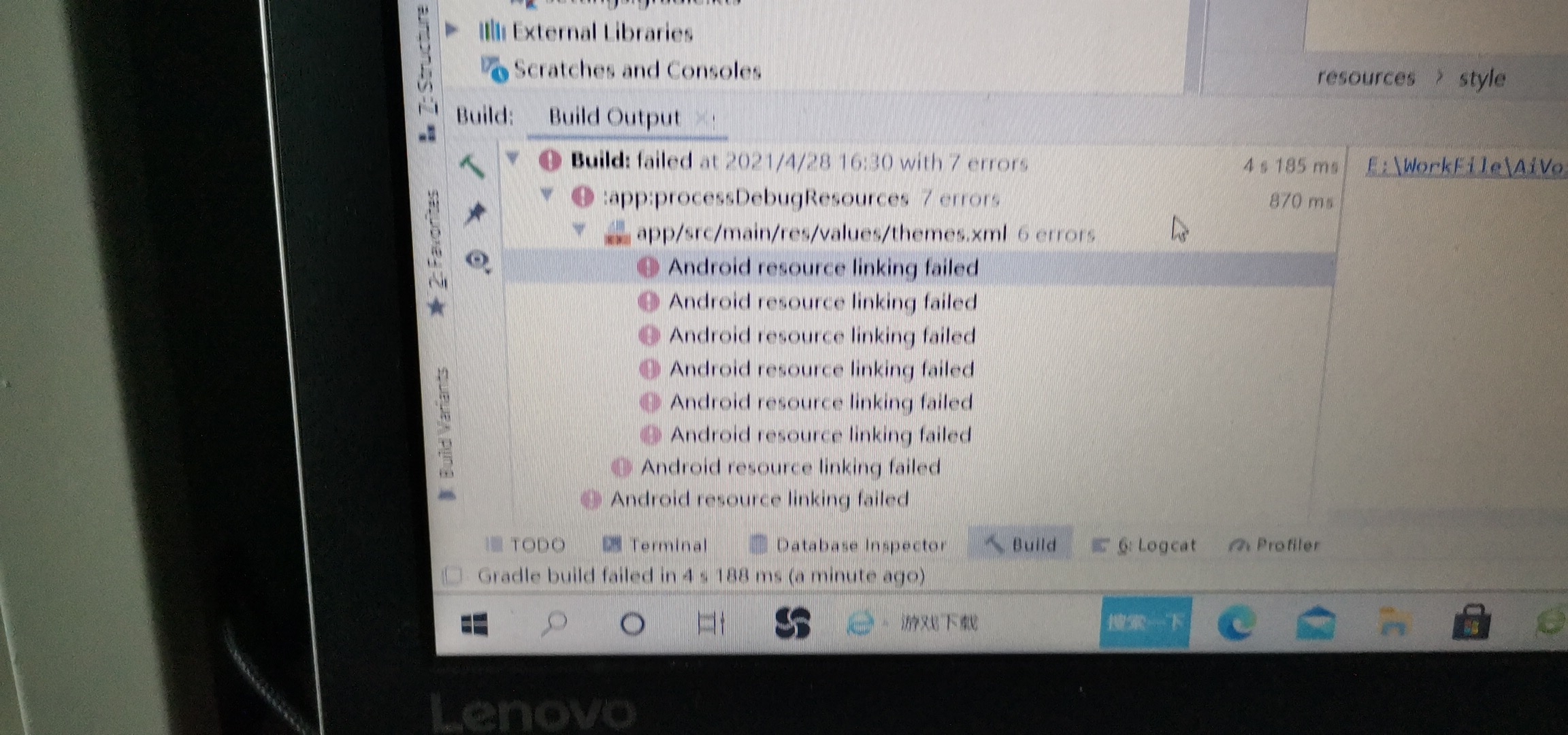
Android resource linking failed
出现这样的报错怎么解决?
AAPT : error : style attribute ' att " colorPrimaryVariant ( aka comJmooc . aivoiceapp : att " colorPrimaryVariant )' not found .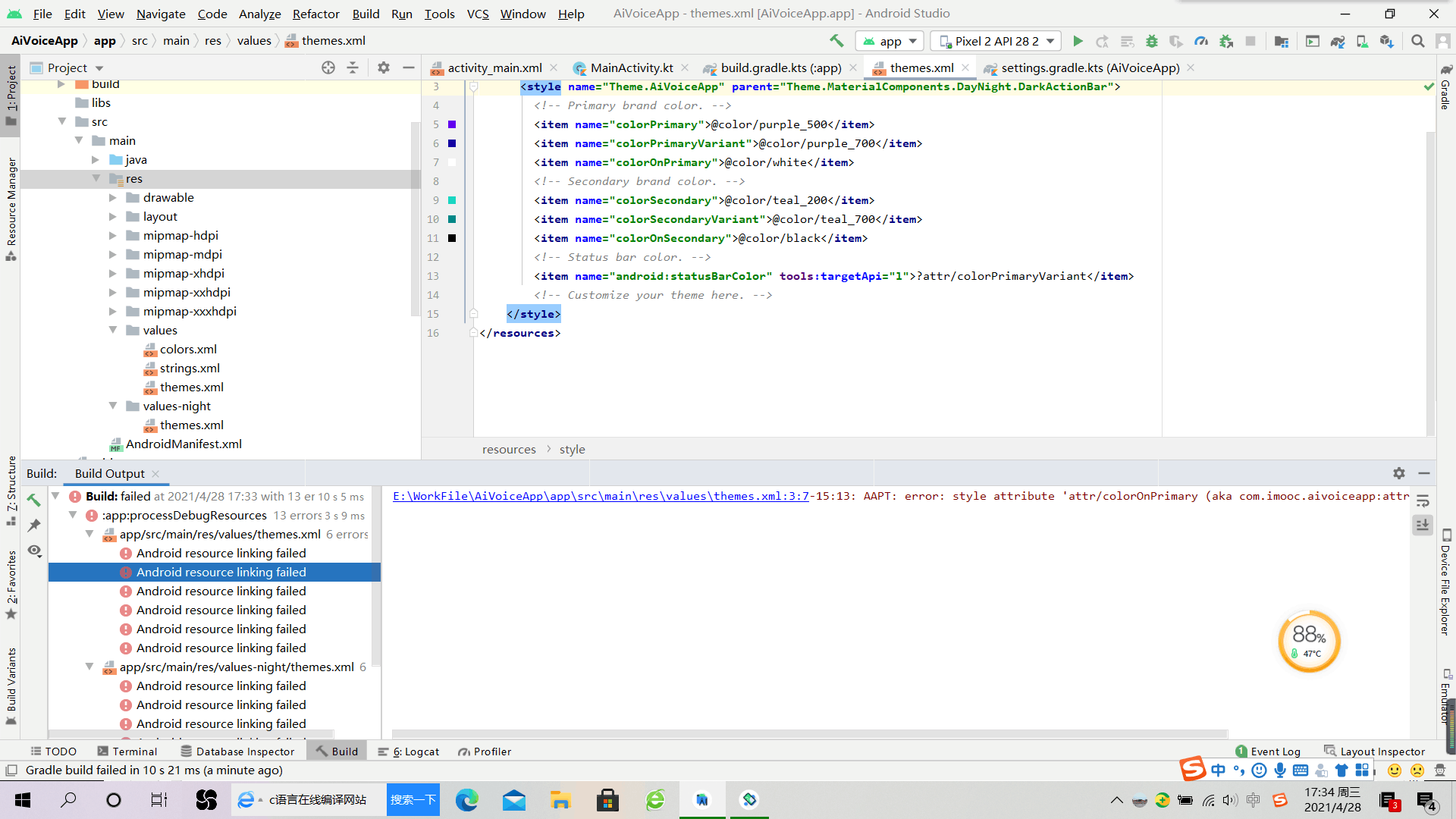

 分享
分享
 关注
关注让阿豪来帮你解答,本回答参考chatgpt3.5编写提供,如果还有疑问可以评论或留言问题描述:在Android项目中出现了资源链接失败的错误,报错信息为AAPT: error: style attribute 'att' colorPrimaryVariant (aka comJmooc.aivoiceapp:att'colorPrimaryVariant)' not found. 解决方法:
<resources>
    <style name="AppTheme" parent="Theme.AppCompat.Light.DarkActionBar">
        <item name="colorPrimary">@color/colorPrimary</item>
        <item name="colorPrimaryDark">@color/colorPrimaryDark</item>
        <item name="colorAccent">@color/colorAccent</item>
        <item name="colorPrimaryVariant">@color/colorPrimaryVariant</item>
    </style>
</resources>
然后在XML布局文件或代码中使用:
<TextView
    android:layout_width="wrap_content"
    android:layout_height="wrap_content"
    android:text="Hello World"
    android:textColor="?attr/colorPrimaryVariant" />
通过以上步骤可以解决Android资源链接失败的错误。
分享

