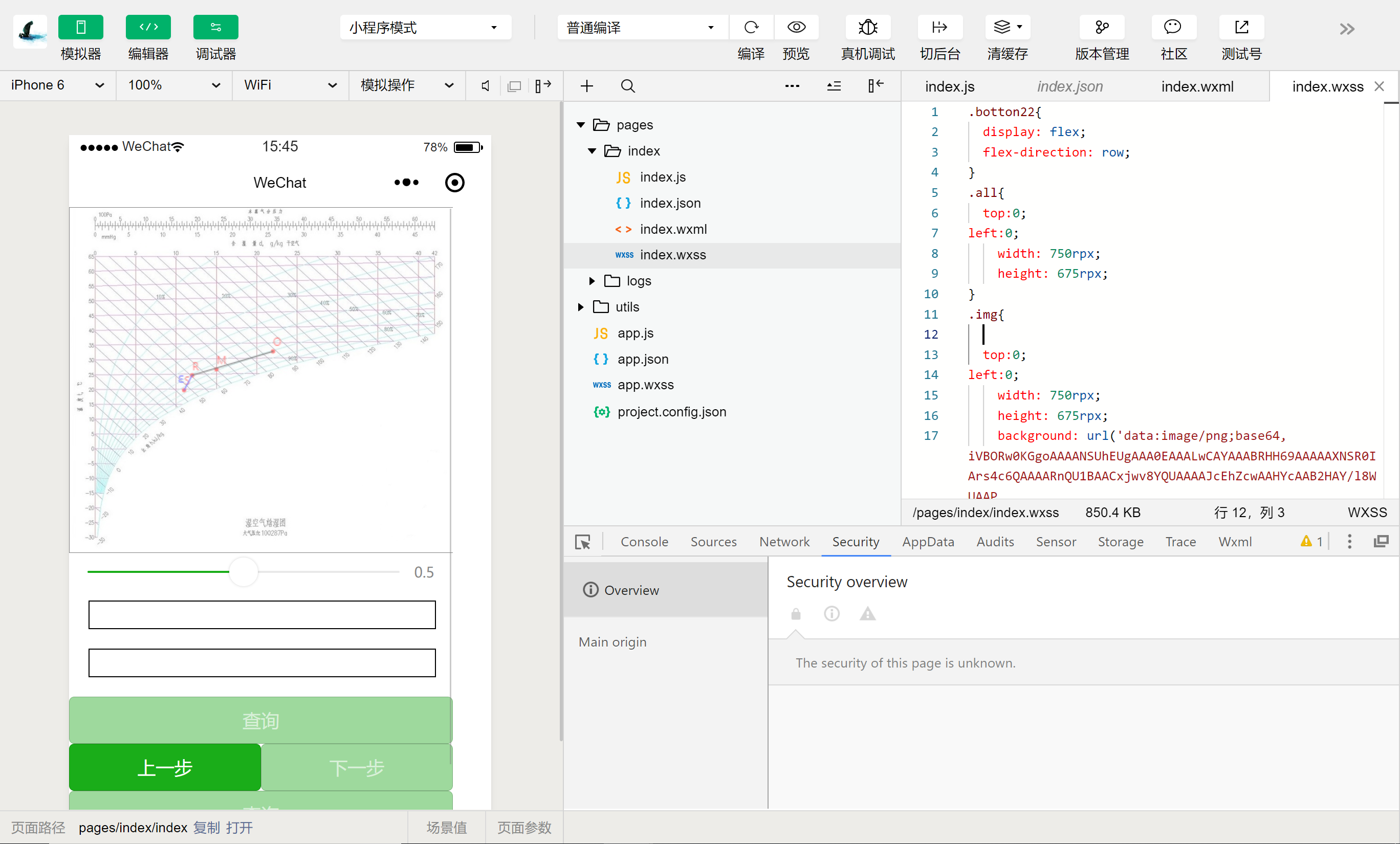
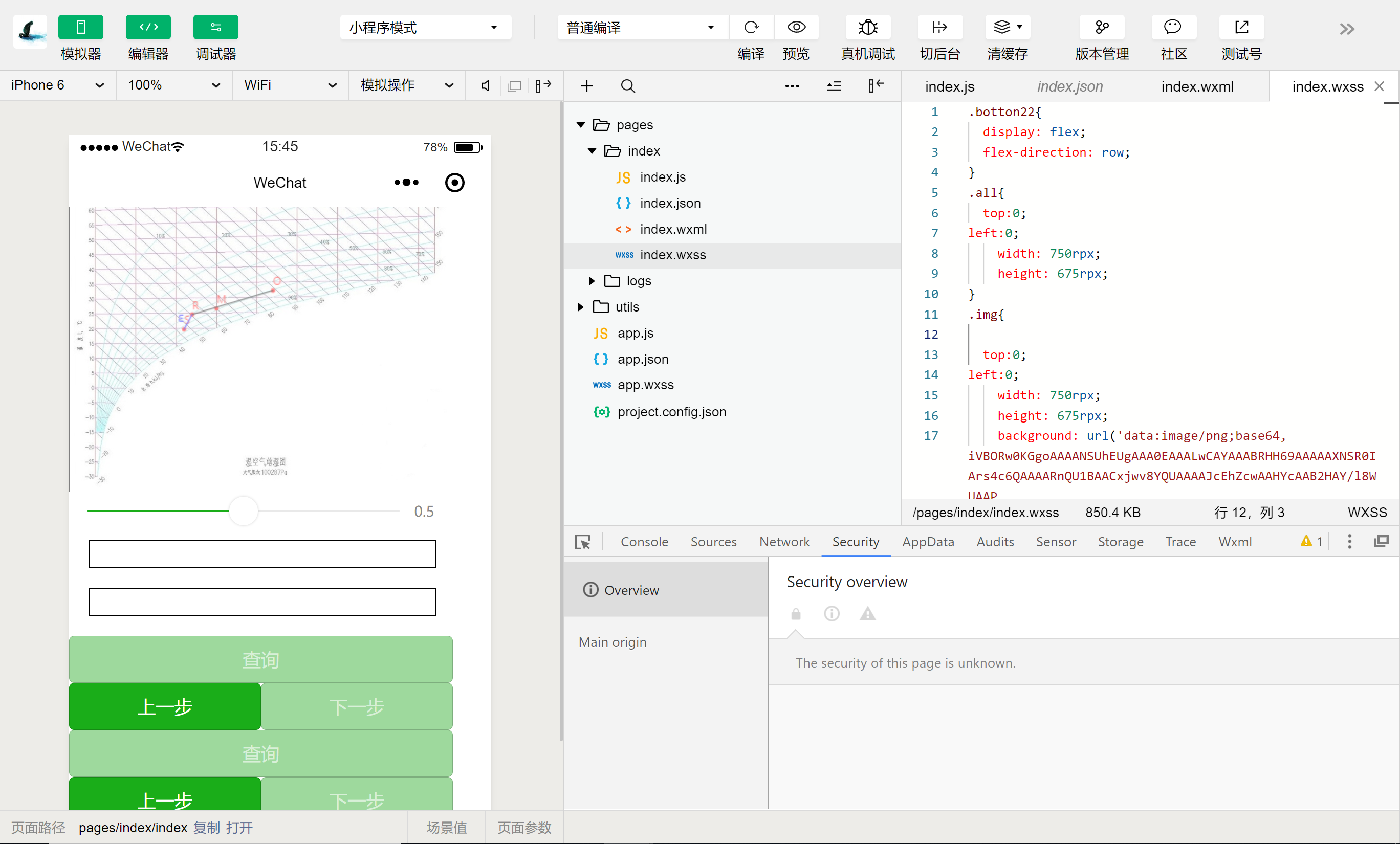
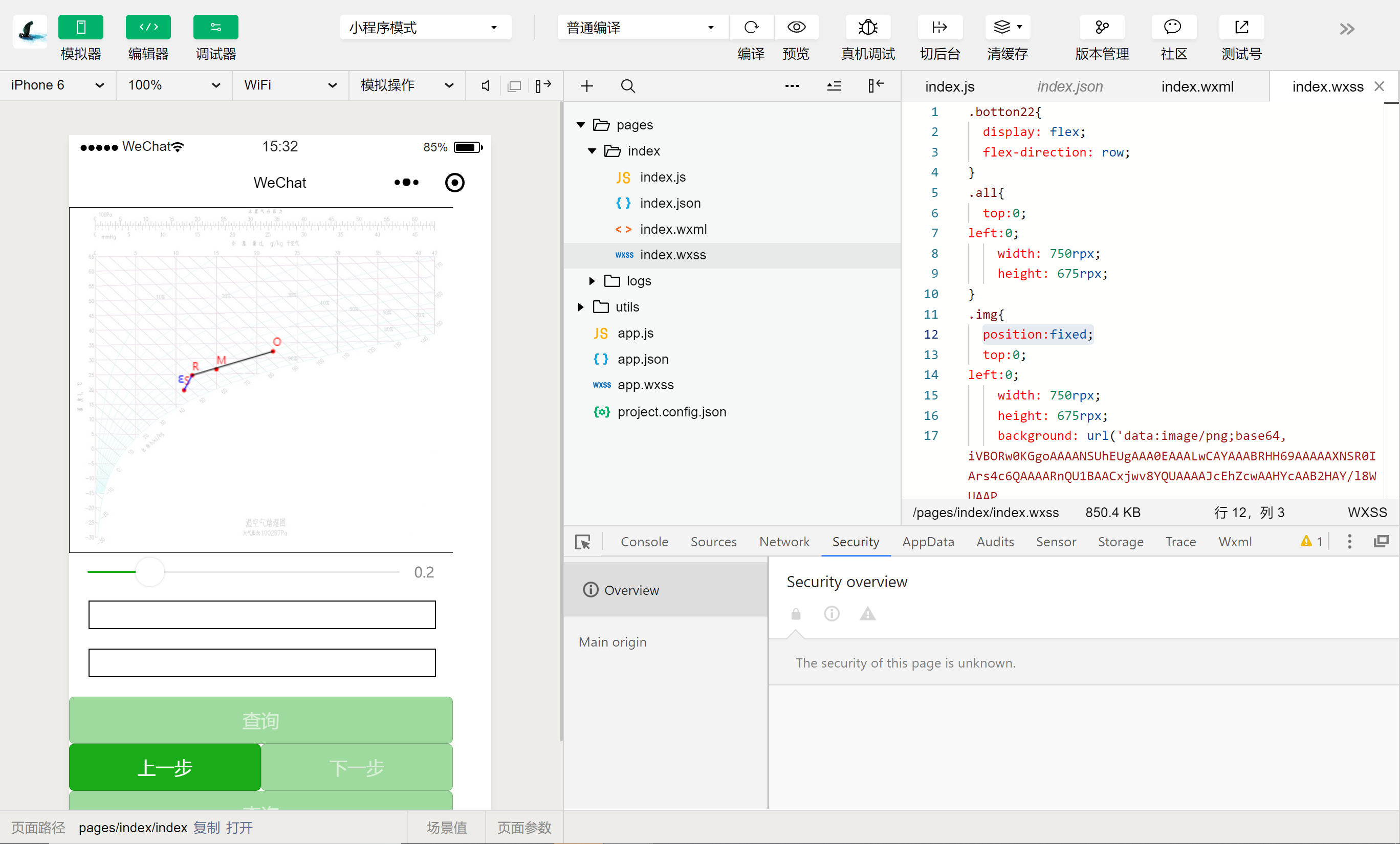
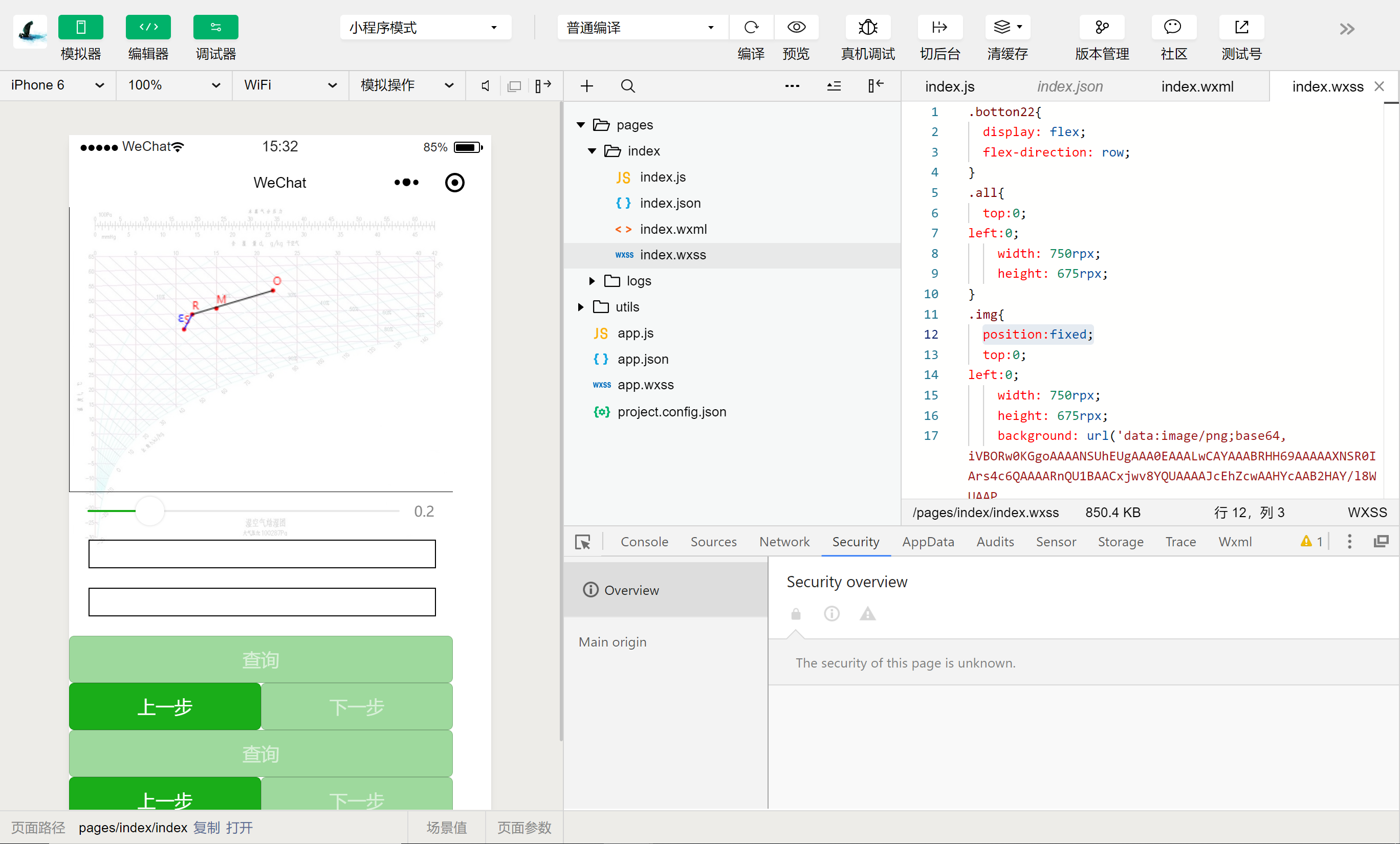
以下回答参考 皆我百晓生、券券喵儿 等免费微信小程序相关内容作答,并由本人整理回复。
要实现您描述的功能,即在滑动页面时,组件保持在指定位置且只调整背景透明度,而不是调整画布本身的颜色或透明度,您可以尝试以下几种方法:
方法一:使用View类来实现
- 原理:将整个布局(包括背景和画布)放入一个
View容器中,通过setNativeProps属性控制其背景色和透明度,从而达到调整背景透明度的效果。 - 示例代码:
Page({
  data: {
    backgroundOpacity: 0,
    canvasOpacity: 1,
  },
  onShow() {
    // 获取当前视图容器
    const view = this.findView();
    if (view) {
      // 设置背景颜色和透明度
      view.setNativeProps({ backgroundColor: '#f0f0f0', opacity: this.data.backgroundOpacity });
      // 设置画布颜色和透明度
      view.getNativeBoundingClientRect().contentWidth && view.getContentRect().width && view.setContentOffset(0, 0);
    }
  },
});
方法二:利用BackgroundView和CanvasView
- 原理:创建一个
BackgroundView和一个CanvasView作为子元素,并设置它们的backgroundColor属性。然后,在主视图中添加这两个子元素并设置它们的位置、大小等属性,以确保它们不会影响到主视图的尺寸和位置。 - 示例代码:
Page({
  data: {},
  onLoad() {
    // 创建背景视图和画布视图
    const backgroundView = new BackgroundView({
      backgroundColor: 'transparent',
      contentSize: { width: 100, height: 100 },
      position: { left: 0, top: 0 },
      scaleType: 'center',
    });

    const canvasView = new CanvasView({
      contentSize: { width: 100, height: 100 },
      position: { left: 0, top: 0 },
      scaleType: 'center',
    });

    // 将背景视图和画布视图添加到主视图
    this.view.add(backgroundView);
    this.view.add(canvasView);

    // 调整背景视图的透明度
    backgroundView.opacity = this.data.backgroundOpacity;
  },
});
方法三:使用CSS Flexbox或Grid布局
- 原理:使用Flexbox或Grid布局将背景和画布视图放置在主视图内,避免它们相互影响。
- 示例代码:
<template>
  <view class="container">
    <!-- 主视图 -->
    <view class="main-view" style="background-color: transparent;"></view>

    <!-- 背景视图和画布视图 -->
    <view class="bg-view" :style="{ backgroundColor: `rgba(${this.data.backgroundOpacity}, 0)` }"></view>
    <view class="canvas-view" :style="{ backgroundColor: `rgba(0, 0, 0, ${this.data.canvasOpacity})`, position: "absolute", top: "0", left: "0", right: "0", bottom: "0", overflow: "hidden" }"></view>
  </view>
</template>

<script lang="ts">
import { View, StyleSheet } from 'react-native';
export default {
  props: {
    backgroundOpacity: {
      type: Number,
      required: true,
    },
    canvasOpacity: {
      type: Number,
      required: true,
    },
  },
  data() {
    return {
      backgroundOpacity: 0,
      canvasOpacity: 1,
    };
  },
  methods: {
    handleBackgroundColorChange() {
      this.backgroundOpacity = this.data.backgroundOpacity;
      this.canvasOpacity = this.data.canvasOpacity;
    },
  },
  created() {
    this.handleBackgroundColorChange();
  },
};
</script>

<style>
.container {
  display: flex;
  align-items: center;
  justify-content: center;
}
.main-view {
  background-color: transparent;
}
.bg-view {
  background-color: rgba(0, 0, 0, 0);
  opacity: 0;
  transition: opacity 0.5s ease-in-out;
}
.canvas-view {
  background-color: rgba(0, 0, 0, 0);
  opacity: 0;
  transition: opacity 0.5s ease-in-out;
}
</style>
这些方法都能帮助您在滑动页面时,保证组件的位置不变,仅调整背景透明度。根据您的具体需求和环境选择合适的方法。