
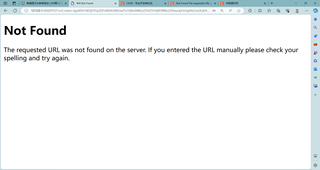
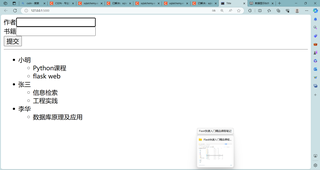
flask数据库通过表单添加数据时出现Not Found The requested URL was not found on the server. If you entered the URL manually please check your spelling and try again.这个问题怎么解决啊

 分享
分享
 关注
关注【相关推荐】
from flask import Flask
app = Flask(__name__)
@app.route('/')
@app.route('/say')
@app.route('/hello')  #只有这一个错误
@app.route('/hellozm')
@app.route('/say_h')
@app.route('/say_hello')
def index():
   return 'hello world'
app.run(debug=True)
当运行的时候,其他路由都能正常显示,就第三个 /hello 报错404 not found。The requested URL was not found on the server. If you entered the URL manually please check your spelling and try again.
也就是请求不到资源。
不科学呀,其他的都行,凭啥/hello不行,检查发现,当你在浏览器输入http://127.0.0.1:5000/hello 回车后,变成了http://127.0.0.1:5000/hello/ ,后面多了一个斜杠。 这就能解释为啥请求不到资源了。
至于为啥我输入/hello,结果却变成了/hello/,有没有小伙伴知道的可以评论下,我猜测大概是浏览器的问题。
为了避免这种问题,可以统一在URL地址输入 /hello/ 类似的格式。这样后面的斜杠没有输入,也不会报错。
分享 创建了问题
11月22日
创建了问题
11月22日

