该问题来自社区帖: https://bbs.csdn.net/topics/617927397.为符合问答规范, 该问题经过ChatGPT优化
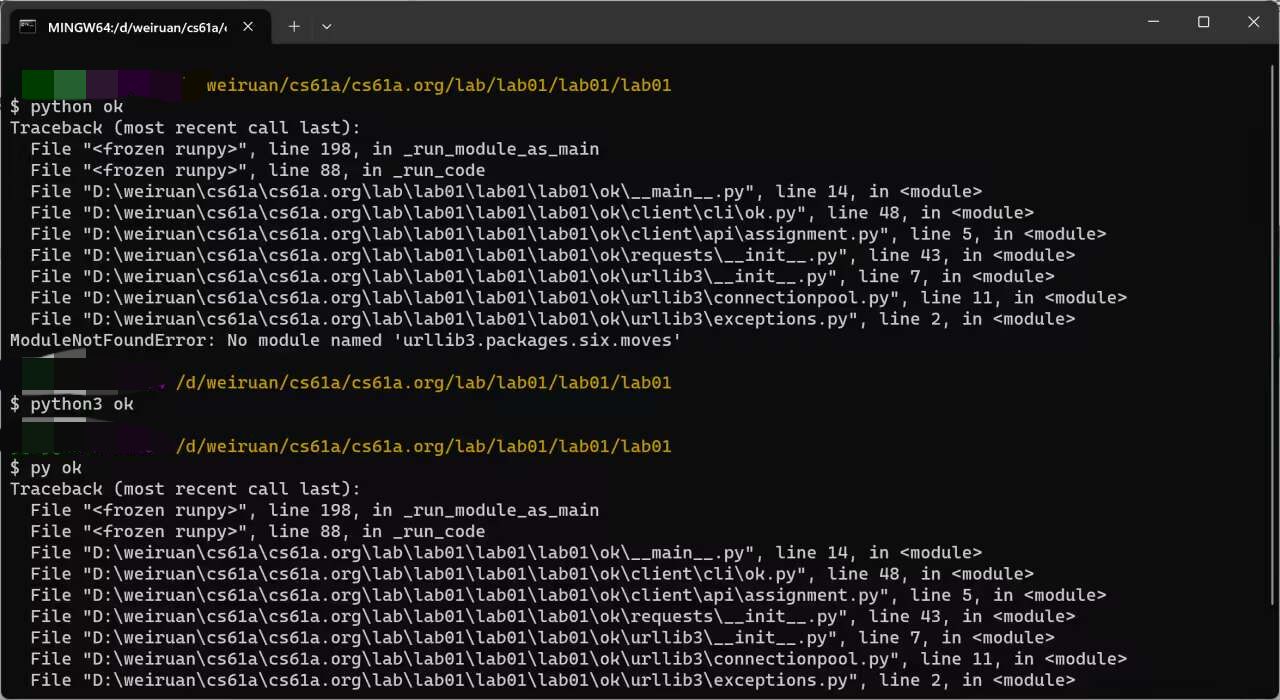
请问如何解决无法在cs61a运行Python OK的问题?
请问如何解决无法在cs61a运行Python OK的问题?

 分享
分享  关注
关注【相关推荐】
那么这里我们需要用到这几个库,用pip命令来下载
# 安装streamlit和openai
pip install -i https://pypi.tuna.tsinghua.edu.cn/simple streamlit
pip install -i https://pypi.tuna.tsinghua.edu.cn/simple streamlit_option_menu
pip install -i https://pypi.tuna.tsinghua.edu.cn/simple openai
那么首先网页的左侧有一个工具栏,其中罗列了一系列的功能,我们这里简单的囊括了几个,包括了“简介”、“AI聊天”、“AI绘画”,大家感兴趣的后期可以继续往里面添加,例如“AI配音”,代码如下
with st.sidebar:
    choose = option_menu("工具栏", ["简介","AI聊天", "AI绘画"],
                         icons=['house', 'person lines fill', 'app-indicator'],
                         menu_icon="list", default_index=0,
                         styles={
                             "container": {"padding": "5!important", "background-color": "#fafafa"},
                             "icon": {"color": "orange", "font-size": "25px"},
                             "nav-link": {"font-size": "16px", "text-align": "left", "margin": "0px",
                                          "--hover-color": "#eee"},
                             "nav-link-selected": {"background-color": "#24A608"},
                         }
                         )
那么在“简介”这一栏当中,顾名思义就是对该网页简单的介绍,我们简单的写一些介绍,代码如下
if choose == "简介":
    col1, col2 = st.columns([0.8, 0.2])
    with col1:  # To display the header text using css style
        st.markdown(""" <style> .font {
            font-size:35px ; font-family: 'Cooper Black'; color: #FF9633;}
            </style> """, unsafe_allow_html=True)
        st.markdown('<p class="font">About the Creator</p>', unsafe_allow_html=True)
    with col2:  # To display brand log
        logo = Image.open("wechat_logo.jpg")
        st.image(logo, width=130)

    st.markdown('**AI百宝箱,里面集成了各种工具,欢迎使用**')
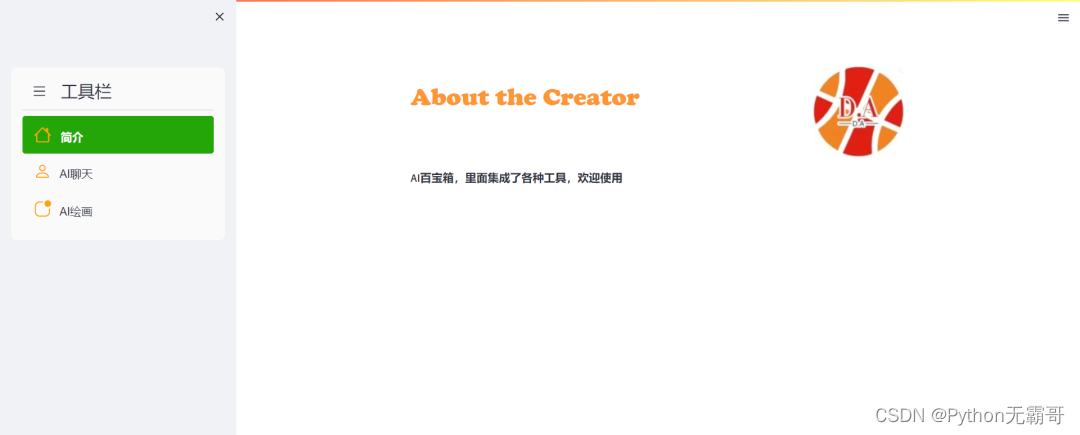
展示出来的效果如下
分享 系统已结题
1月22日
系统已结题
1月22日 创建了问题
1月14日
创建了问题
1月14日


