uniapp 弹出键盘的时候,按钮会被顶起一个键盘的高度,有没有解决方案(目前好像出现比较多的是华为)
正常展示是这样
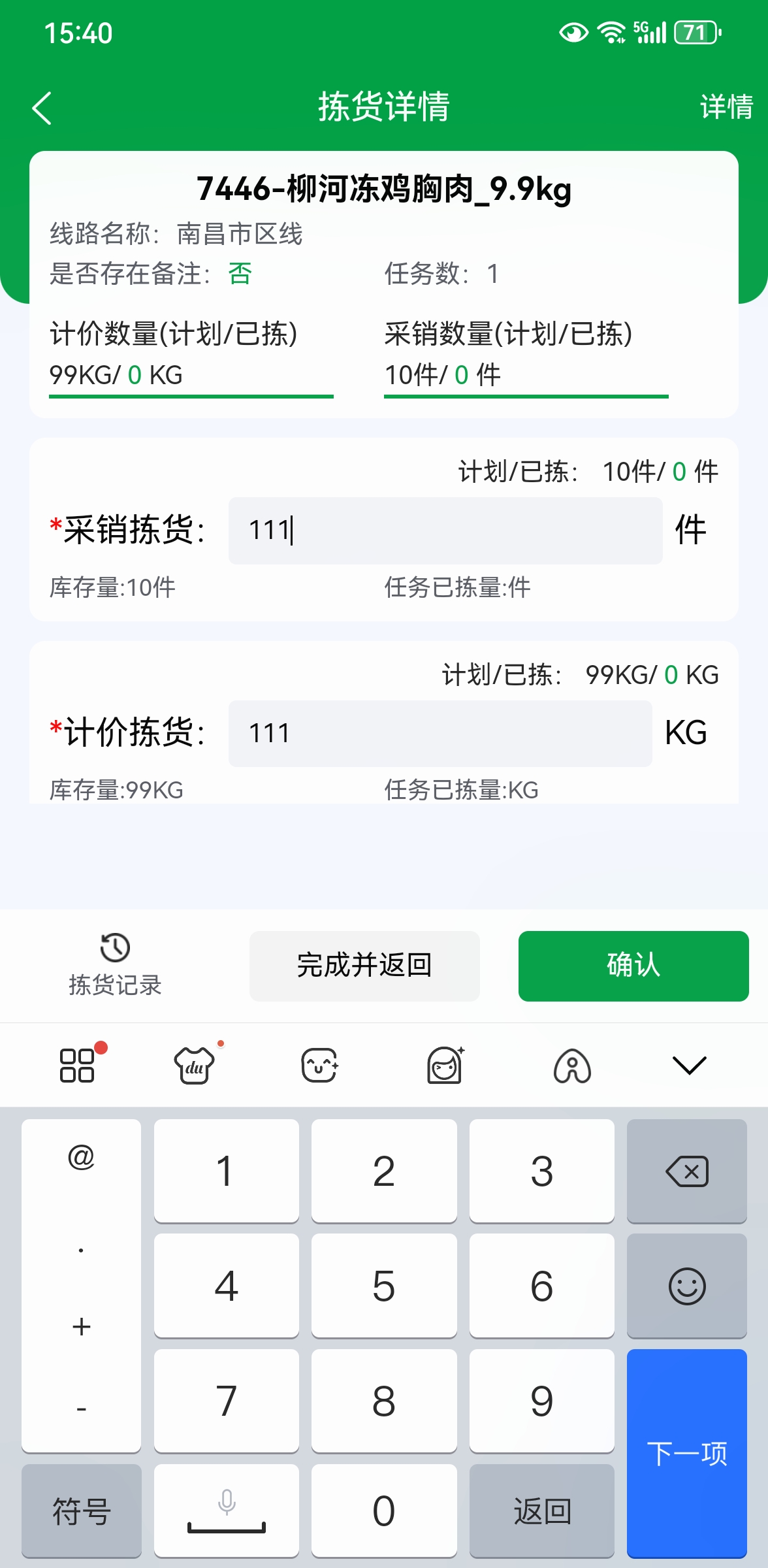
异常展示是这样

uniapp 弹出键盘的时候,按钮会被顶起一个键盘的高度,有没有解决方案(目前好像出现比较多的是华为)
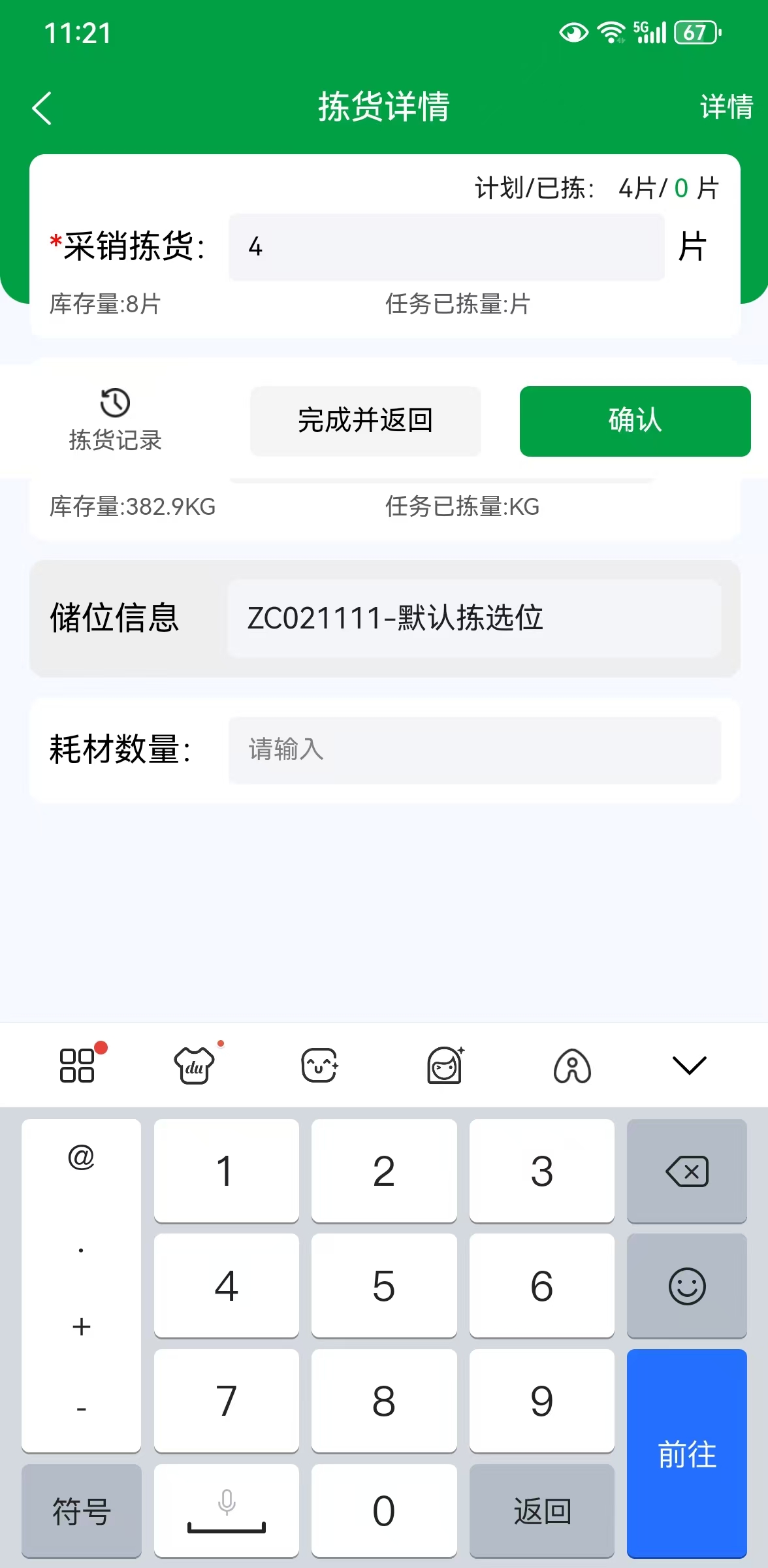
正常展示是这样
异常展示是这样
 分享
分享
 关注
关注让 “紫雾凌寒” 来帮你回答,本回答结合 DeepSeek
如果还有问题,请评论或点击头像私信,如果有帮助到您, 请关注、采纳、点赞
onReady生命周期函数中获取页面高度,并在键盘弹出和收起时动态调整页面元素的位置。export default {
data() {
return {
pageHeight: 0,
keyBoardHeight: 0
};
},
onReady() {
const query = uni.createSelectorQuery().in(this);
query.select('page').boundingClientRect(data => {
this.pageHeight = data.height;
}).exec();
uni.onKeyboardHeightChange(res => {
this.keyBoardHeight = res.height;
this.adjustPosition();
});
},
methods: {
adjustPosition() {
// 调整按钮等元素的位置,这里简单示例将按钮的top值减去键盘高度
const button = document.getElementById('yourButtonId');
if (button) {
button.style.top = (this.pageHeight - this.keyBoardHeight - button.offsetHeight) + 'px';
}
}
}
};
<template>
  <view class="container">
    <view class="content">
      <!-- 页面内容 -->
    </view>
    <view class="button-area">
      <button id="yourButtonId">按钮</button>
    </view>
  </view>
</template>

<style>
.container {
  display: flex;
  flex-direction: column;
  height: 100vh;
}
.content {
  flex: 1;
  overflow-y: auto;
}
.button-area {
  position: fixed;
  bottom: 0;
  width: 100%;
  padding-bottom: 50px; /* 预留一些底部空间,防止按钮被键盘完全覆盖 */
}
</style>
希望以上解答对您有所帮助。如果您有任何疑问,欢迎在评论区提出。
分享 微信小程序:解决小程序底部input输入框,键盘弹起时页面整体上移问题解决,软键盘弹起时自定义顶部导航被顶出页面,软键盘弹出使页面布局上移导致内容顶到手机状态栏或页面错位变形问题(方案兼容安卓与苹果)
 创建了问题
4月14日
创建了问题
4月14日
