使用DCloud提供的离线打包Android的工程模板在Android Studio间接打包我的uni-app x项目,打包后在手机安装启动时一直停留在启动页面,无法进入首页。按官方教程我也把在HBuilderX打包的资源的www目录下的内容拷贝过去assets下了,打包资源的页面kt文件也拷贝java目录下了,其他appkey配置都没有问题,运行没有报错,也不知道是sdk版本问题还是什么。
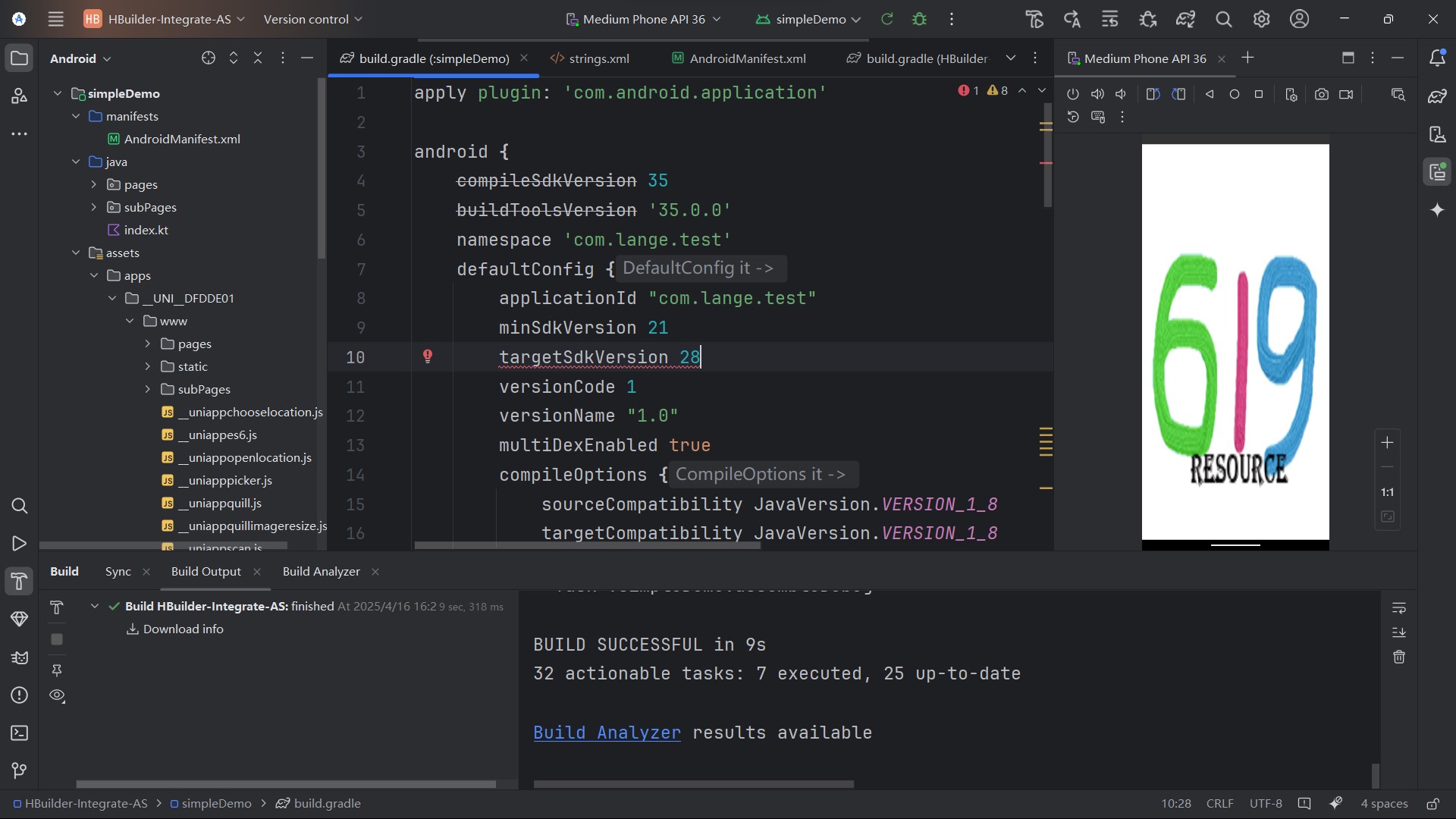

使用DCloud提供的离线打包Android的工程模板在Android Studio间接打包我的uni-app x项目,打包后在手机安装启动时一直停留在启动页面,无法进入首页。按官方教程我也把在HBuilderX打包的资源的www目录下的内容拷贝过去assets下了,打包资源的页面kt文件也拷贝java目录下了,其他appkey配置都没有问题,运行没有报错,也不知道是sdk版本问题还是什么。
 分享
分享
阿里嘎多学长整理AIGC生成,因移动端显示问题导致当前答案未能完全显示,请使用PC端查看更加详细的解答过程
你使用 DCloud 提供的离线打包 Android 工程模板打包了 uni-app x 项目,但是打包后在手机安装启动时一直停留在启动页面,无法进入首页。
可能的解决方案:
AndroidManifest.xml 文件中,uni-app 的主入口Activity被正确配置。可以检查 android.intent.category.LAUNCHER 和 android.intent.action.MAIN 的配置是否正确。main.js 文件中,uni-app 的入口函数被正确配置。可以检查 App 对象的创建是否正确。如果以上解决方案都不能解决问题,可以提供更多的日志信息或代码 snippet,以便更好地 debug。
以下是一个简单的 AndroidManifest.xml 文件示例,uni-app 的主入口Activity被正确配置:
<manifest xmlns:android="http://schemas.android.com/apk/res/android"
    package="com.example.uniapp">
    <application
        android:allowBackup="true"
        android:icon="@mipmap/ic_launcher"
        android:label="@string/app_name"
        android:supportsRtl="true"
        android:theme="@style/AppTheme">
        <activity
            android:name=".MainActivity"
            android:exported="true"
            android:label="@string/app_name"
            android:theme="@style/AppTheme">
            <intent-filter>
                <action android:name="android.intent.action.MAIN" />
                <category android:name="android.intent.category.LAUNCHER" />
            </intent-filter>
        </activity>
    </application>
</manifest>
以下是一个简单的 main.js 文件示例,uni-app 的入口函数被正确配置:
import com.example.uniapp.App

fun main() {
    App().start()
}
如果你需要更多帮助,请提供更多的信息或代码 snippet,我将尽力帮助你解决问题。
分享 创建了问题
4月16日
创建了问题
4月16日

