通过window.open();打开的视窗,我想使用返回摁扭,怎么实现?
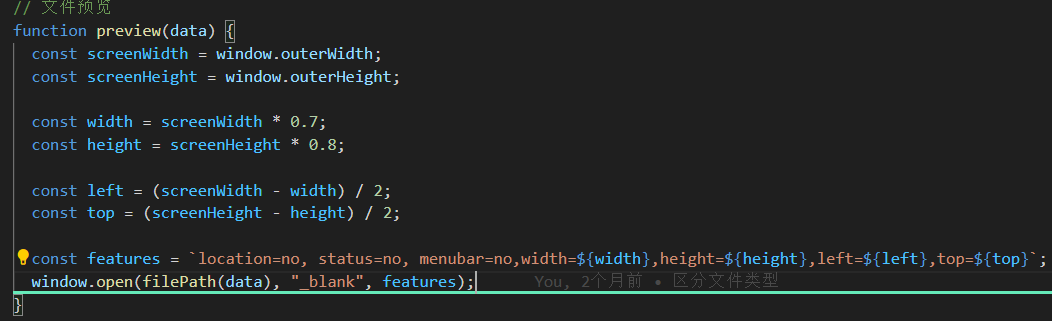
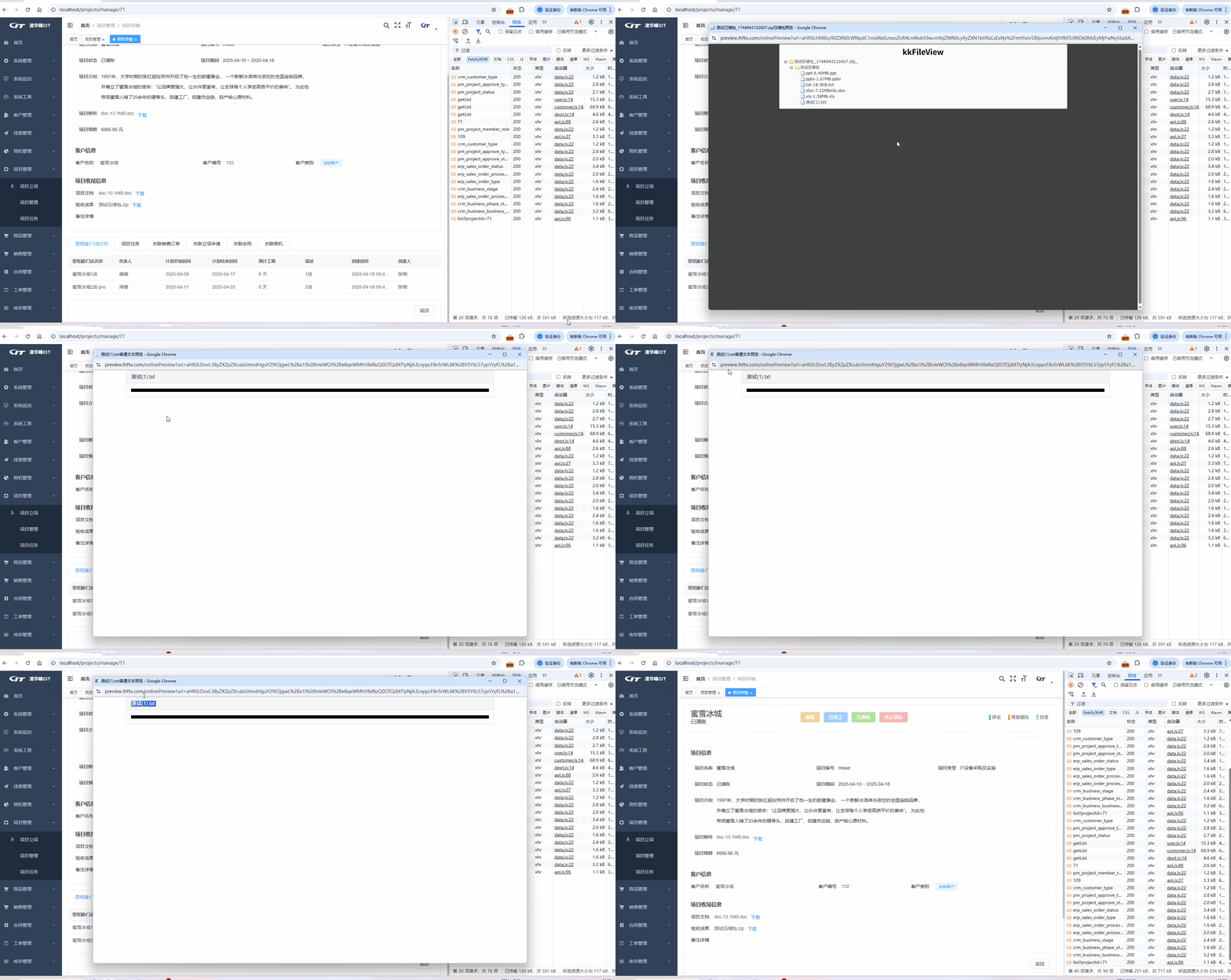

通过window.open();打开的视窗,我想使用返回摁扭,怎么实现?
 分享
分享
阿里嘎多学长整理AIGC生成,因移动端显示问题导致当前答案未能完全显示,请使用PC端查看更加详细的解答过程
使用 window.open() 方法打开的窗口,可以使用 window.opener 属性来返回到原来的窗口。
例如:
var newWindow = window.open('http://example.com', '_blank');
// 在新窗口中执行某些操作后
newWindow.opener.location.href = 'http://example.com'; // 返回到原来的窗口
在上面的代码中,我们首先使用 window.open() 方法打开了一个新窗口,然后在新窗口中执行了一些操作后,我们使用 newWindow.opener 属性来返回到原来的窗口。
需要注意的是,window.opener 属性只在新窗口的 opener 属性指向当前窗口时有效。如果新窗口的 opener 属性指向其他窗口,那么 window.opener 属性将返回 null。
另外,如果你想在新窗口关闭时返回到原来的窗口,可以使用 window.onunload 事件来实现。
var newWindow = window.open('http://example.com', '_blank');
newWindow.onunload = function() {
  window.opener.location.href = 'http://example.com'; // 返回到原来的窗口
};
在上面的代码中,我们使用 window.onunload 事件来监听新窗口的关闭事件,然后在事件处理函数中使用 window.opener 属性来返回到原来的窗口。
分享 创建了问题
4月18日
创建了问题
4月18日


