阿里嘎多学长整理AIGC生成,因移动端显示问题导致当前答案未能完全显示,请使用PC端查看更加详细的解答过程
解决方案
你遇到的问题是 Selenium 在点击 Enter 键时,页面的元素被 intercept,导致页面加载时间过长。
解决方案:
- 使用
WebDriverWait 等待元素可点击:
from selenium.webdriver.common.by import By
from selenium.webdriver.support.ui import WebDriverWait
from selenium.webdriver.support import expected_conditions as EC

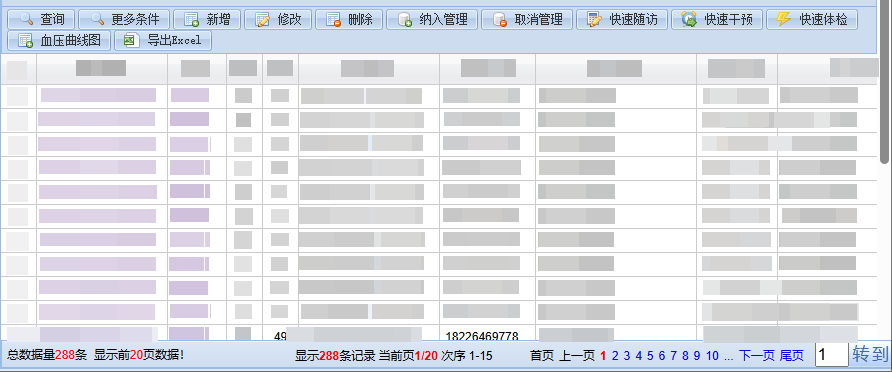
# 找到右下角页码文本框
page_input = driver.find_element_by_xpath("//input[@name='page']")

# 等待元素可点击
WebDriverWait(driver, 10).until(EC.element_to_be_clickable(page_input))

# 发送 Enter 键
page_input.send_keys(Keys.RETURN)
- 使用
execute_script 执行 JavaScript 代码:
driver.execute_script("arguments[0].click();", page_input)
- 如果上述方法不行,可以尝试使用
ActionChains 模拟点击:
from selenium.webdriver.common.action_chains import ActionChains

actions = ActionChains(driver)
actions.move_to_element(page_input).click().perform()
这些方法都可以帮助你解决 Selenium 在点击 Enter 键时,页面的元素被 intercept 的问题。