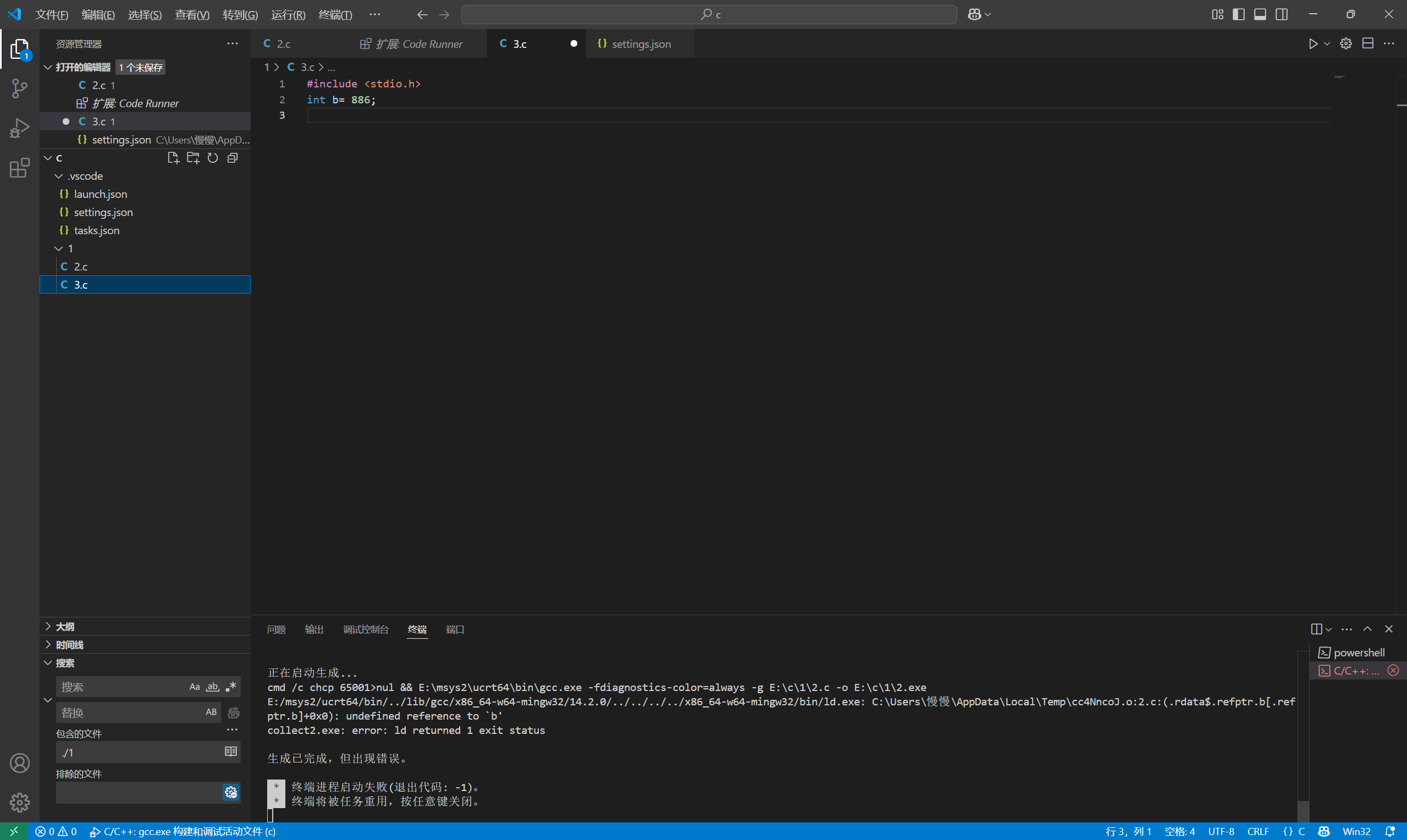
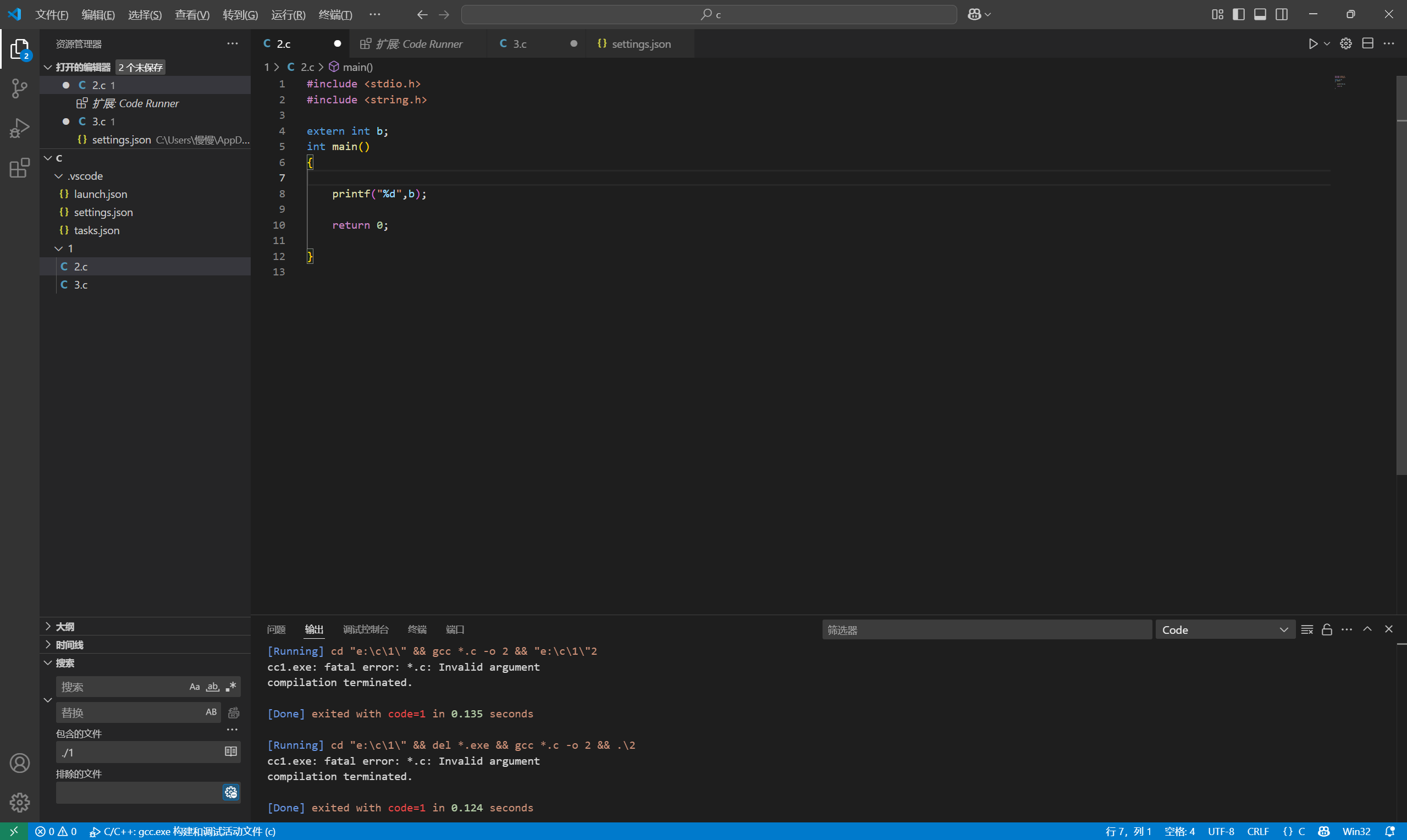
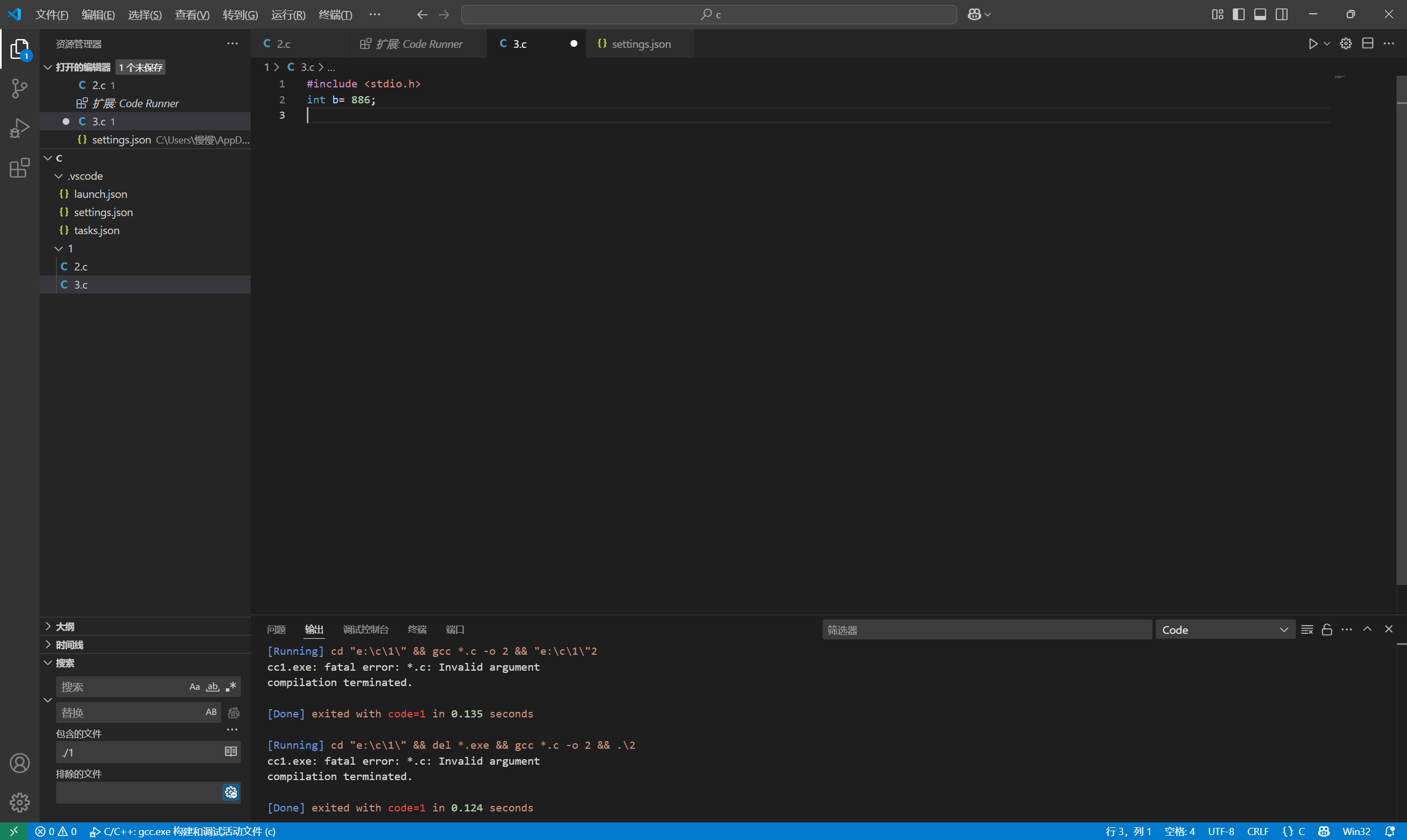
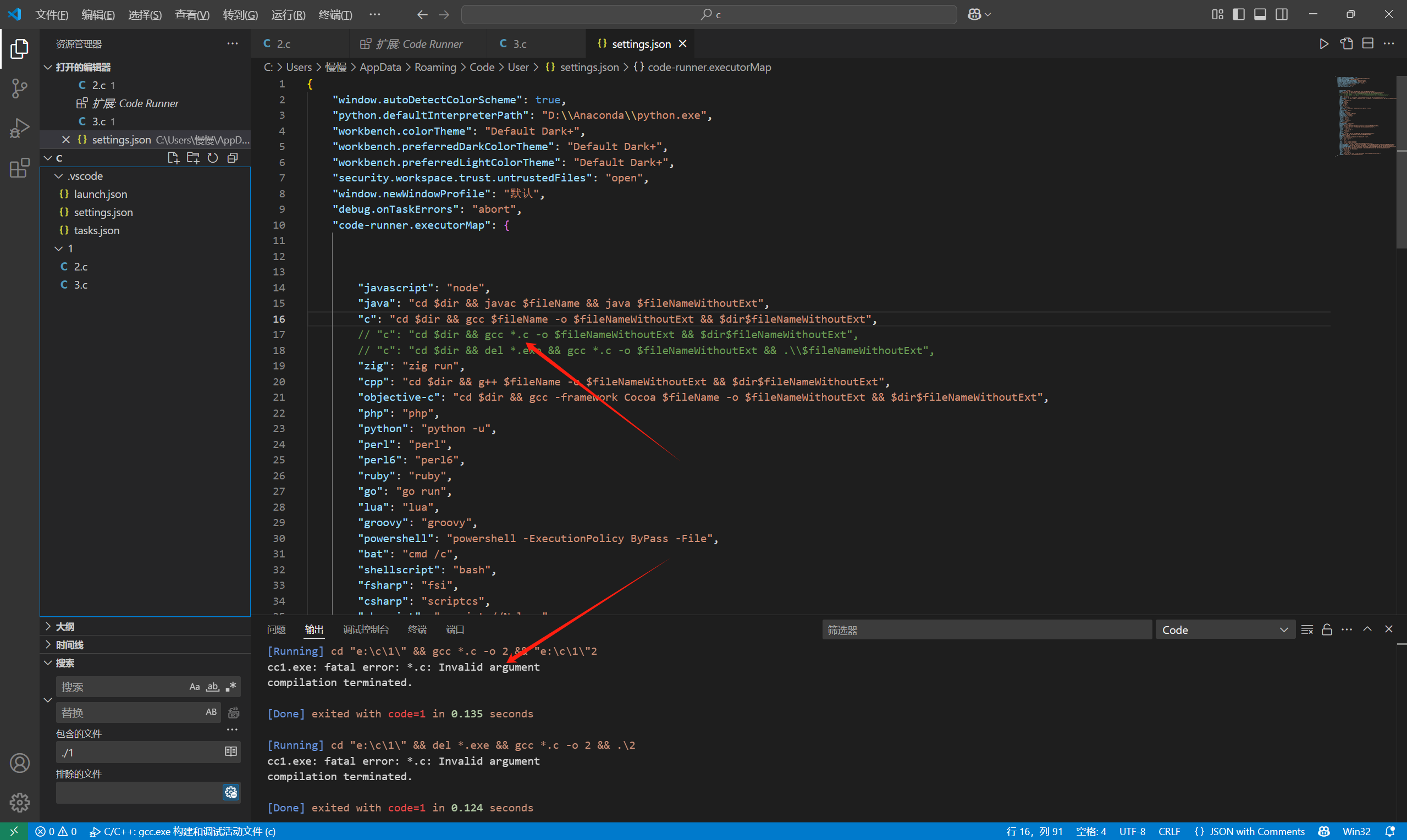
extern无法正常运行,想让vscode支持多文件运行,结果code runner,修改setting.json后*.c这个通配符直接展不开,code runner都报错,有什么解决方法吗

 分享
分享 最终解决方案:
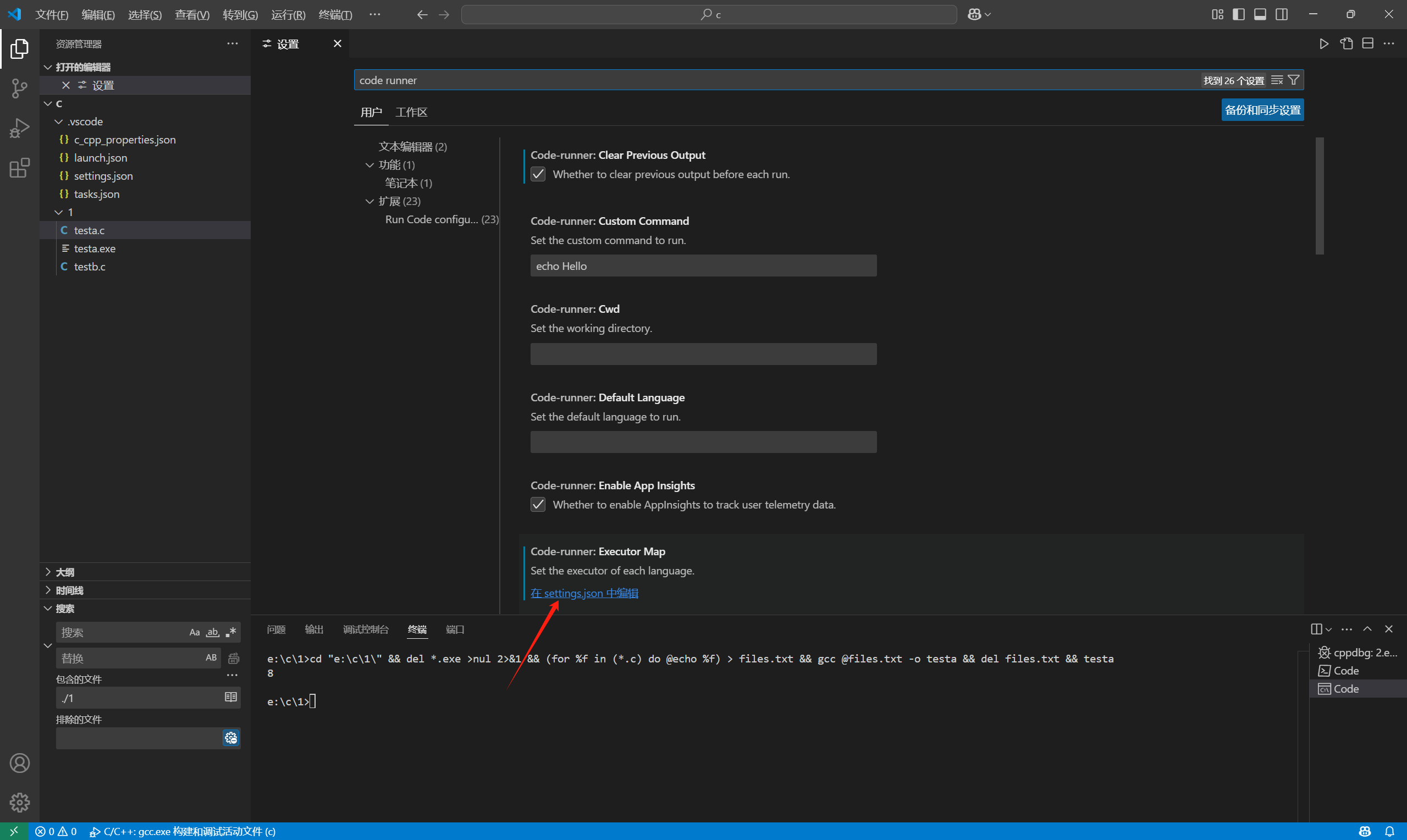
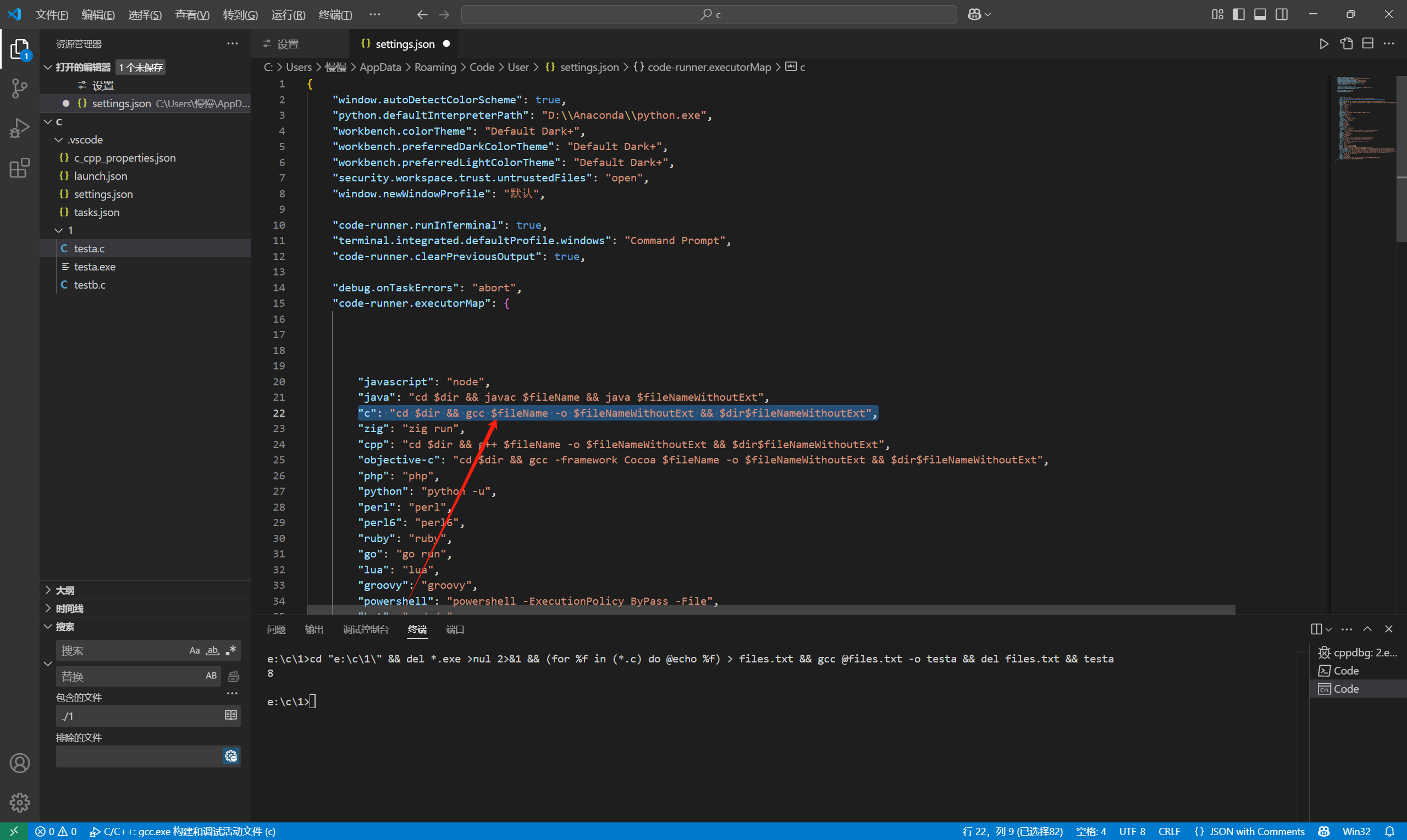
左上角文件>首选项>设置>搜索code runner>然后点击这个蓝色的setting.json
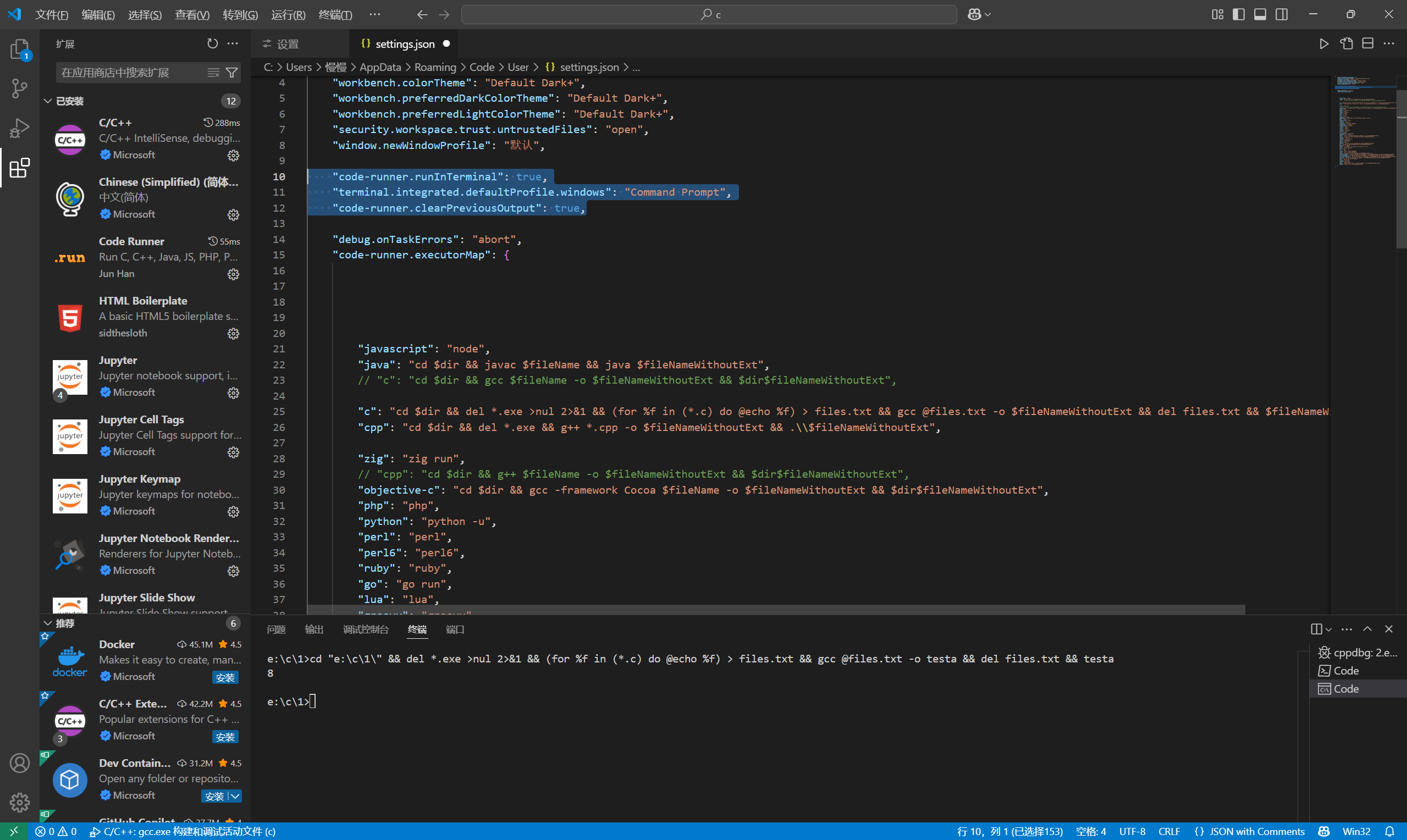
"c": "cd $dir && del *.exe >nul 2>&1 && (for %f in (*.c) do @echo %f) > files.txt && gcc @files.txt -o $fileNameWithoutExt && del files.txt && $fileNameWithoutExt",
    "code-runner.runInTerminal": true,
    "terminal.integrated.defaultProfile.windows": "Command Prompt",
    "code-runner.clearPreviousOutput": true,
分享 系统已结题
5月27日
系统已结题
5月27日 已采纳回答
5月19日
创建了问题
5月19日
已采纳回答
5月19日
创建了问题
5月19日

