
用IDEA跑前端突然就不能跑了,一小时之前还好好的。
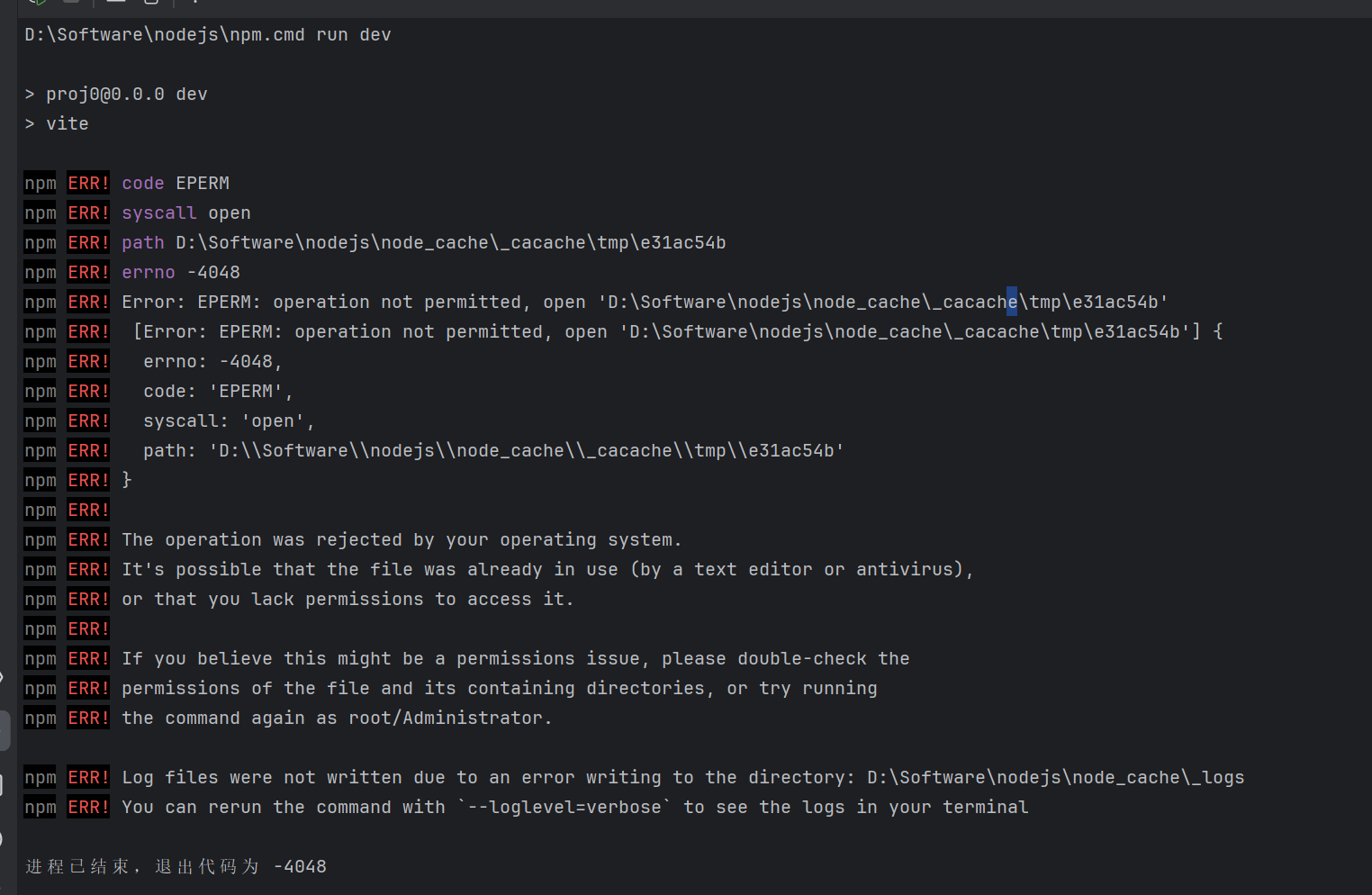
D:\Software\nodejs\npm.cmd run dev
proj0@0.0.0 dev
vite
npm ERR! code EPERM
npm ERR! syscall open
npm ERR! path D:\Software\nodejs\node_cache_cacache\tmp\e31ac54b
npm ERR! errno -4048
npm ERR! Error: EPERM: operation not permitted, open 'D:\Software\nodejs\node_cache_cacache\tmp\e31ac54b'
npm ERR! [Error: EPERM: operation not permitted, open 'D:\Software\nodejs\node_cache_cacache\tmp\e31ac54b'] {
npm ERR! errno: -4048,
npm ERR! code: 'EPERM',
npm ERR! syscall: 'open',
npm ERR! path: 'D:\Software\nodejs\node_cache\_cacache\tmp\e31ac54b'
npm ERR! }
npm ERR!
npm ERR! The operation was rejected by your operating system.
npm ERR! It's possible that the file was already in use (by a text editor or antivirus),
npm ERR! or that you lack permissions to access it.
npm ERR!
npm ERR! If you believe this might be a permissions issue, please double-check the
npm ERR! permissions of the file and its containing directories, or try running
npm ERR! the command again as root/Administrator.
npm ERR! Log files were not written due to an error writing to the directory: D:\Software\nodejs\node_cache_logs
npm ERR! You can rerun the command with --loglevel=verbose to see the logs in your terminal


