
目前是跟着教程一步步做,做到最后一步的时候出现问题了。在本地电脑部署那些都已经没问题的。
本地电脑上的app.py:
from flask import Flask, request
from flask_cors import CORS

app = Flask(__name__)
# 添加CORS同源规则
CORS(app)


@app.route('/')
def index():
    return 'hello world'


@app.route("/api/getdata")
def api():
    return '我是后端的信息'


@app.route("/api/postdata", methods={'POST'})
def postData():
    data = request.data
    if data:
        # 需要编码为utf-8正常显示中文
        data = data.decode('utf-8')
        print(data)
        return '正确'
    else:
        return '错误'


if __name__ == '__main__':
    app.run(debug=True, port=5000)
本地电脑上的App.vue:
<script setup>
import axios from 'axios'
function getData() {
  // 发送axios请求,地址是本地主机在5000端口开放的Flask项目
  axios.get('http://公网IP:1145/api/getdata').then((res) => {//前端端口选为1145
    console.log("接收到的信息为:",res.data);
  })
}

function postData() {
  // 发送axios请求,地址是本地主机在5000端口开放的Flask项目
  axios.post('http://公网IP:1145/api/postdata',{name:'张三',age:20}).then((res) => {
    console.log(res.data);
  })
}

</script>

<template>
<button @click="getData">接收数据</button>
<button @click="postData">传送数据</button>
</template>
已重新打包,并上传程序。
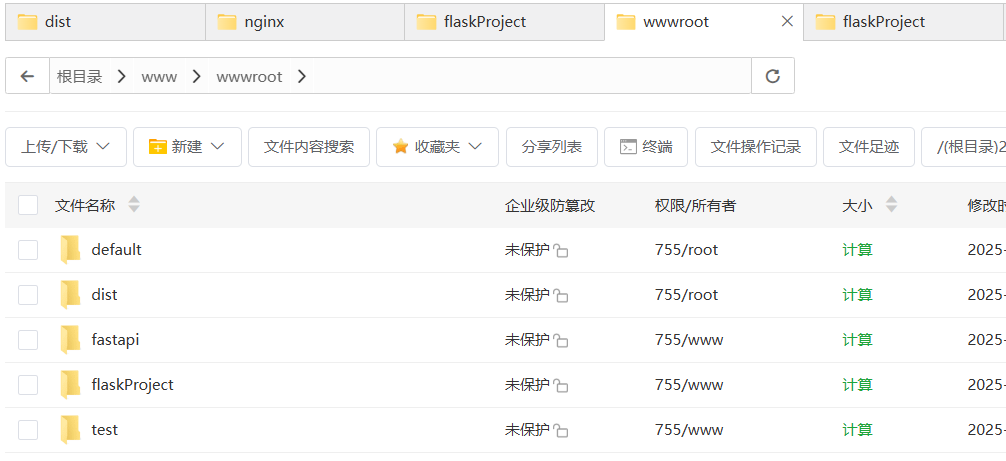
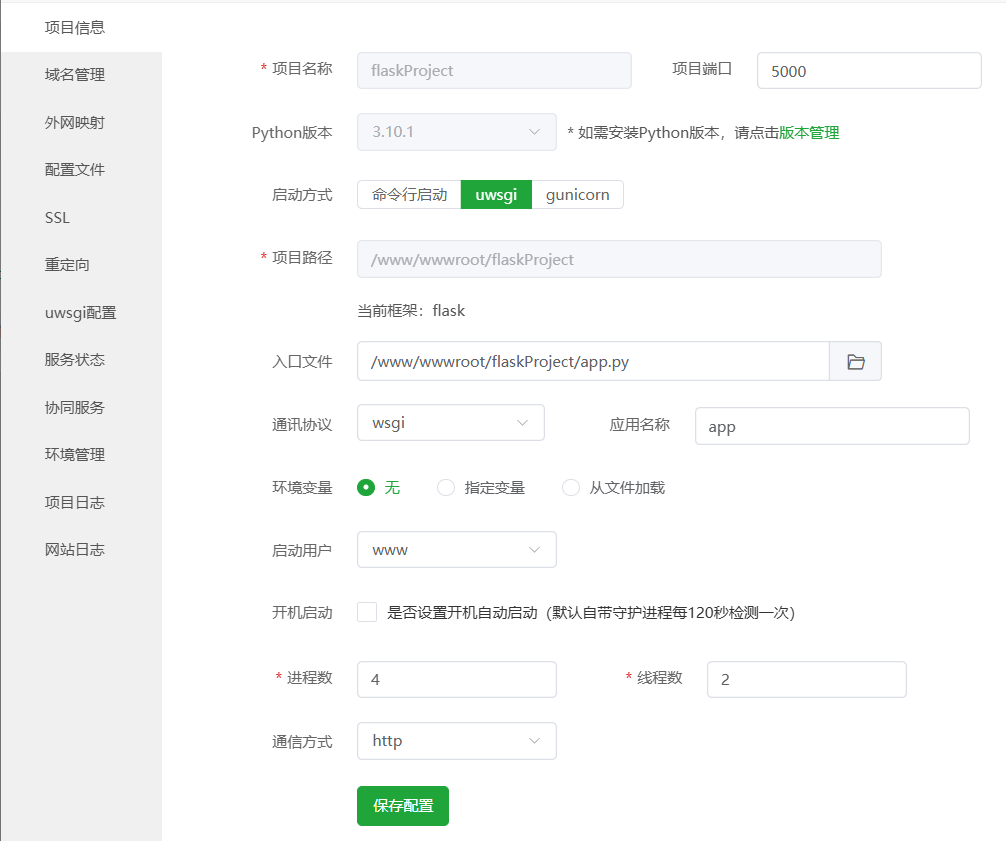
部署python项目,后端端口选为5000,已启动并下载flask和flask_cors:
选用1.24版本的Nginx:

配置文件(教程中提到需要修改的部分):
server
    {
        listen 1145;
        server_name localhost;
        index index.html index.htm index.php;
        root  /www/wwwroot/dist;

        #error_page   404   /404.html;
        include enable-php.conf;

        location ~ ^/api/
        {
          proxy_pass http://公网IP:5000$request_uri;
          proxy_set_header Host $host;
          proxy_set_header X-Real-IP $remote_addr;
          proxy_set_header X-Forwarded-For $proxy_add_x_forwarded_for;
        }
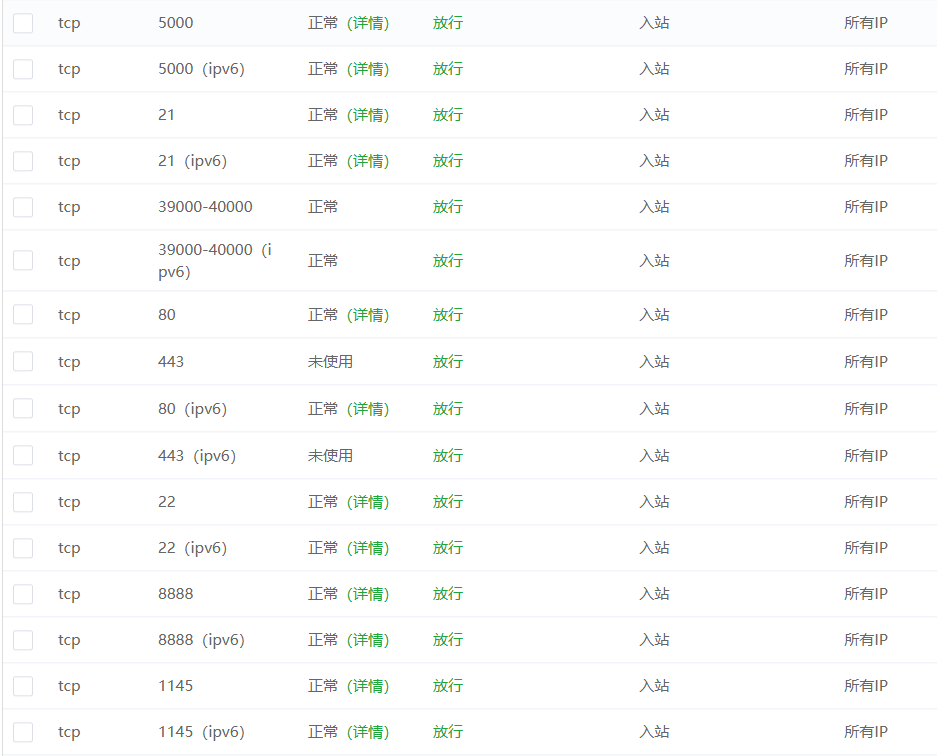
安全组已放行(租的阿里云服务器,那上面也放行了的):

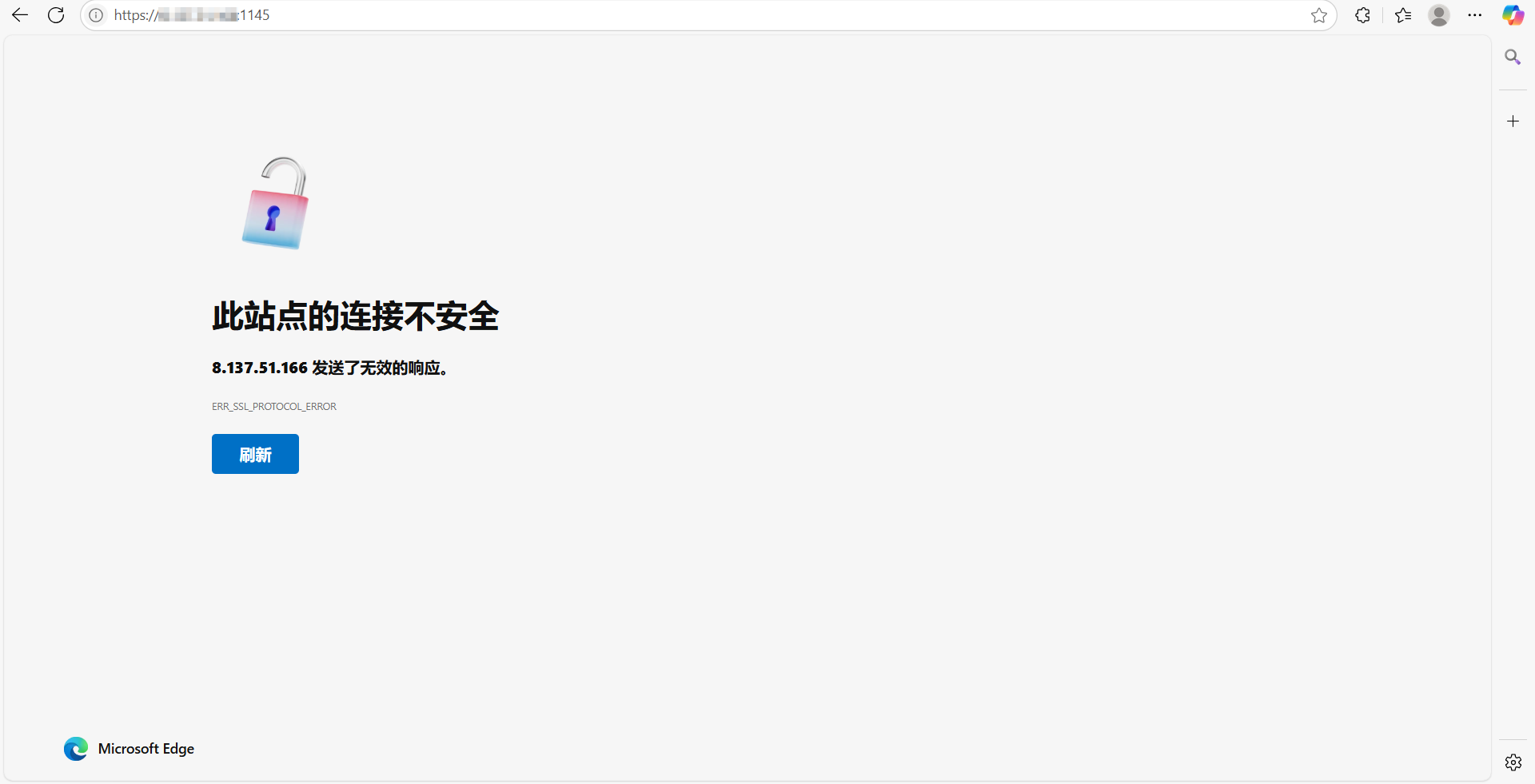
以IP:前端端口的方式访问会出现这个:
以IP:后端端口的方式访问是这个:
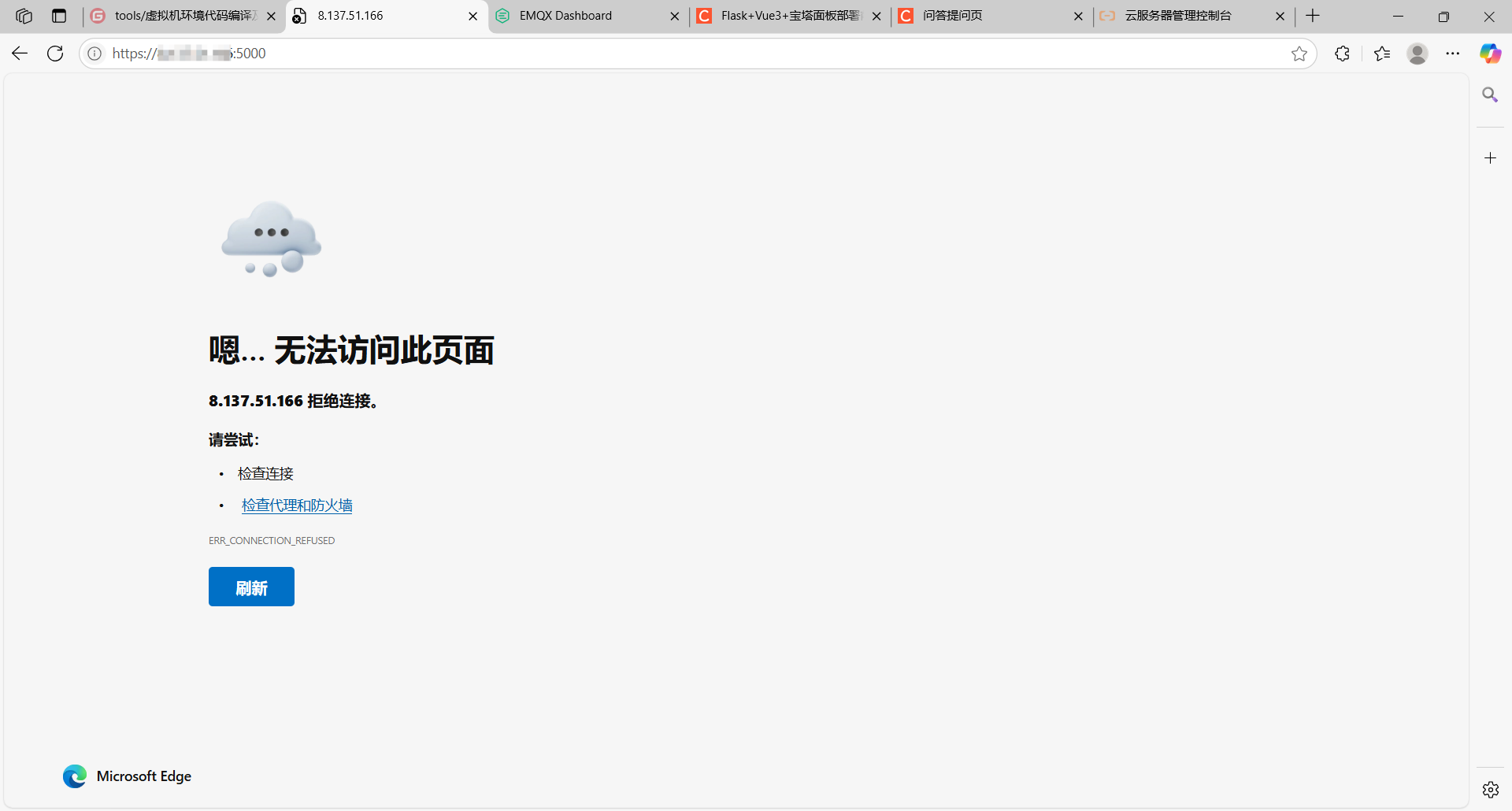
请问我是哪一步做错了呢?


