想实现百度地图车及版app,实现镜像(内容左右翻转)显示。
**android:scaleX="-1" apk实现镜面翻转显示内容,有没有可以帮忙修改。查询了好多,使用apktool,找不到具体需要修改的xml文件,老出问题,没变成基础搞不定啊。
最终想实现百度地图车及版app,实现镜像(内容左右翻转)显示。如下图 **
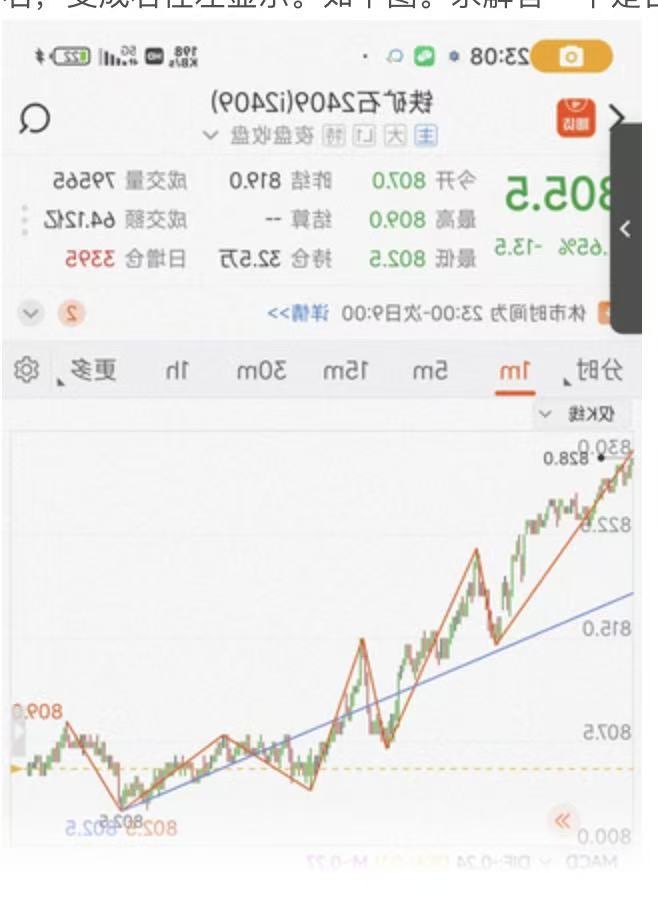
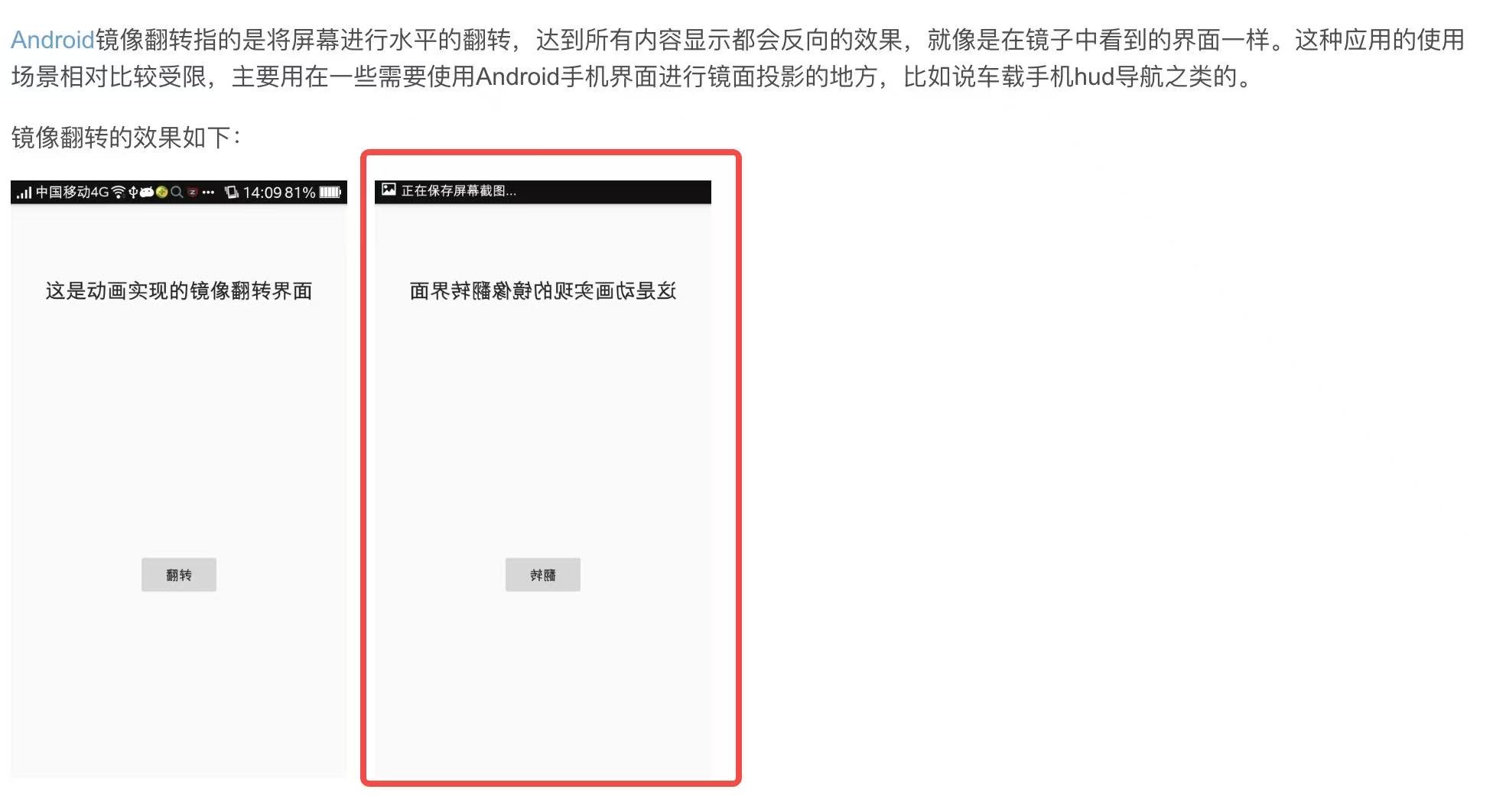
查找案例
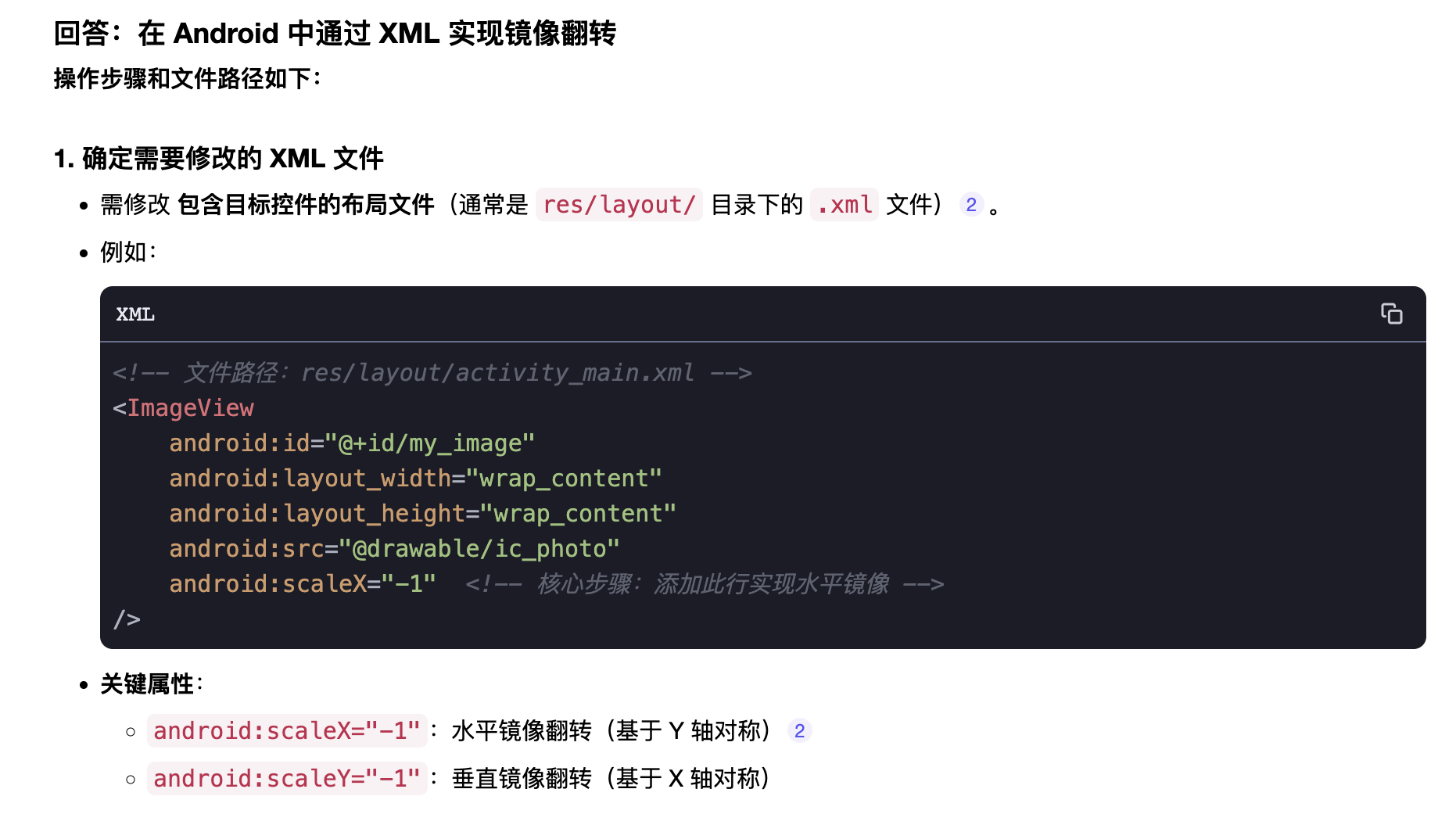

想实现百度地图车及版app,实现镜像(内容左右翻转)显示。
**android:scaleX="-1" apk实现镜面翻转显示内容,有没有可以帮忙修改。查询了好多,使用apktool,找不到具体需要修改的xml文件,老出问题,没变成基础搞不定啊。
最终想实现百度地图车及版app,实现镜像(内容左右翻转)显示。如下图 **
查找案例
 分享
分享
阿里嘎多学长整理AIGC生成,因移动端显示问题导致当前答案未能完全显示,请使用PC端查看更加详细的解答过程
你想实现百度地图车及版app的镜像显示,翻转内容左右显示。Android中可以使用android:scaleX="-1"来实现镜像翻转,但是这只适用于单个View的翻转。
如果你想实现整个app的镜像翻转,可以使用以下方法:
android:layoutDirection属性来设置布局方向为rtl(Right-to-Left),这样可以实现内容的左右翻转。android:translationX属性来设置View的水平偏移量,实现内容的左右翻转。以下是一个简单的示例代码:
<LinearLayout xmlns:android="http://schemas.android.com/apk/res/android"
    android:layout_width="match_parent"
    android:layout_height="match_parent"
    android:layoutDirection="rtl">

    <!-- 内容View -->
    <TextView
        android:id="@+id/content_view"
        android:layout_width="wrap_content"
        android:layout_height="wrap_content"
        android:text="Hello World!" />

</LinearLayout>
在上面的代码中,我们使用android:layoutDirection属性设置布局方向为rtl,这样可以实现内容的左右翻转。
如果你想使用apktool来修改app的代码,可以使用以下命令:
apktool d -f output_dir input_apk
这将将input_apk解压到output_dir目录下,然后你可以修改代码并重新打包。
注意:修改app的代码可能会导致app的不兼容性或其他问题,因此请在修改前备份app的原始代码。
分享 创建了问题
6月9日
创建了问题
6月9日


