今天下午拿这个邮箱跟朋友玩解密呢,我是想看一下朋友跟我说了什么,结果打不开了
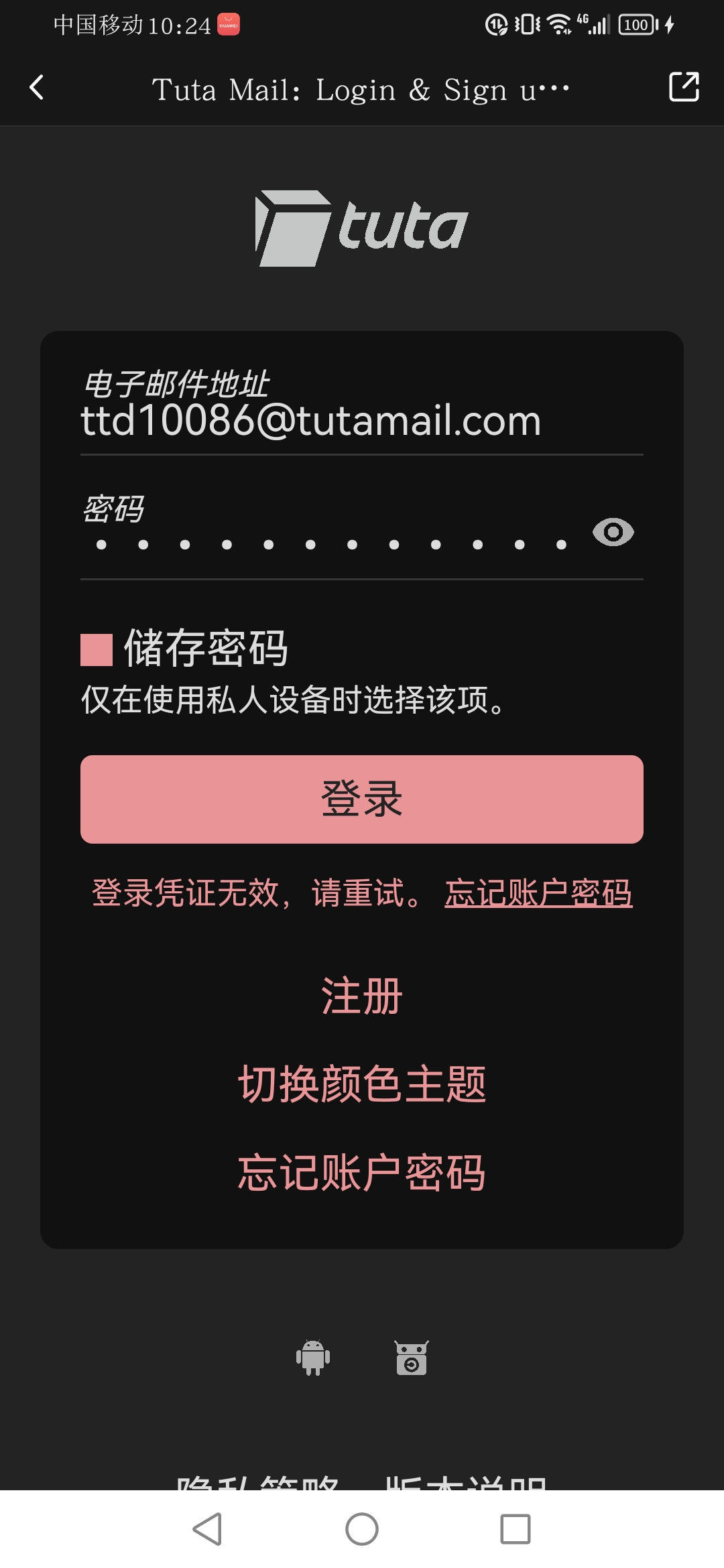
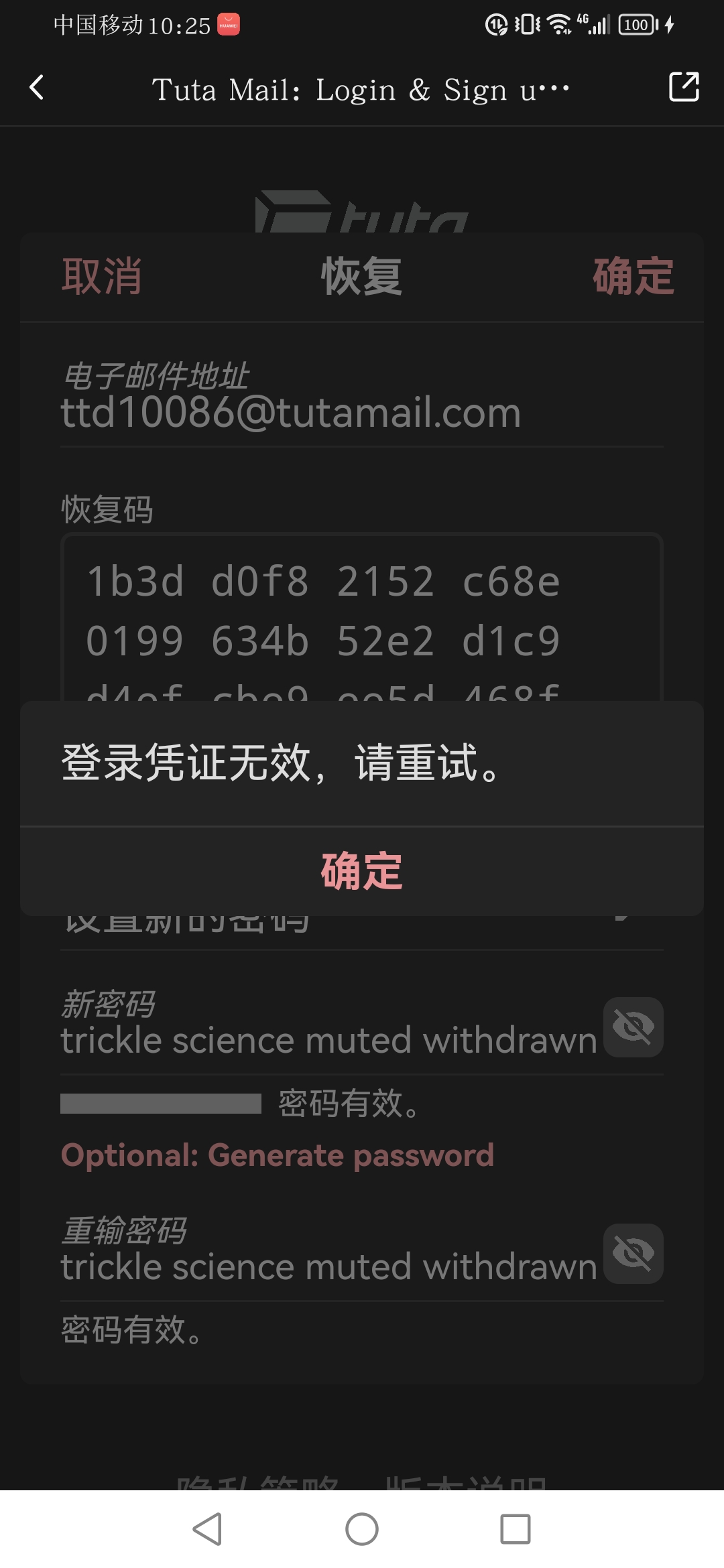
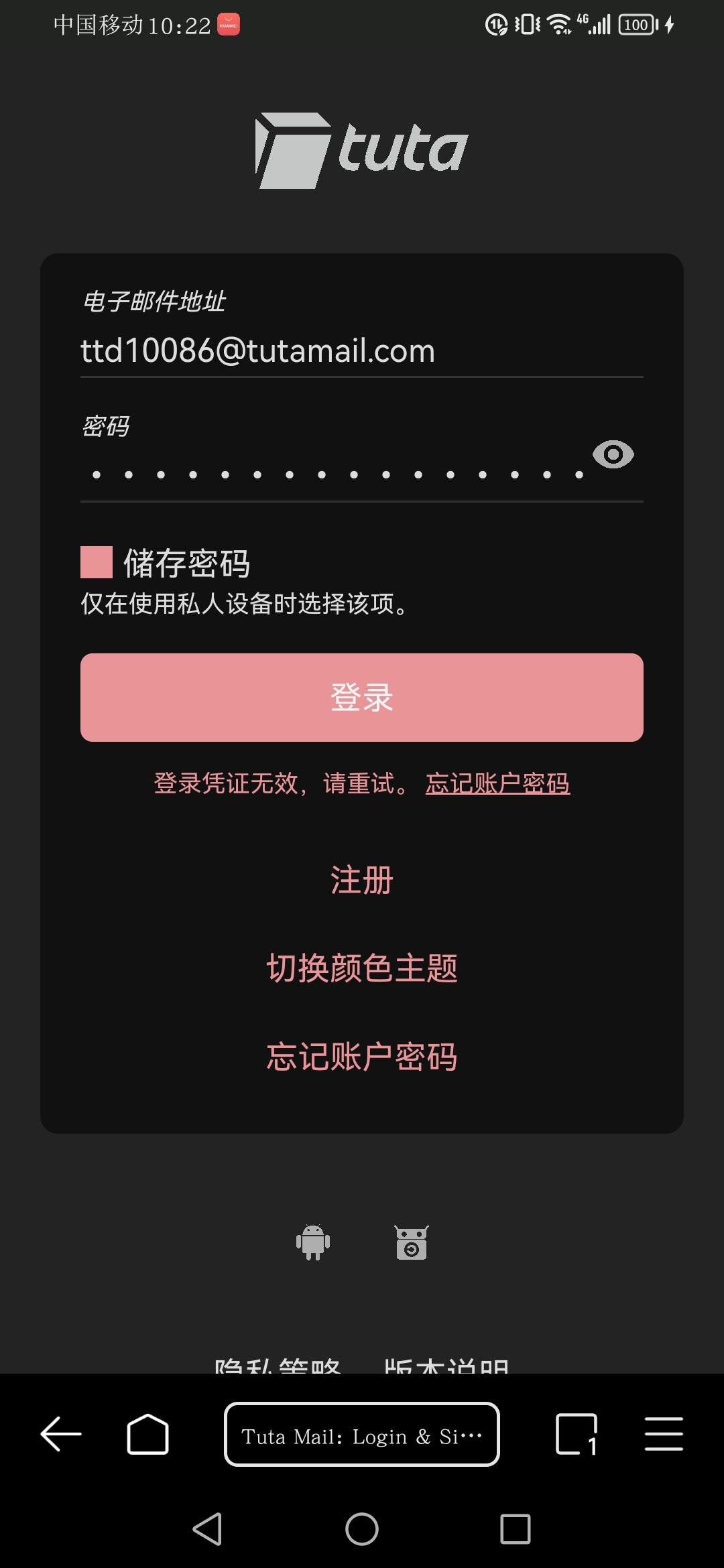
标签不知道打什么,随便打了两个,只是觉得大家可能有解决方法

今天下午拿这个邮箱跟朋友玩解密呢,我是想看一下朋友跟我说了什么,结果打不开了
 分享
分享
晚上好🌙🌙🌙
本答案参考通义千问
根据你的描述,邮箱之前可以正常登录,但现在无法登录了。这种情况可能是由以下几个原因引起的:
以下是详细的解决方案步骤:
检查密码是否正确
确认账号是否被锁定
检查网络连接
检查邮箱服务器状态
检查安全设置
尝试找回密码
清除浏览器缓存或使用隐身模式
联系客服支持
如果你使用的是Gmail邮箱,可以通过以下代码示例重置密码:
import smtplib

def send_password_reset_email(email):
    try:
        # 连接到SMTP服务器
        server = smtplib.SMTP('smtp.gmail.com', 587)
        server.starttls()  # 启用TLS加密
        server.login("your_email@gmail.com", "your_password")  # 登录邮箱

        # 发送邮件内容
        subject = "Password Reset Request"
        body = f"Dear User,\n\nTo reset your password, please click on the following link:\nhttps://accounts.google.com/resetpassword\n\nIf you did not request this email, please ignore it.\n\nBest regards,\nGmail Team"
        message = f"Subject: {subject}\n\n{body}"

        # 发送邮件
        server.sendmail("your_email@gmail.com", email, message)
        print("Password reset email sent successfully!")

    except Exception as e:
        print(f"Error: {e}")
    finally:
        server.quit()

# 调用函数发送重置密码邮件
send_password_reset_email("target_email@example.com")
注意:此代码仅为示例,实际使用时需替换
your_email和your_password为你的邮箱信息,并确保已启用SMTP服务。
希望这些步骤能够帮助你解决问题!如果还有疑问,请进一步补充说明。
分享 系统已结题
6月27日
系统已结题
6月27日 已采纳回答
6月19日
创建了问题
6月19日
已采纳回答
6月19日
创建了问题
6月19日


