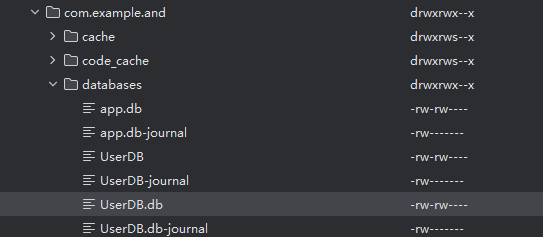
在Android Studio通过usb进行真机调试的时候,Sqlite Studio能够正常的在手机中创建db文件,Sqlite Studio测试连接也是成功的,但是就是无法点击OK 是什么情况?
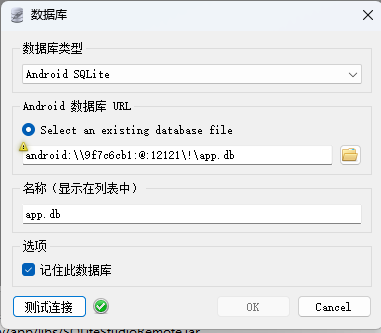
提示信息为:
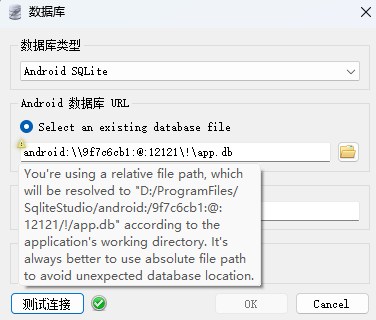
提示信息为
You're using a relative file path, which will be resolved to "D:/ProgramFiles/SqliteStudio/android:/9f7c6cb1:@:12121/!/app.db" according to the application's working directory. It's always better to use absolute file path to avoid unexpected database location.
安卓文件目录