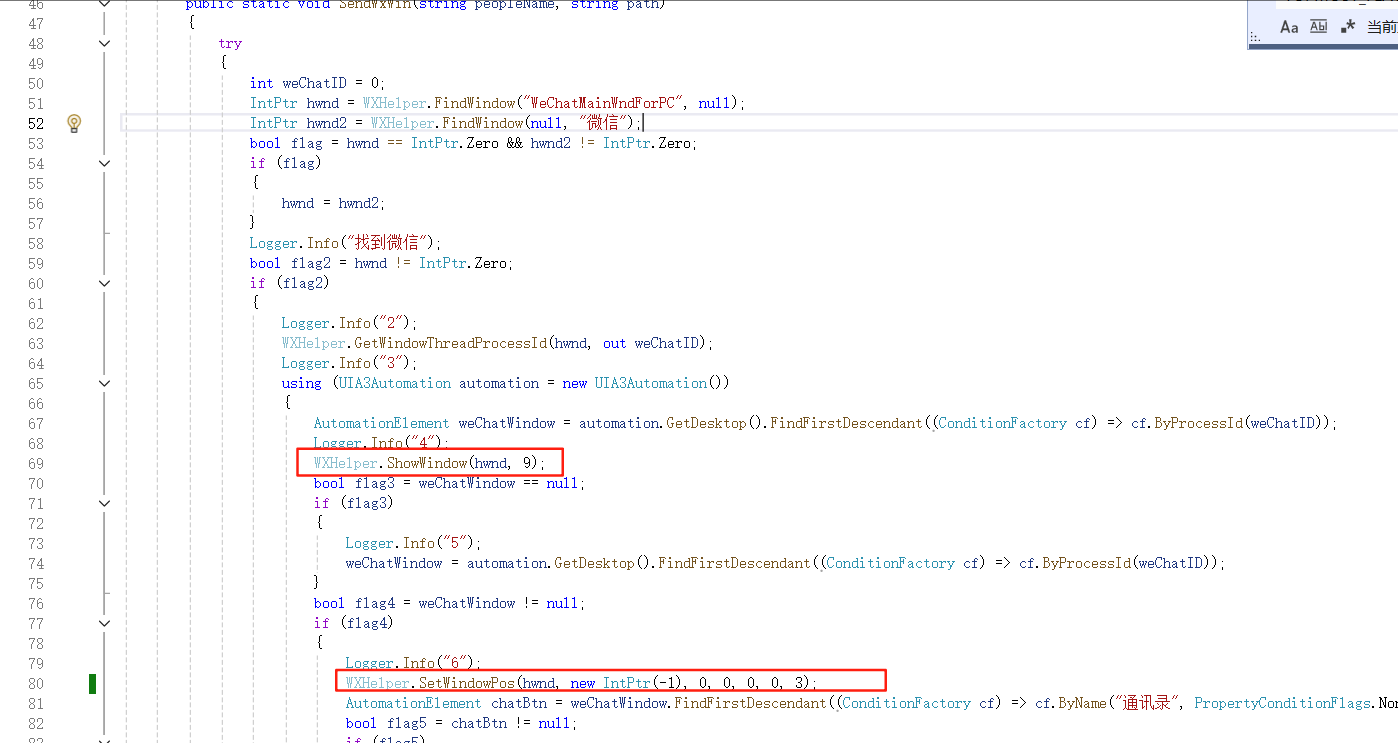
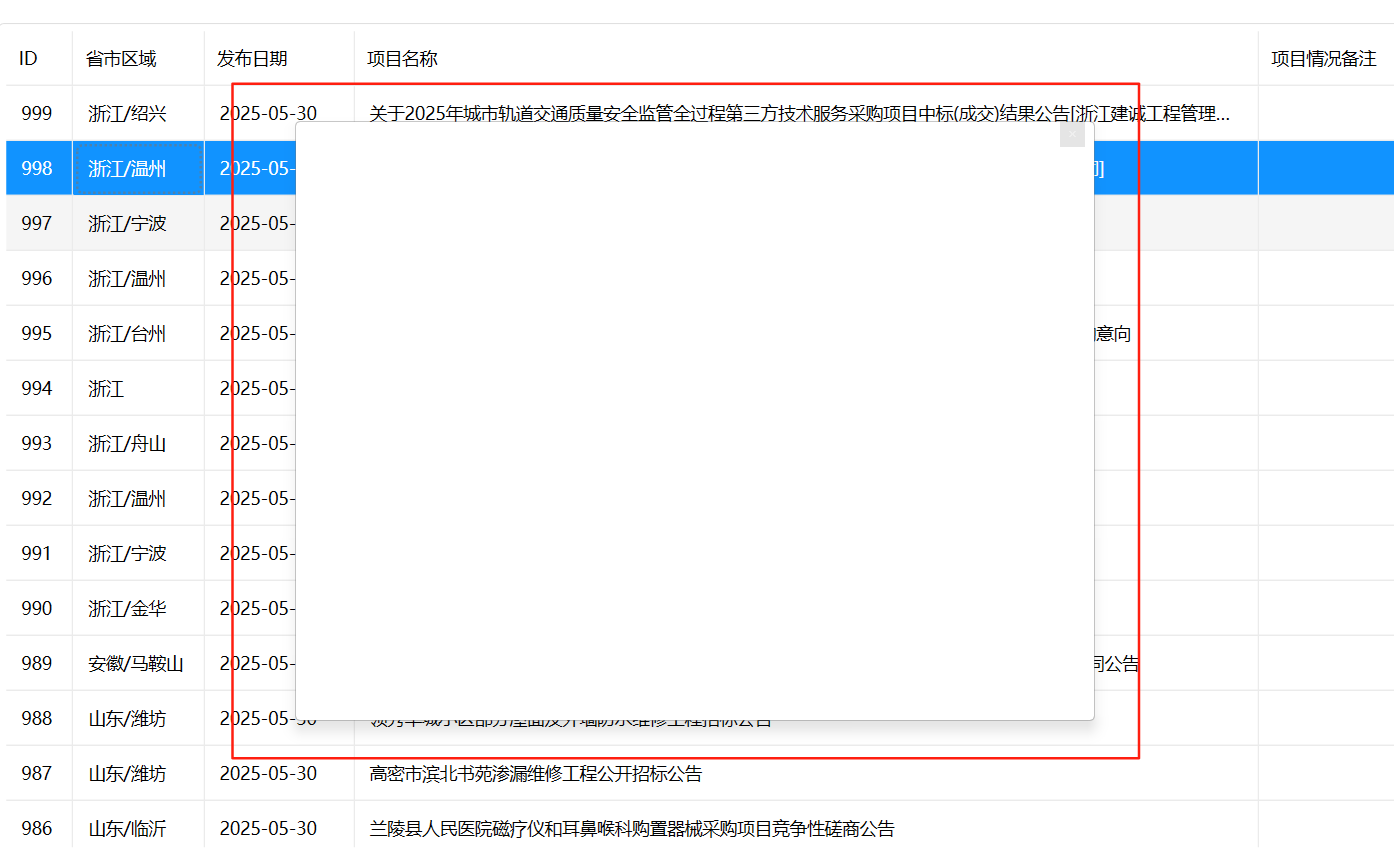
c# 调用 user32 ShowWindow 操作新版本微信(4.0.5)后呈空白 ,旧版本却可以(3.9.0), 请问什么原因?

c# 调用 user32 ShowWindow 操作新版本微信(4.0.5)后呈空白 ,旧版本却可以(3.9.0), 请问什么原因?
 分享
分享
阿里嘎多学长整理AIGC生成,因移动端显示问题导致当前答案未能完全显示,请使用PC端查看更加详细的解答过程
你使用 C# 调用 ShowWindow 操作新版本微信(4.0.5),但是呈现为空白,而旧版本微信(3.9.0)却可以正常操作。
可能的原因是新版本微信对 ShowWindow 操作进行了限制或修改。微信的新版本可能使用了新的窗口管理机制,或者对 ShowWindow 操作进行了加密或验证。
一种可能的解决方案是使用 FindWindow 函数来找到微信窗口,然后使用 SetForegroundWindow 函数将其置于前台。代码示例如下:
[DllImport("user32.dll")]
static extern IntPtr FindWindow(string lpClassName, string lpWindowName);

[DllImport("user32.dll")]
static extern IntPtr SetForegroundWindow(IntPtr hWnd);

// 找到微信窗口
IntPtr hWnd = FindWindow(null, "微信");

// 将微信窗口置于前台
SetForegroundWindow(hWnd);
另外,你也可以尝试使用 EnumWindows 函数来枚举微信窗口,然后找到需要操作的窗口。代码示例如下:
[DllImport("user32.dll")]
static extern bool EnumWindows(EnumWindowsProc lpEnumFunc, IntPtr lParam);

delegate bool EnumWindowsProc(IntPtr hWnd, IntPtr lParam);

// 枚举微信窗口
EnumWindowsProc enumProc = (hWnd, lParam) =>
{
    // 找到需要操作的窗口
    if (hWnd == /* 微信窗口的 hWnd */)
    {
        // 将微信窗口置于前台
        SetForegroundWindow(hWnd);
        return false;
    }
    return true;
};

EnumWindows(enumProc, IntPtr.Zero);
需要注意的是,这些解决方案可能需要根据具体情况进行调整和修改。
分享 系统已结题
7月15日
系统已结题
7月15日 已采纳回答
7月7日
创建了问题
6月29日
已采纳回答
7月7日
创建了问题
6月29日

