阿里嘎多学长整理AIGC生成,因移动端显示问题导致当前答案未能完全显示,请使用PC端查看更加详细的解答过程
问题解答
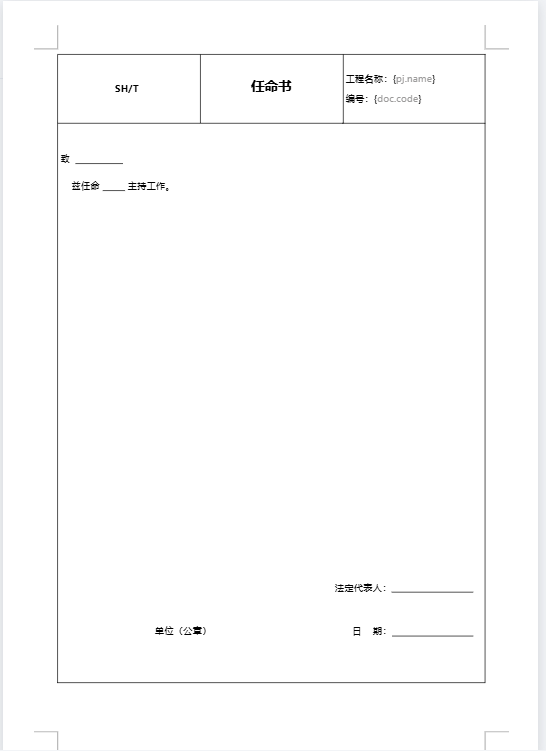
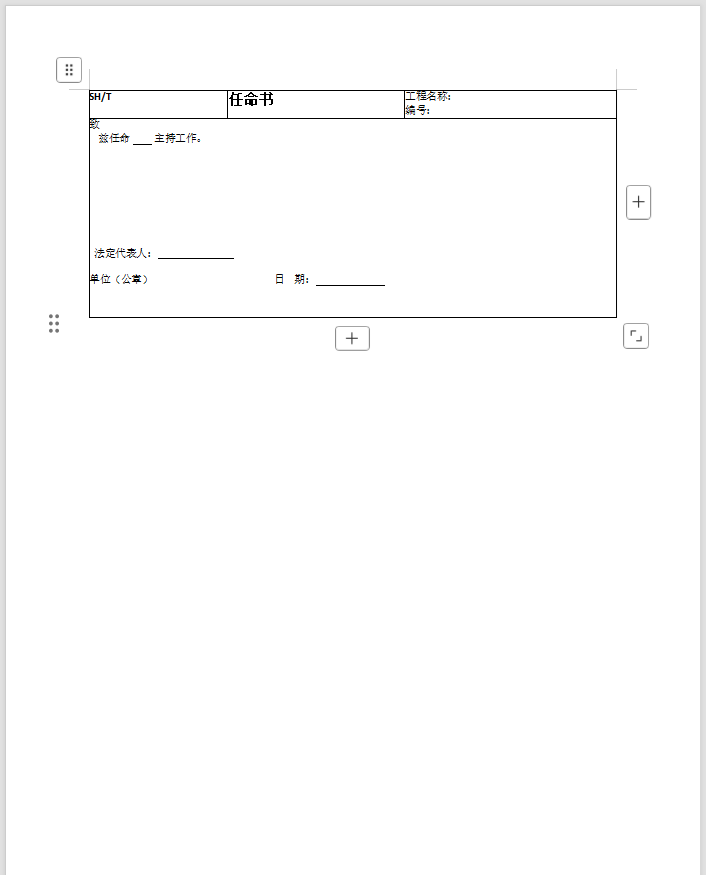
你使用 Vue3 和 canvas-editor 库,想要将编辑后的内容导出到 Word 文档中。 canvas-editor 使用的是最新版本 0.9.112,canvas-editor-plugin-docx 使用的是 0.0.5。
解决方案:
- 首先,确保你已经安装了 canvas-editor 和 canvas-editor-plugin-docx 库。使用 npm 或 yarn 安装:
npm install canvas-editor canvas-editor-plugin-docx
- 在 Vue3 项目中,使用 canvas-editor 库来编辑内容。例如:
<template>
  <canvas-editor v-model="editorContent" />
</template>

<script>
import { CanvasEditor } from 'canvas-editor';
import { DocxPlugin } from 'canvas-editor-plugin-docx';

export default {
  data() {
    return {
      editorContent: '',
    };
  },
  mounted() {
    const editor = new CanvasEditor({
      container: this.$refs.editor,
      plugins: [new DocxPlugin()],
    });
    editor.on('change', () => {
      this.editorContent = editor.getContent();
    });
  },
};
</script>
- 使用
editor.getContent() 方法获取编辑后的内容,然后使用 canvas-editor-plugin-docx 库将内容导出到 Word 文档中。例如:
const docx = new DocxPlugin();
const content = editor.getContent();
const doc = docx.createDocument();
doc.addSection(content);
const blob = docx.saveBlob(doc);
const url = URL.createObjectURL(blob);
const a = document.createElement('a');
a.href = url;
a.download = 'example.docx';
a.click();
- 最后,在浏览器中下载生成的 Word 文档。
注意:在使用 canvas-editor-plugin-docx 库时,需要确保你已经安装了 canvas-editor 库,并且在使用 DocxPlugin 时,需要将其添加到 plugins 数组中。