jupyter里面代码动态折线图怎么下载为视频或者其怎么把动态图完整呈现出来?
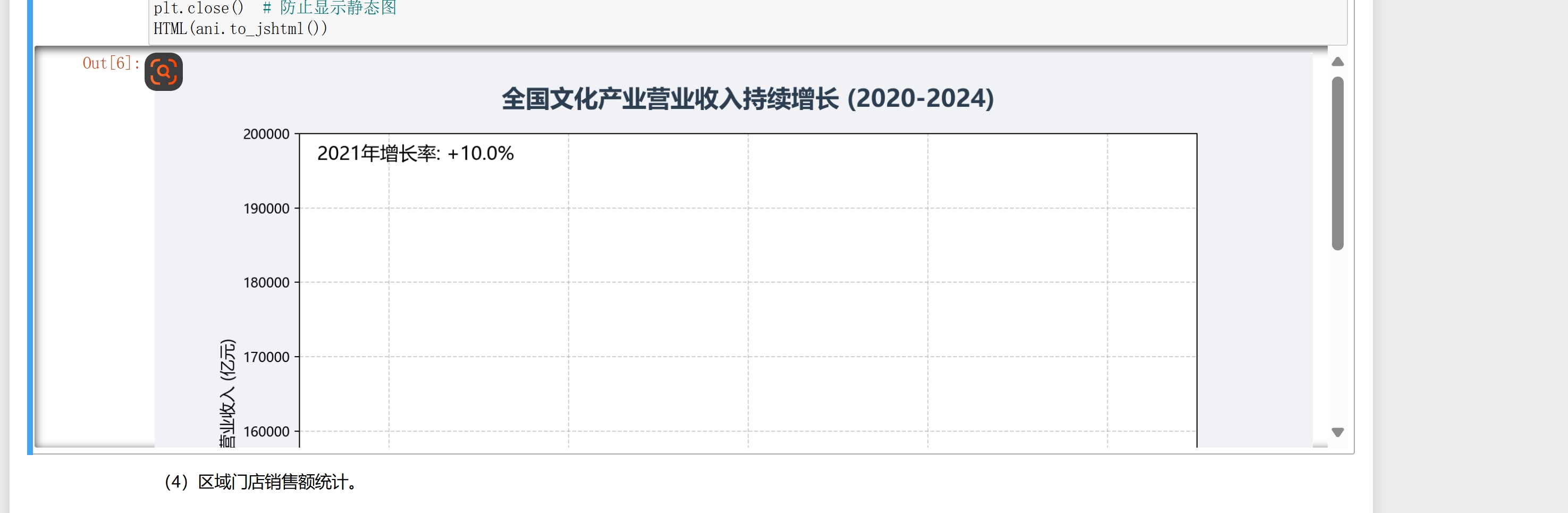

jupyter里面代码动态折线图怎么下载为视频或者其怎么把动态图完整呈现出来?
 分享
分享
 关注
关注让阿豪来帮你解答,本回答参考chatgpt3.5编写提供,如果还有疑问可以评论或留言为了将Jupyter中的动态折线图下载为视频或将动态图完整呈现出来,可以采取以下方法:
通过工具将动态图保存为视频: a. 首先,可以使用matplotlib.animation模块创建动态图,并将其展示在Jupyter Notebook中; b. 然后,使用matplotlib.animation.FuncAnimation.save()方法将动态图保存为视频格式,如MP4;
示例代码:
import matplotlib.pyplot as plt
from matplotlib.animation import FuncAnimation

fig, ax = plt.subplots()
x_data, y_data = [], []
line, = ax.plot([], [])

def update(frame):
   x_data.append(frame)
   y_data.append(frame ** 2)
   line.set_data(x_data, y_data)
   return line,

animation = FuncAnimation(fig, update, frames=range(10), blit=True)
animation.save('dynamic_plot.mp4', writer='ffmpeg')
将动态图完整呈现出来: a. 考虑将动态图导出为HTML格式,以便在其他平台上显示; b. 可以使用matplotlib.animation.FuncAnimation.to_html5_video()方法将动态图转换为HTML5视频;
示例代码:
html5_video = animation.to_html5_video()
with open('dynamic_plot.html', 'w') as f:
   f.write(html5_video)
通过以上方法,您可以在Jupyter中创建并展示动态折线图,并将其保存为视频格式或转换为HTML5视频以便在其他平台上展示。
分享 创建了问题
7月8日
创建了问题
7月8日


