uniapp多端开发,使用uni.share当type=5分享小程序卡片,不支持当前类型怎么解决啊?
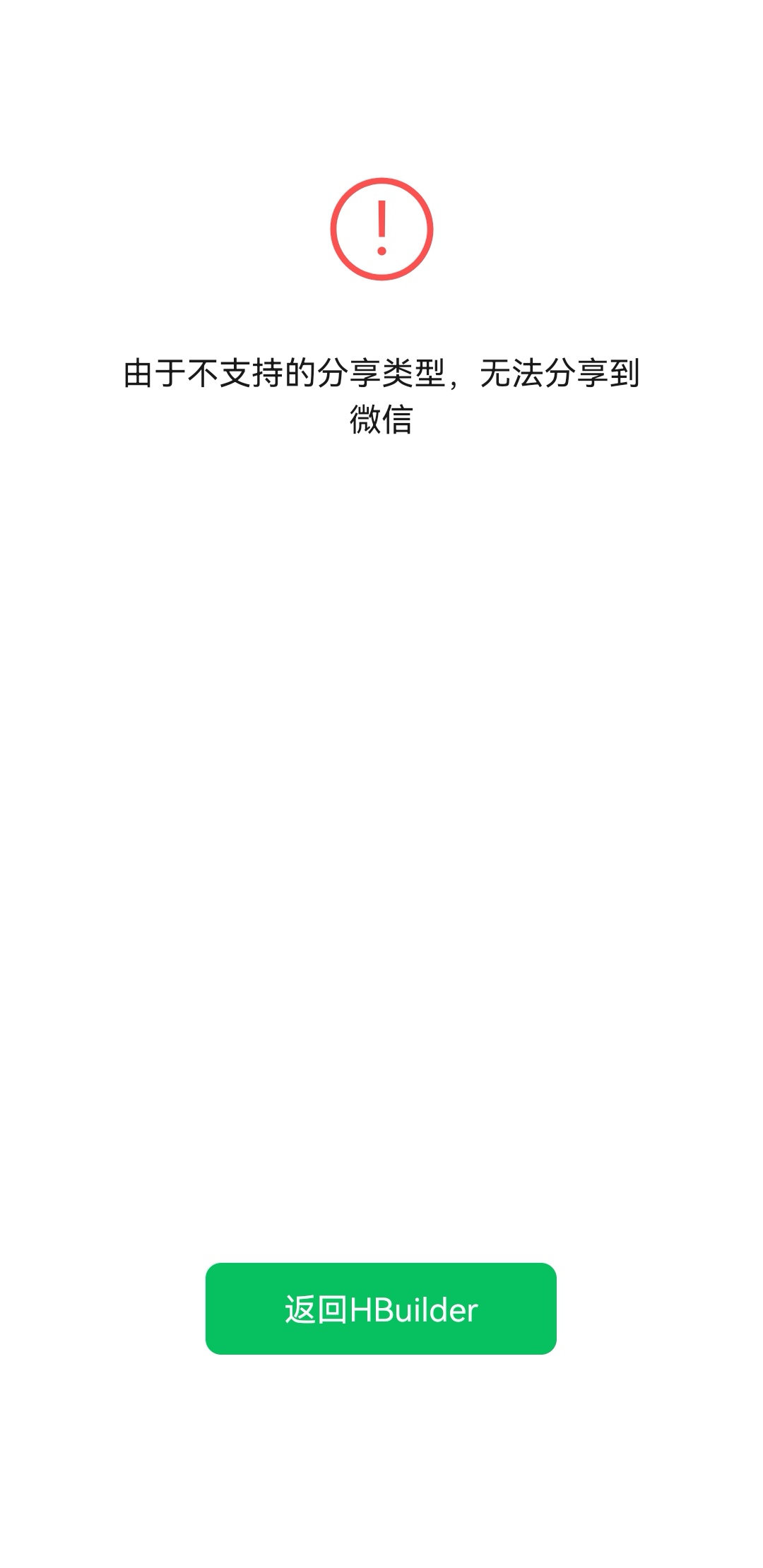

uniapp多端开发,使用uni.share当type=5分享小程序卡片,不支持当前类型怎么解决啊?
 分享
分享
 关注
关注让 “紫雾凌寒” 来帮你回答,本回答结合 DeepSeek
如果还有问题,请评论或点击头像私信,如果有帮助到您, 请关注、采纳、点赞
uni.share进行小程序卡片分享(type = 5)时出现不支持当前类型的错误提示。这可能涉及到平台兼容性问题、配置错误或者相关API版本不匹配等情况。uni.share的支持可能存在差异。首先查看官方文档中关于各平台支持type = 5分享小程序卡片的说明。例如,某些平台可能要求特定的基础库版本才能支持该功能。manifest.json文件中,确保正确配置了分享相关的信息。例如,可能需要配置分享的标题、图标等。对于小程序卡片分享,要注意配置是否准确,如分享图片的格式和尺寸要求等。{
"name": "你的应用名称",
"appid": "",
"versionName": "1.0.0",
"description": "",
"permission": {
"scope.userLocation": {
"desc": "你的位置信息将用于小程序位置接口的效果展示"
}
},
"sdkConfigs": {
"aliPay": {
"appId": "",
"partnerId": "",
"seller": "",
"privateKey": "",
"aliPayPublicKey": "",
"signType": "RSA"
}
},
"mp-weixin": {
"appid": "",
"setting": {
"urlCheck": true,
"es6": true,
"minifiedJs": true
},
"permission": {
"scope.userLocation": {
"desc": "你的位置信息将用于小程序位置接口的效果展示"
}
},
"navigateToMiniProgramAppIdList": [],
"share": {
"title": "默认分享标题",
"path": "/pages/index/index",
"imageUrl": "https://example.com/share.png",
"success": function (res) {
console.log('分享成功', res);
},
"fail": function (res) {
console.log('分享失败', res);
}
}
},
"mp-alipay": {
"appid": "",
"share": {
"title": "默认分享标题",
"path": "/pages/index/index",
"imageUrl": "https://example.com/share.png",
"success": function (res) {
console.log('分享成功', res);
},
"fail": function (res) {
console.log('分享失败', res);
}
}
}
}
uni.share的使用方式正确。参数设置要符合文档要求,特别是type = 5时的相关参数。例如,分享的目标页面路径等信息要准确无误。uni.share({
type: 5,
content: {
title: '分享小程序卡片',
imageUrl: 'https://example.com/share.png',
path: '/pages/index/index'
},
success: function (res) {
console.log('分享成功', res);
},
fail: function (res) {
console.log('分享失败', res);
}
});
uni.share分享小程序卡片(type = 5)不支持的问题,首先要检查平台兼容性,确保uniapp版本和平台基础库版本符合要求;其次检查manifest.json中的分享配置是否正确;最后仔细检查uni.share的API调用是否准确。通过这几个方面的排查,一般能找到并解决问题。 希望以上解答对您有所帮助。如果您有任何疑问,欢迎在评论区提出。
分享 创建了问题
11月14日
创建了问题
11月14日

