Fengmichouzi 2025-12-18 16:32 采纳率: 0%
浏览 3

接口数据流转blob加载图片失败


try {
  const response = await axios.get(
    url,
    {
      headers: {
  
        'Authorization': `Bearer ${token.access_token}`,
        // 'Accept': 'application/pdf' 
      },
      // responseType: 'blob', 
      responseType: 'arraybuffer',
    }
  );
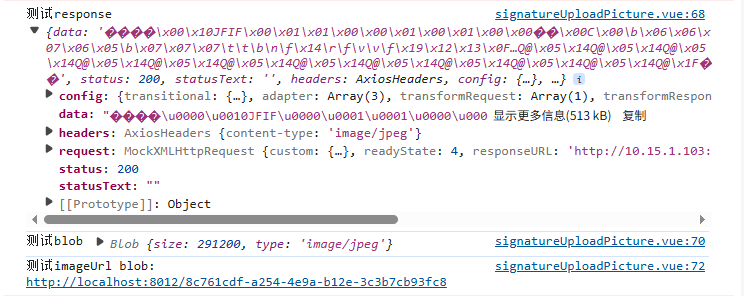
    console.log('测试response',response)
    const blob = new Blob([response.data], { type: 'image/jpeg' });
    console.log('测试blob', blob);
    const imageUrl = URL.createObjectURL(blob);
    console.log('测试imageUrl', imageUrl);
    val.url=imageUrl

} catch (error) {
  ElMessage.error('文件获取失败');
  return Promise.reject(error);
}

img

如图预览正常,但是控制台打印存在疑问

img


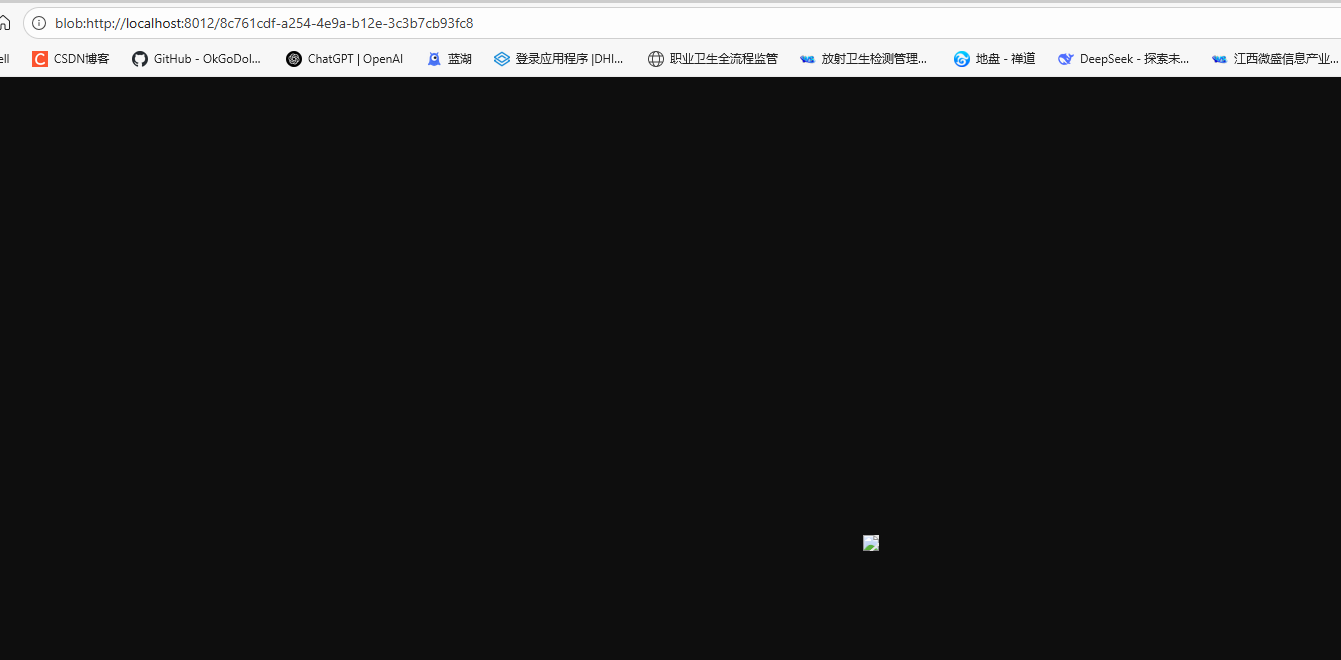
虽然转换成功但是转换的bloburl预览显示失败图片

img

  • 写回答

1条回答 默认 最新

  • 关注

    你这问题大概率是responseType或者Blob的type没配对,我给你捋最可能的俩原因:

    1. responseType选得不对:你用了arraybuffer,但如果接口返回的是现成的图片二进制(比如直接返回image/jpeg),直接把responseType改成blob更直接,不用手动转Blob——现在你手动转的时候,万一接口返回的二进制格式和你写的image/jpeg不匹配,Blob就会坏。

    2. Blob的type和实际文件格式不一致:比如接口返回的是PNG,但你写了image/jpeg,浏览器解析Blob时就会失败。可以先从接口的Content-Type里拿实际类型,比如const type = response.headers['content-type'];,再用这个type创建Blob。

    先改这俩点试试:把responseType改成blob,然后用接口返回的Content-Type作为Blob的type,代码大概这样:

    const response = await axios.get(url, {
      headers: { 'Authorization': `Bearer ${token.access_token}` },
      responseType: 'blob' // 直接要blob
    });
    const type = response.headers['content-type']; // 拿实际类型
    const blob = new Blob([response.data], { type }); // 用实际type
    
    评论

报告相同问题?

问题事件

  • 创建了问题 12月18日