这是用C# + Devexpress开发的程序,但是程序启动时都会自动弹出这两个已授权窗口,如下图。有什么方法可以去除它们?这是Devexpress24.1.5的版本,在解决方案项目里面已经没有.licx文件了。
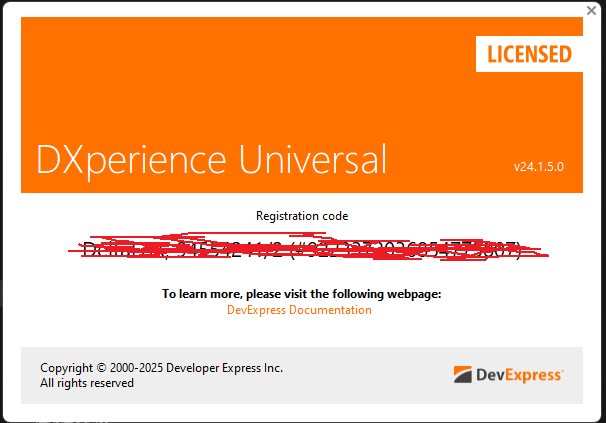
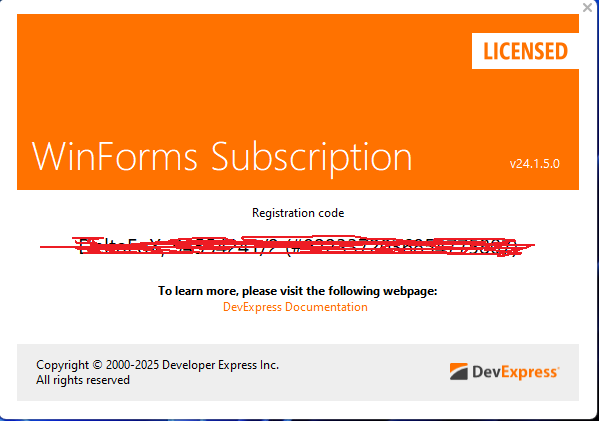
但是在别台电脑运行还会出现试用窗口。
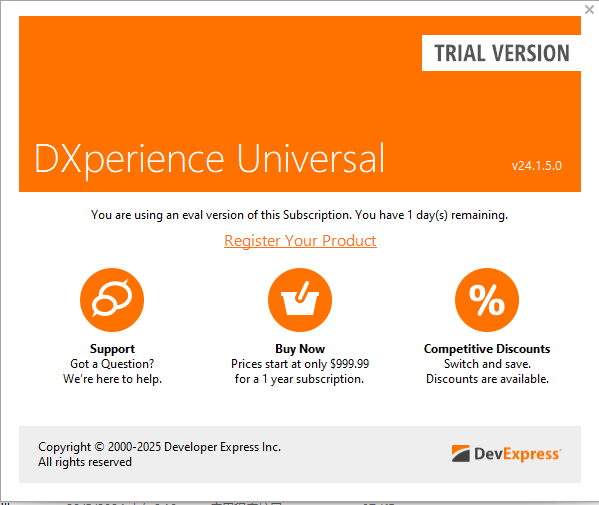

这是用C# + Devexpress开发的程序,但是程序启动时都会自动弹出这两个已授权窗口,如下图。有什么方法可以去除它们?这是Devexpress24.1.5的版本,在解决方案项目里面已经没有.licx文件了。
但是在别台电脑运行还会出现试用窗口。
 分享
分享
晚上好🌙🌙🌙
本答案参考通义千问
在使用 DevExpress 24.1.5 开发的 C# 应用程序中,如果在启动时自动弹出“已授权”或“试用”窗口,通常是因为 许可证配置不正确 或 未正确注册许可证密钥。即使项目中没有 .licx 文件,也可能因为以下原因导致运行时弹窗:
许可证未正确注册
LicenseManager.Register() 方法注册许可证密钥。未正确设置许可证密钥
.licx 文件,但若文件内容错误或未被正确加载,也会出现弹窗。多台电脑环境差异
项目属性未设置为“发布”模式
在应用程序的入口点(如 Main() 方法或 Form_Load 中),添加如下代码以注册许可证密钥:
using DevExpress.Utils;

// 注册许可证密钥
LicenseManager.Register("YourLicenseKeyHere");
注意:
YourLicenseKeyHere是你从 DevExpress 官网获取的正式许可证密钥。
.licx 文件(如有)虽然你说项目中没有 .licx 文件,但仍建议检查是否遗漏了该文件:
.licx 文件(通常在 Properties 文件夹下)。.licx 文件中包含所有使用的 DevExpress 控件名称,例如:<licenses>
<clear />
<license type="DevExpress.XtraEditors.Controls.EditorButton" name="DevExpress.XtraEditors.Controls.EditorButton, DevExpress.XtraEditors.v24.1, Version=24.1.5.0, Culture=neutral, PublicKeyToken=..."/>
<!-- 其他控件 -->
</licenses>
如果你使用的是 DevExpress 的 非商业用途许可证(即免费版),可以尝试在项目中添加一个 license.licx 文件,并指定许可证密钥:
license.licx。DevExpress.XtraGrid.GridControl, DevExpress.XtraGrid.v24.1, Version=24.1.5.0, Culture=neutral, PublicKeyToken=...
注意: 每个控件都需要单独列出。
你可以通过修改 app.config 文件来禁用试用提示:
<configuration>
  <runtime>
    <assemblyBinding xmlns="urn:schemas-microsoft-com:asm.v1">
      <dependentAssembly>
        <assemblyIdentity name="DevExpress.Utils.v24.1" publicKeyToken="..." culture="neutral" />
        <bindingRedirect oldVersion="0.0.0.0-24.1.5.0" newVersion="24.1.5.0" />
      </dependentAssembly>
    </assemblyBinding>
  </runtime>
  <appSettings>
    <add key="DevExpress.LicenseKey" value="YourLicenseKeyHere" />
  </appSettings>
</configuration>
以下是去除 DevExpress 弹窗的详细步骤:
.licx 文件存在且内容正确app.config 设置许可证密钥(可选)如有需要,我可以提供一个完整的 app.config 示例或帮助你生成 .licx 文件的内容。请告诉我你的具体控件名称或项目结构。
分享 创建了问题
1月4日
创建了问题
1月4日
