I am not using any plugin i want to make bootstrap admin dashboard on word press admin.
- how i can change Word press welcome message ?
- how i can change word press screen option ?

I am not using any plugin i want to make bootstrap admin dashboard on word press admin.
 分享
分享 You can turn the welcome panel off, incidentally resulting in the removal of the welcome message, by doing the following:
Locate the file: /wp-admin/index.php
Just before wp_dashboard() is called, add the following line:
<?php remove_action( 'welcome_panel', 'wp_welcome_panel' ); ?>
This will also remove the corresponding screen option.
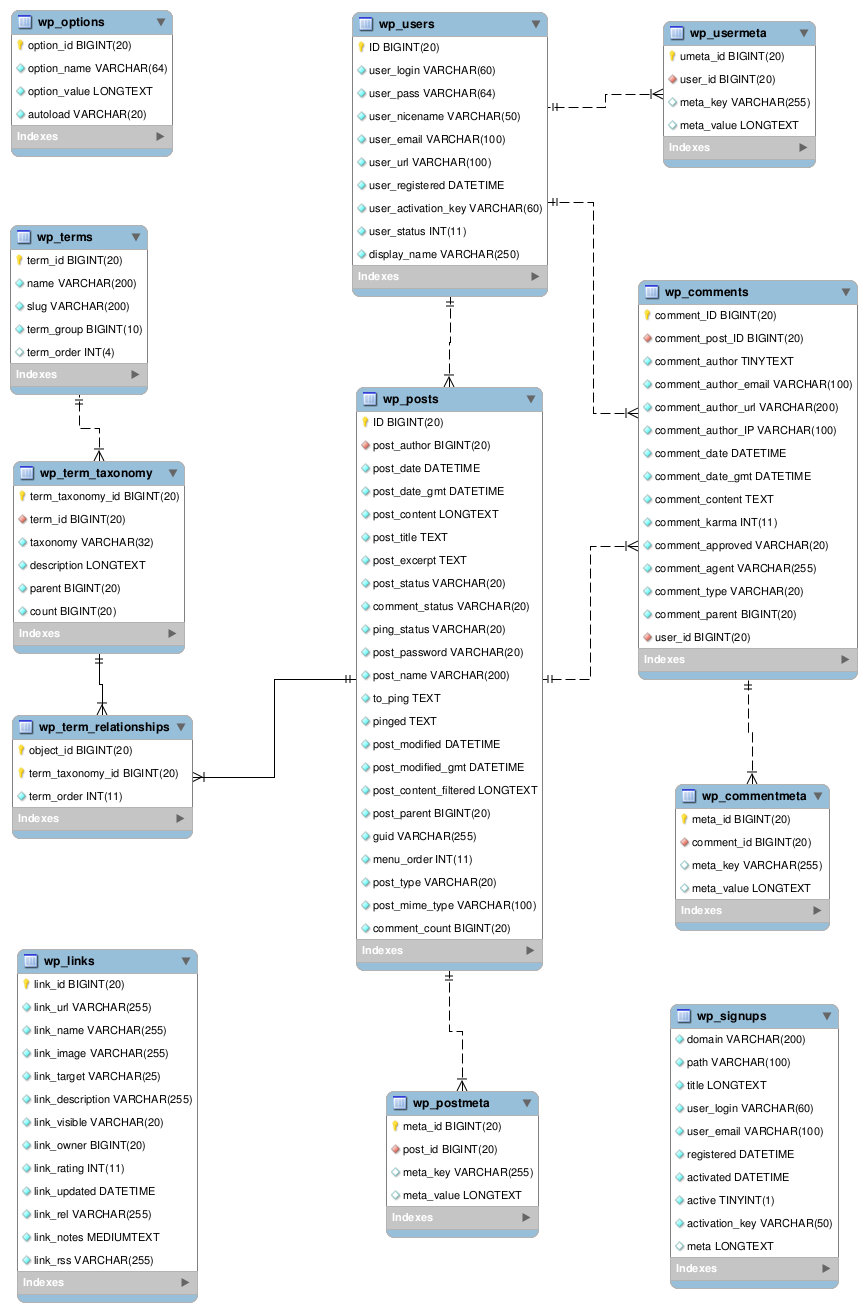
As far as changing the text from "Welcome Text" to "Some Other Welcome Message", this is not set in any php file. You will need to have access to the MySql database. You will likely find the welcome text in the wp_options table. A simple SQL query will help you to find the exact location.
References:
Welcome Panel:
https://codex.wordpress.org/Plugin_API/Action_Reference/welcome_panel
Database Diagram:
https://codex.wordpress.org/images/2/2a/WP3.9.4-ERD.png
分享