

#include <graphics.h>
#include <cmath>
#include <vector>
#include<stdio.h>
#include<easyx.h>

// 定义三维点
struct Point3D {
    double x, y, z;
    Point3D(double x = 0, double y = 0, double z = 0) : x(x), y(y), z(z) {}
};

// 定义二维点(屏幕坐标)
struct Point2D {
    int x, y;
    Point2D(int x = 0, int y = 0) : x(x), y(y) {}
};

// 球体参数
const double PI = 3.1415926535;
const int radius = 150;          // 球体半径
const int centerX = 400;         // 屏幕中心 X 坐标
const int centerY = 300;         // 屏幕中心 Y 坐标
const int stacks = 30;           // 经线(纬度圈)数量,越多越精细
const int slices = 30;           // 纬线(经度圈)数量,越多越精细

// 存储所有顶点的三维坐标和投影后的二维坐标
std::vector<std::vector<Point3D>> vertices3D;
std::vector<std::vector<Point2D>> vertices2D;

// 旋转角度
double angleX = 0, angleY = 0, angleZ = 0;

// 三维旋转函数 (绕X轴)
Point3D rotateX(const Point3D& p, double angle) {
    double cosA = cos(angle), sinA = sin(angle);
    return Point3D(p.x, p.y * cosA - p.z * sinA, p.y * sinA + p.z * cosA);
}

// 三维旋转函数 (绕Y轴)
Point3D rotateY(const Point3D& p, double angle) {
    double cosA = cos(angle), sinA = sin(angle);
    return Point3D(p.x * cosA + p.z * sinA, p.y, -p.x * sinA + p.z * cosA);
}

// 三维旋转函数 (绕Z轴)
Point3D rotateZ(const Point3D& p, double angle) {
    double cosA = cos(angle), sinA = sin(angle);
    return Point3D(p.x * cosA - p.y * sinA, p.x * sinA + p.y * cosA, p.z);
}

// 初始化球体顶点
void initSphere() {
    vertices3D.resize(stacks + 1);
    for (int i = 0; i <= stacks; ++i) {
        vertices3D[i].resize(slices + 1);
        double theta = PI * i / stacks;          // 极角 (0 到 PI)
        double sinTheta = sin(theta);
        double cosTheta = cos(theta);

        for (int j = 0; j <= slices; ++j) {
            double phi = 2 * PI * j / slices;    // 方位角 (0 到 2PI)
            double sinPhi = sin(phi);
            double cosPhi = cos(phi);

            // 你提供的第一组公式就在这里!
            double x = radius * sinTheta * cosPhi;
            double y = radius * sinTheta * sinPhi;
            double z = radius * cosTheta;

            vertices3D[i][j] = Point3D(x, y, z);
        }
    }
}

// 投影并绘制
void draw() {
    // 应用旋转并投影到2D
    for (int i = 0; i <= stacks; ++i) {
        for (int j = 0; j <= slices; ++j) {
            Point3D p = vertices3D[i][j];
            // 应用旋转
            p = rotateX(p, angleX);
            p = rotateY(p, angleY);
            p = rotateZ(p, angleZ);
            // 平行投影到2D (忽略Z),并平移到屏幕中心
            int screenX = centerX + static_cast<int>(p.x);
            int screenY = centerY + static_cast<int>(p.y);
            vertices2D[i][j] = Point2D(screenX, screenY);
        }
    }

    // 绘制经线 (连接纬度圈上的点)
    for (int i = 0; i < stacks; ++i) {
        for (int j = 0; j < slices; ++j) {
            // 绘制四边形,这里简化为绘制两条线来形成网格
            line(vertices2D[i][j].x, vertices2D[i][j].y,
                vertices2D[i][j + 1].x, vertices2D[i][j + 1].y);
            line(vertices2D[i][j].x, vertices2D[i][j].y,
                vertices2D[i + 1][j].x, vertices2D[i + 1][j].y);
        }
        // 绘制最后一根经线
        line(vertices2D[i][slices].x, vertices2D[i][slices].y,
            vertices2D[i + 1][slices].x, vertices2D[i + 1][slices].y);
    }
    // 绘制最后一圈纬线
    for (int j = 0; j < slices; ++j) {
        line(vertices2D[stacks][j].x, vertices2D[stacks][j].y,
            vertices2D[stacks][j + 1].x, vertices2D[stacks][j + 1].y);
    }
}

int main() {
    // 创建绘图窗口
    initgraph(1800, 1600);
    // 设置坐标原点为左上角 (EasyX默认),y轴向下为正。我们已经在draw函数中手动处理了屏幕中心和平移。
    // 如果想用标准的数学坐标系,可以取消下面的注释
    // setorigin(centerX, centerY); // 设置原点为屏幕中心
    // setaspectratio(1, -1);       // 翻转y轴,使其向上为正

    initSphere();
    // 为投影后的2D点分配空间
    vertices2D.resize(stacks + 1);
    for (int i = 0; i <= stacks; ++i) {
        vertices2D[i].resize(slices + 1);
    }

    // 游戏主循环
    BeginBatchDraw(); // 开始批量绘图,防止闪烁
    while (1) { // 按下任意键退出
        cleardevice();

        // 更新旋转角度
        angleX += 0.01;
        angleY += 0.02;
        // angleZ += 0.005;

        // 绘制球体
        setlinecolor(WHITE); // 设置线条颜色为白色
        draw();

        FlushBatchDraw(); // 刷新画布,显示绘制内容
        Sleep(10);        // 短暂延时,控制帧率
    }
    EndBatchDraw();       // 结束批量绘图
    closegraph();         // 关闭窗口
    return 0;
}
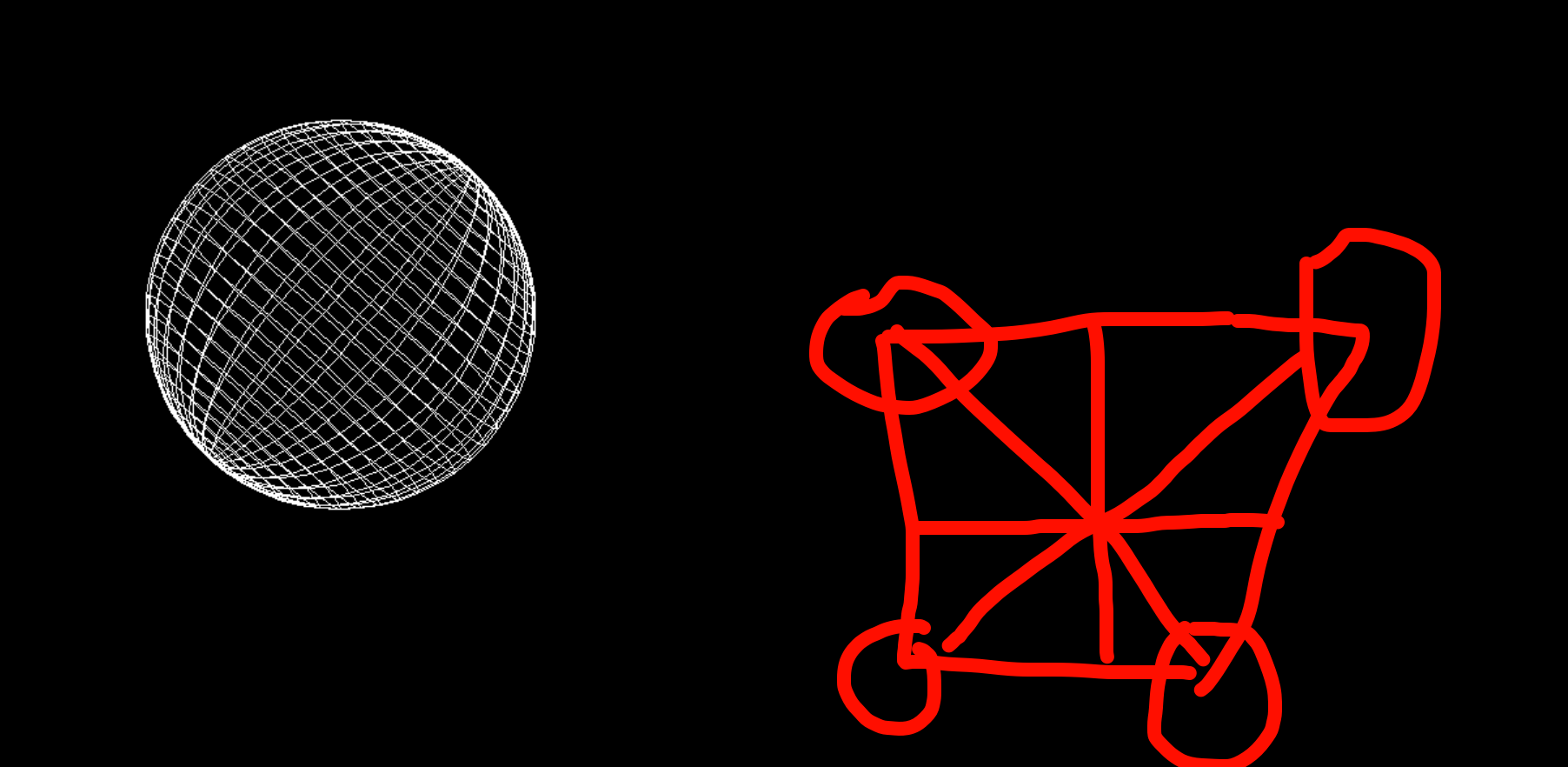
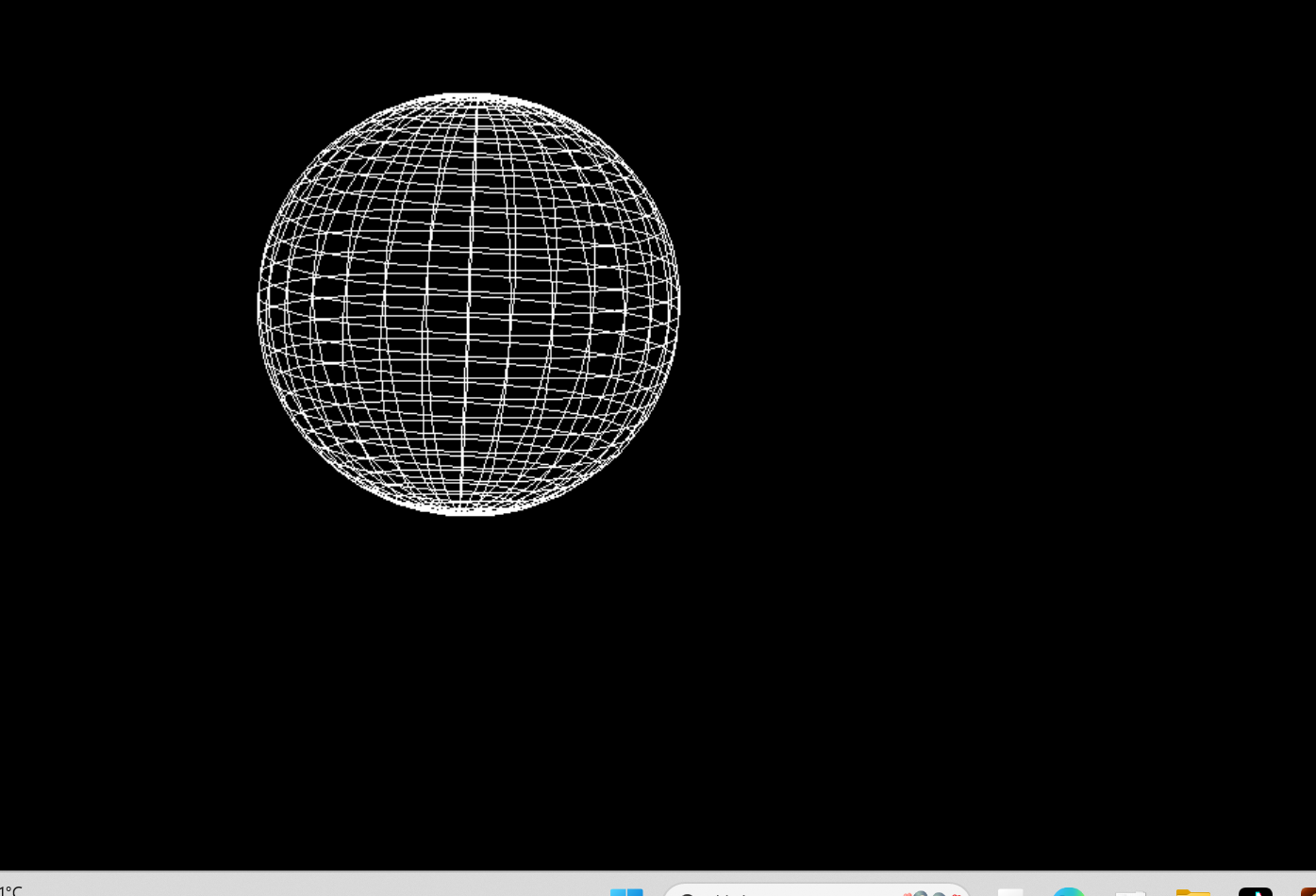
疑问为什么用easyx无法对两条直线的那个交点进行颜色渲染


