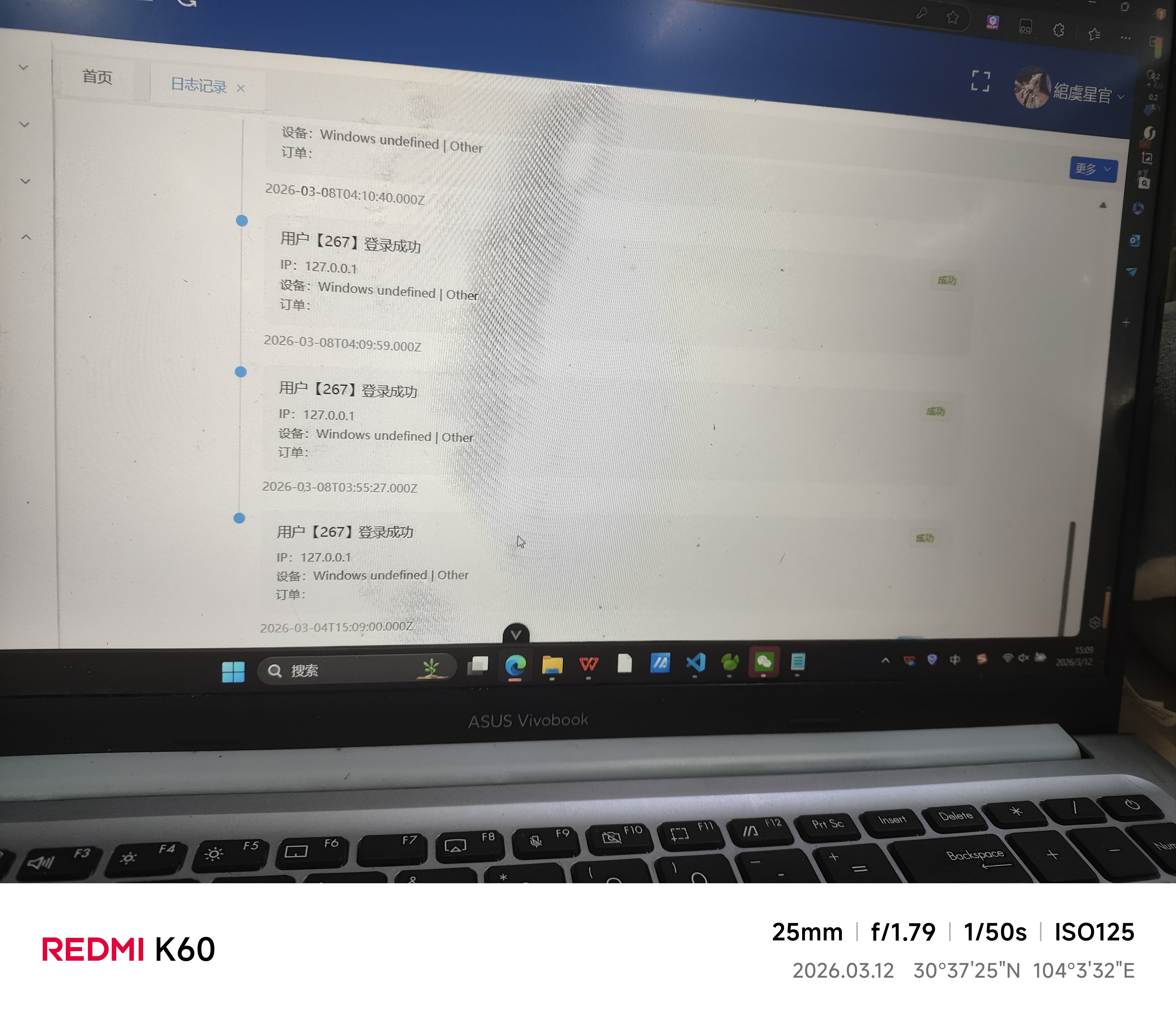
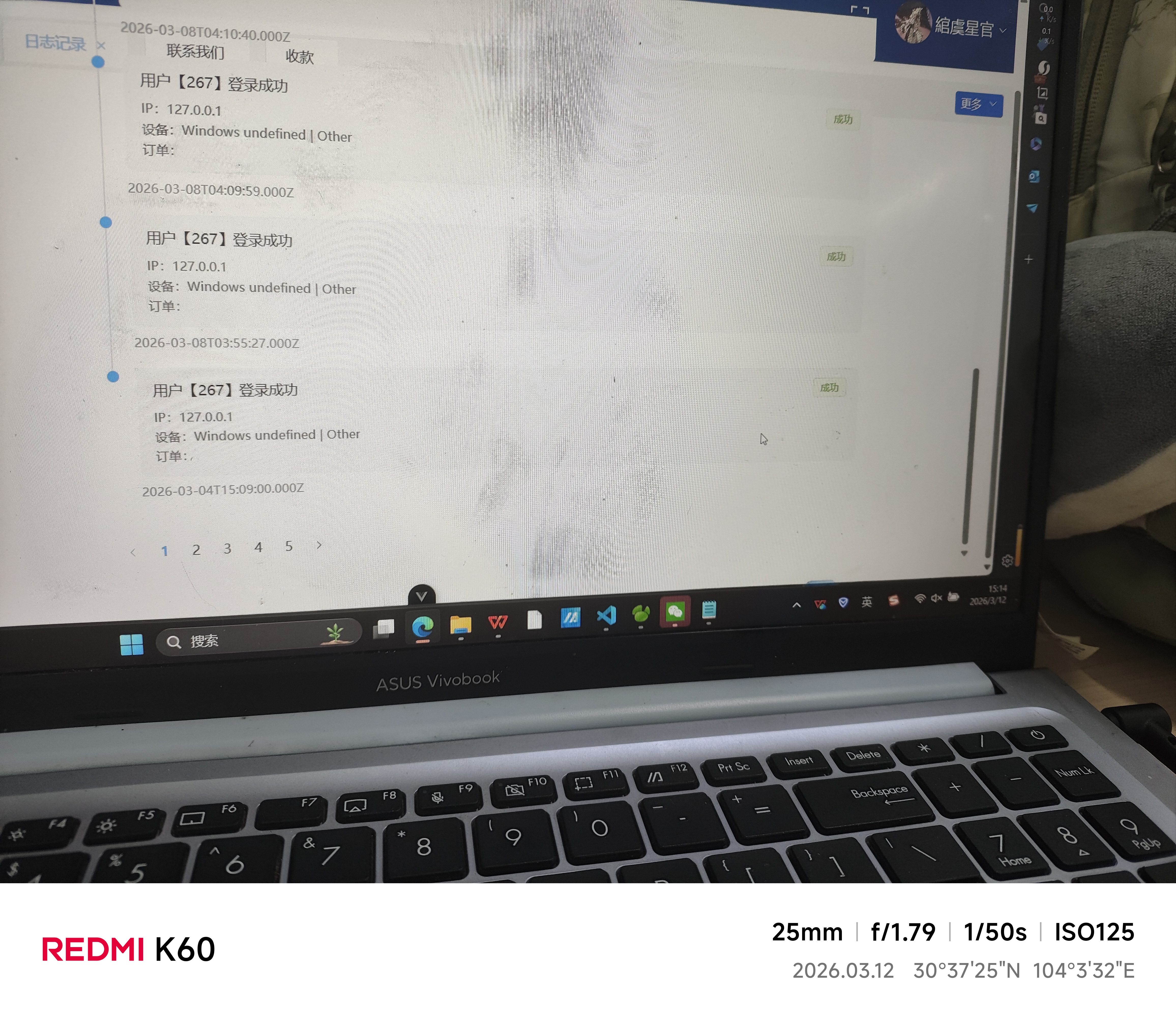
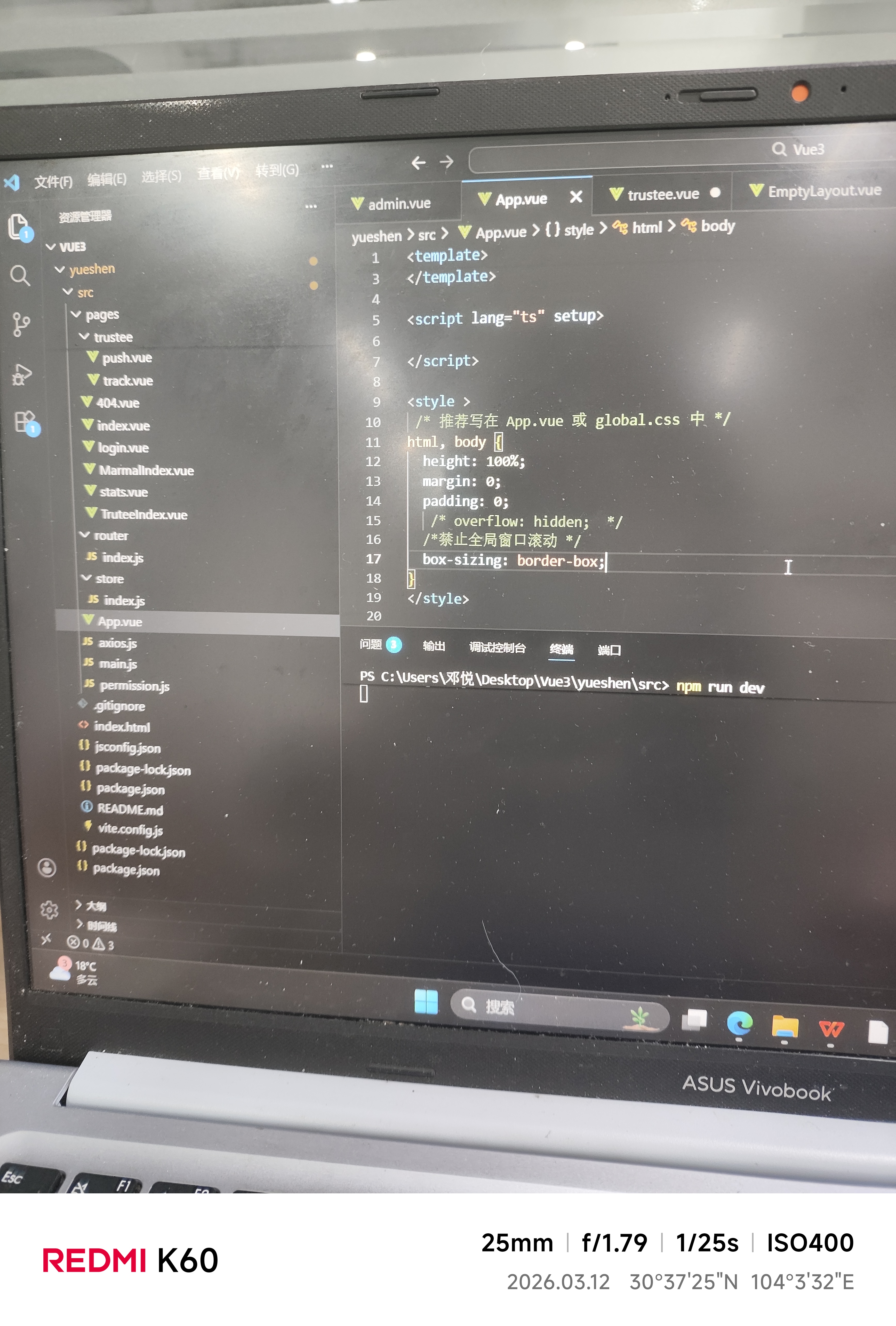
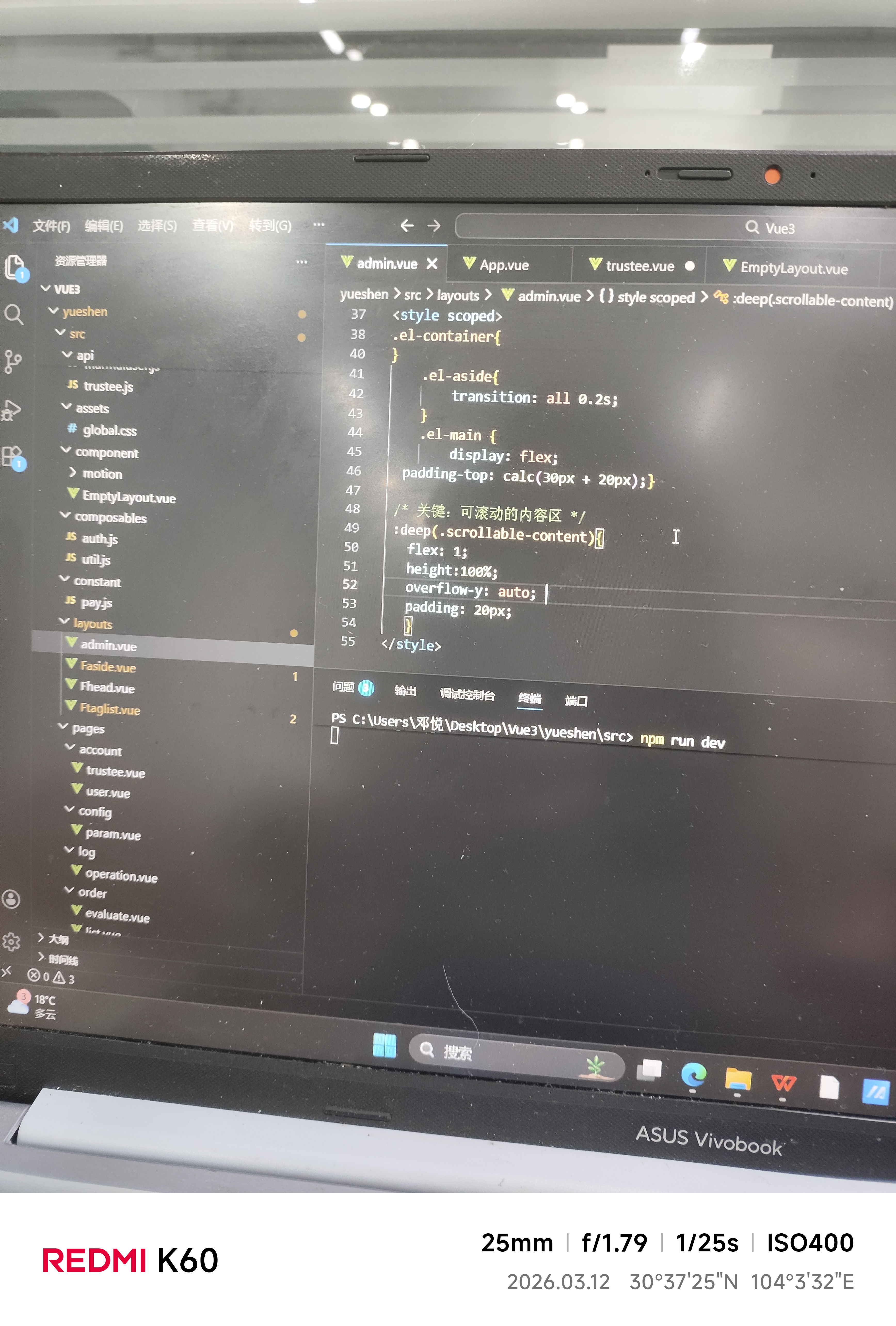
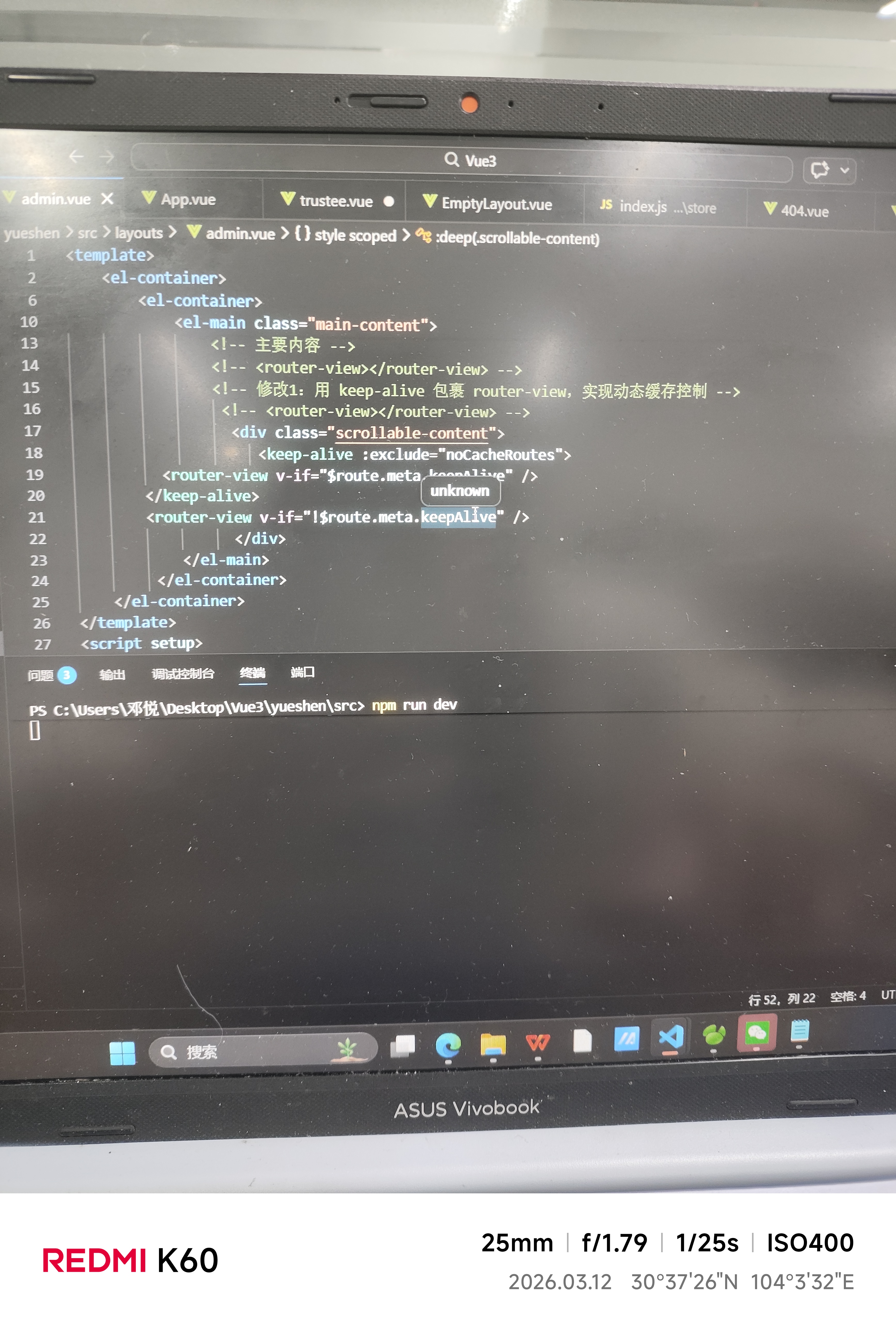
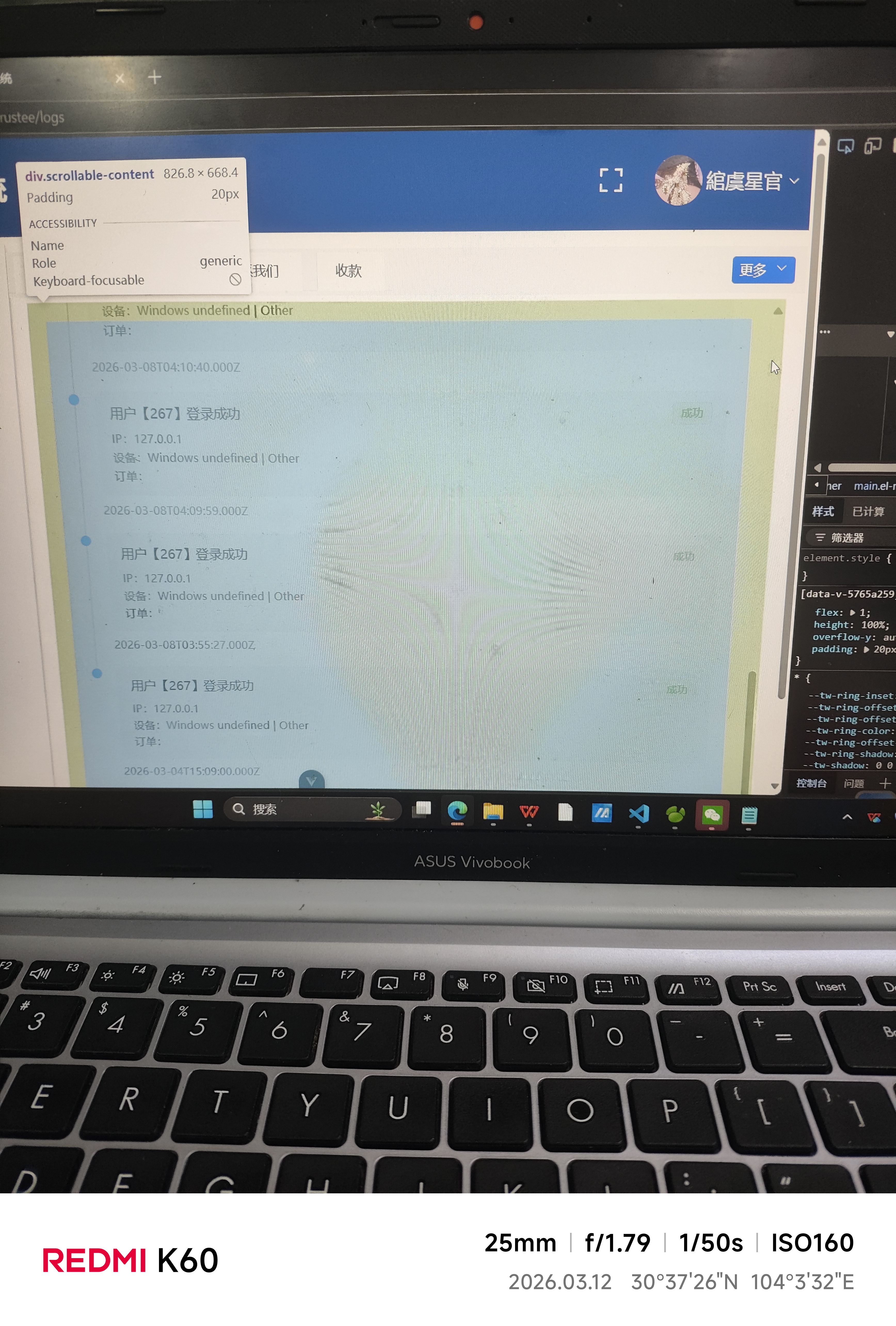


我这个内容区虽然能滚动,但是看到的内容不完整,被挡住的内容刚好是被禁止全局滚动那里被隐藏的内容


下午好🌅🌅🌅
本答案参考通义千问
你描述的问题是:内容区虽然能滚动,但看到的内容不完整,被挡住的部分正好是“被禁止全局滚动”的区域。 这种情况通常出现在页面布局中,尤其是在使用了 overflow: hidden 或者某些固定定位、绝对定位的元素时,导致部分内容无法正常显示。
overflow: hidden,导致子内容被截断。position: fixed 或 position: absolute 的元素遮挡了内容区域。确保你的内容区所在的容器没有设置 overflow: hidden,否则会直接截断内容。
/* 错误示例 */
.content-container {
overflow: hidden; /* ❌ 阻止滚动 */
}
/* 正确示例 */
.content-container {
overflow: auto; /* ✅ 允许滚动 */
}
如果你在页面中使用了 position: fixed 或 position: absolute 的元素,它们可能会覆盖在内容区域之上。
<div class="overlay" style="position: fixed; top: 0; left: 0; width: 100%; height: 100%; z-index: 999;"></div>
<div class="content" style="margin-top: 100px;">...</div>
如果
.overlay覆盖了整个页面,那么下方内容可能被遮挡。
z-index,确保内容区的层级高于遮挡层。.overlay {
position: fixed;
top: 0;
left: 0;
width: 100%;
height: 100%;
z-index: 1000; /* 提高层级 */
}
.content {
margin-top: 100px;
z-index: 999; /* 确保内容在遮挡层之下 */
}
有时候,浏览器默认的滚动行为或 CSS 设置可能导致滚动不完全。
body {
overflow: hidden; /* ❌ 整体页面滚动被禁用 */
}
如果你只希望禁用页面整体滚动,但允许某个区域滚动,应该将
overflow: hidden应用于特定容器,而不是整个body。
如果你使用了 JavaScript 动态加载内容(如 AJAX),请确保在内容加载完成后重新计算滚动位置或触发滚动事件。
useEffect(() => {
const contentContainer = document.querySelector('.content-container');
if (contentContainer) {
contentContainer.scrollTop = 0; // 重置滚动位置
}
}, []);
打开浏览器的开发者工具(F12),使用“元素选择器”查看:
overflow: hidden?z-index 太高?通过这些信息可以快速定位问题所在。
| 问题 | 解决方法 |
|------|----------|
| 父容器设置了 overflow: hidden | 更改为 overflow: auto |
| 定位元素遮挡内容 | 调整 z-index 或定位方式 |
| 页面整体滚动被禁用 | 只对需要的容器设置 overflow: hidden |
| 动态内容影响布局 | 在内容加载后重置滚动位置 |
| 元素层级混乱 | 使用开发者工具检查元素层级 |
假设你有一个内容区被遮挡,下面是修改后的 HTML 和 CSS 示例:
<div class="overlay"></div>
<div class="content">...</div>
.overlay {
position: fixed;
top: 0;
left: 0;
width: 100%;
height: 100%;
background: rgba(0,0,0,0.5);
z-index: 1000;
}
.content {
margin-top: 100px;
}
<div class="overlay"></div>
<div class="content">...</div>
.overlay {
position: fixed;
top: 0;
left: 0;
width: 100%;
height: 100%;
background: rgba(0,0,0,0.5);
z-index: 1000;
}
.content {
margin-top: 100px;
position: relative;
z-index: 999;
}
如果你能提供具体的代码片段或截图,我可以更精准地帮你定位问题。