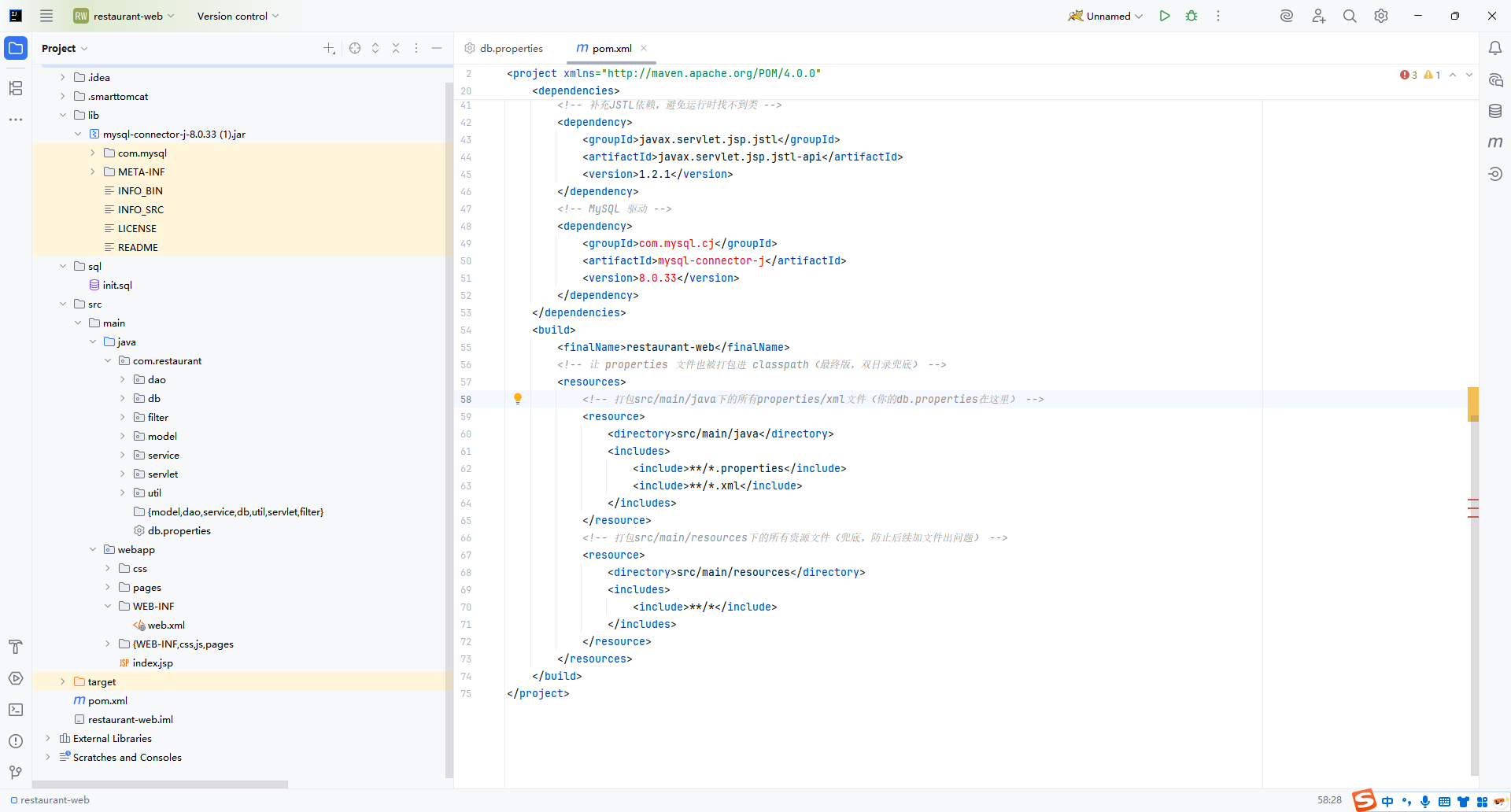
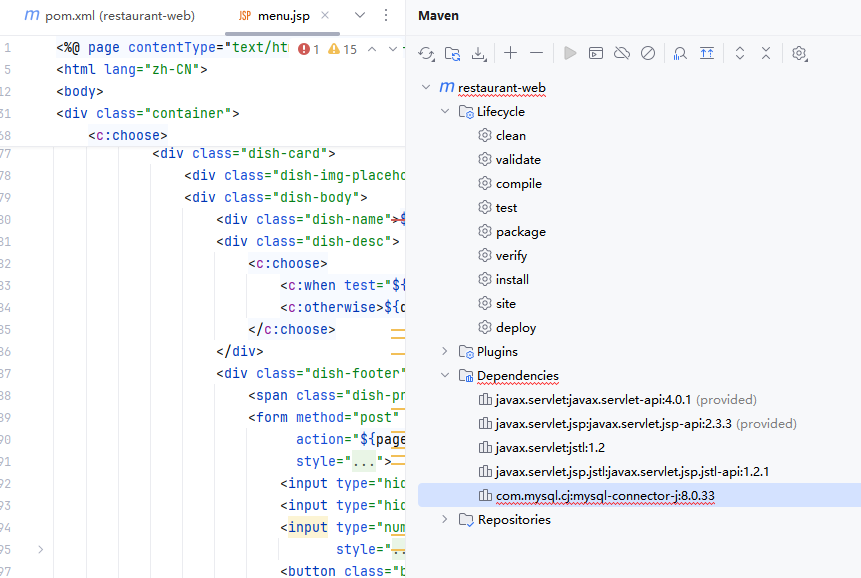
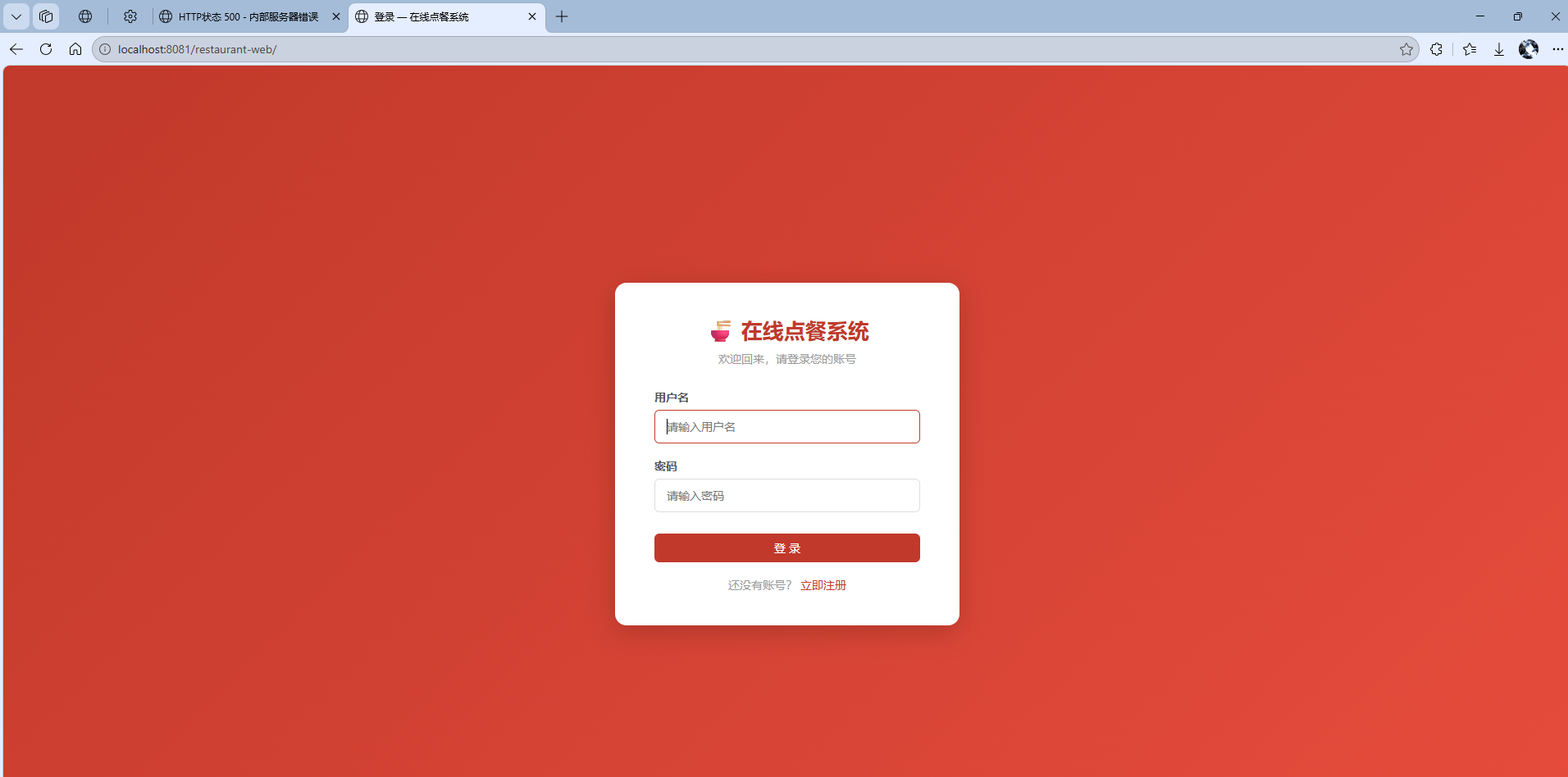
为什么我的点餐系统一点登录就出错啊
数据库也连接好了呀
我问ai修改了好久,结果还是没变化
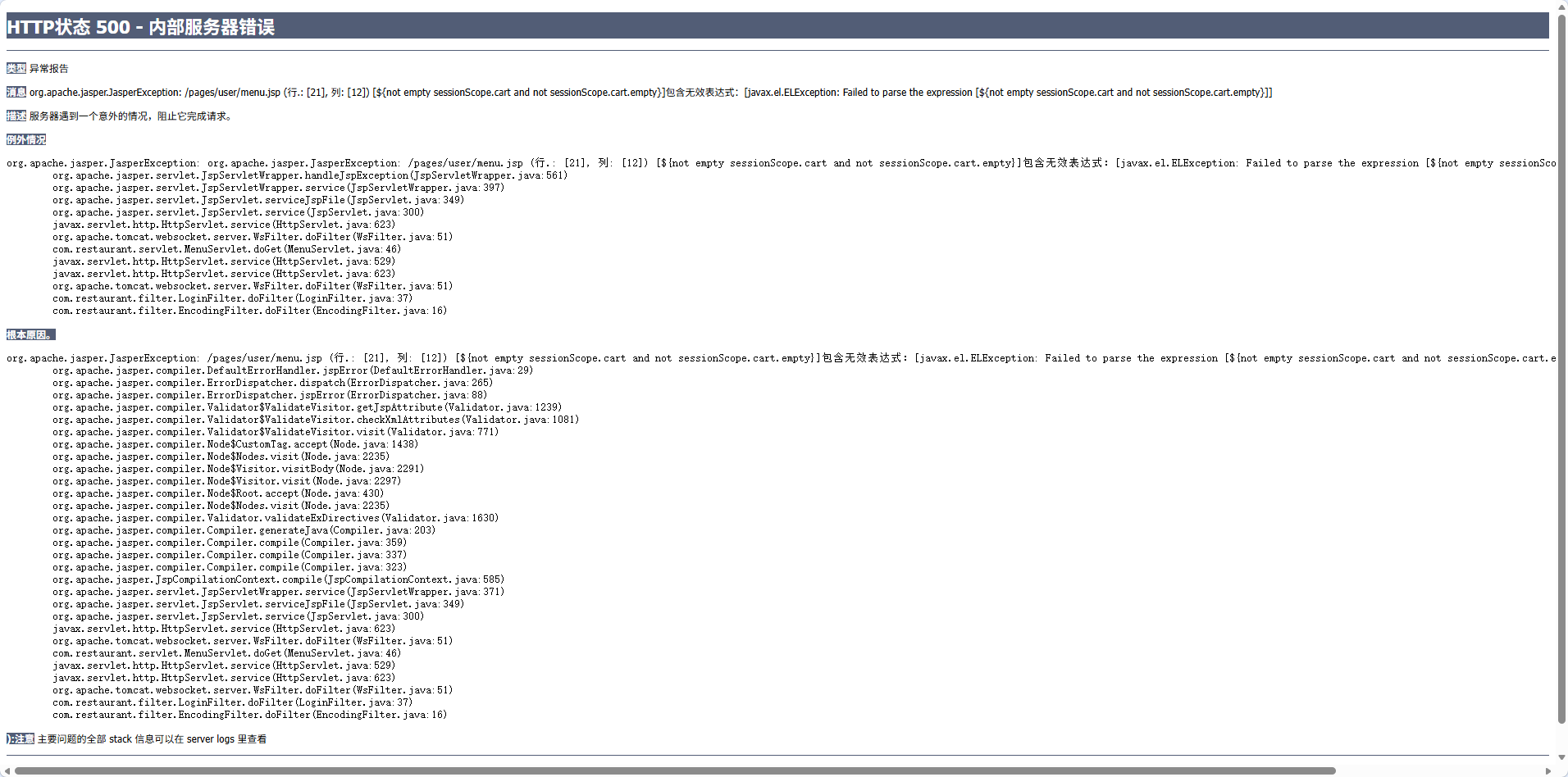

为什么我的点餐系统一点登录就出错啊
数据库也连接好了呀
我问ai修改了好久,结果还是没变化
 分享
分享
下午好🌅🌅🌅
本答案参考通义千问
你提到你的 Java Web 点餐系统 在登录时出错,即使数据库连接已经正常。这说明问题可能不在数据库连接本身,而是出现在 登录逻辑、数据校验或代码实现 上。
下面我会从多个角度分析可能的问题,并提供详细的解决方案。
检查 HTML 表单的 method 和 action 是否正确:
<form action="loginServlet" method="post">
  <input type="text" name="username" />
  <input type="password" name="password" />
  <input type="submit" value="登录" />
</form>
检查前端是否有 JavaScript 错误:使用浏览器开发者工具(F12)查看控制台是否有报错。
确保在 loginServlet 中正确获取参数:
String username = request.getParameter("username");
String password = request.getParameter("password");
注意中文编码问题:如果出现乱码,需要设置请求编码:
request.setCharacterEncoding("UTF-8");
确保 SQL 查询正确:
String sql = "SELECT * FROM users WHERE username = ? AND password = ?";
PreparedStatement ps = connection.prepareStatement(sql);
ps.setString(1, username);
ps.setString(2, password);
ResultSet rs = ps.executeQuery();
**重点: 不要直接拼接 SQL 字符串,防止 SQL 注入,使用 PreparedStatement 更安全。
if (rs.next()) {
    // 登录成功
    session.setAttribute("user", username);
    response.sendRedirect("index.jsp");
} else {
    // 登录失败
    request.setAttribute("error", "用户名或密码错误");
    request.getRequestDispatcher("login.jsp").forward(request, response);
}
确保在登录成功后设置 Session:
HttpSession session = request.getSession();
session.setAttribute("user", username);
在其他页面检查是否登录:
HttpSession session = request.getSession(false);
if (session == null || session.getAttribute("user") == null) {
    response.sendRedirect("login.jsp");
}
try {
    // 数据库操作和业务逻辑
} catch (Exception e) {
    e.printStackTrace(); // 用于调试
    request.setAttribute("error", "系统错误,请稍后再试");
    request.getRequestDispatcher("login.jsp").forward(request, response);
}
在关键位置添加日志输出,方便定位问题:
System.out.println("Username: " + username);
System.out.println("Password: " + password);
使用日志框架如 Log4j 或 SLF4J,更方便调试。
import java.io.*;
import javax.servlet.*;
import javax.servlet.http.*;
import java.sql.*;

public class LoginServlet extends HttpServlet {
    protected void doPost(HttpServletRequest request, HttpServletResponse response)
            throws ServletException, IOException {
        request.setCharacterEncoding("UTF-8");

        String username = request.getParameter("username");
        String password = request.getParameter("password");

        Connection conn = null;
        PreparedStatement ps = null;
        ResultSet rs = null;

        try {
            // 加载数据库驱动
            Class.forName("com.mysql.cj.jdbc.Driver");
            conn = DriverManager.getConnection("jdbc:mysql://localhost:3306/restaurant", "root", "123456");

            String sql = "SELECT * FROM users WHERE username = ? AND password = ?";
            ps = conn.prepareStatement(sql);
            ps.setString(1, username);
            ps.setString(2, password);

            rs = ps.executeQuery();

            if (rs.next()) {
                HttpSession session = request.getSession();
                session.setAttribute("user", username);
                response.sendRedirect("index.jsp");
            } else {
                request.setAttribute("error", "用户名或密码错误");
                request.getRequestDispatcher("login.jsp").forward(request, response);
            }

        } catch (Exception e) {
            e.printStackTrace();
            request.setAttribute("error", "系统错误,请稍后再试");
            request.getRequestDispatcher("login.jsp").forward(request, response);
        } finally {
            // 关闭资源
            try {
                if (rs != null) rs.close();
                if (ps != null) ps.close();
                if (conn != null) conn.close();
            } catch (SQLException ex) {
                ex.printStackTrace();
            }
        }
    }
}
| 问题类型 | 解决方案 | |----------|----------| | 参数获取错误 | 检查表单 method 和 action,确认参数名一致 | | SQL 查询错误 | 使用 PreparedStatement 防止注入,检查 SQL 语句 | | Session 配置错误 | 设置和获取 Session 变量 | | 异常未处理 | 添加 try-catch 块并进行错误跳转 | | 页面跳转错误 | 检查 redirect 和 forward 的使用 |
如果你能提供具体的错误信息(如控制台报错、页面显示内容),我可以进一步帮你定位问题。希望这些方法能帮你解决问题!
分享 创建了问题
4月28日
创建了问题
4月28日

