
环境:
IDEA 2019 JDK1.8 mybatis-generator-maven-plugin为1.3.2
1.在maven中我已经引入了mybatis-generator-maven-plugin,如图: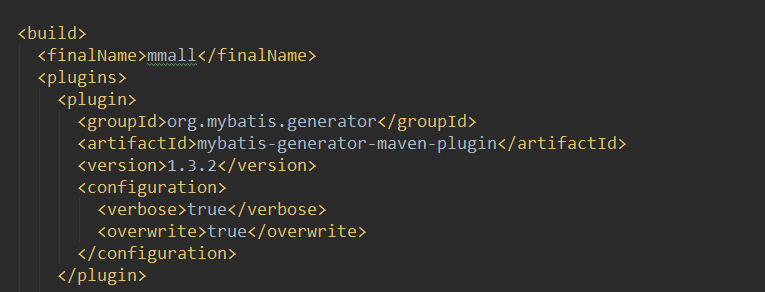
2.然后开始配置generator.xml文件,此次项目中的所有配置文件都放在resources下,如图:

3.报错信息为:Cannot resolve file 'datasource.properties'
4.运行mybatis-generator:generator控制台报错信息如下:
[ERROR] Failed to execute goal org.mybatis.generator:mybatis-generator-maven-plugin:1.3.2:generate (default-cli) on project mmall: Access denied for user 'root'@'127.0.0.1' (using password: YES) -> [Help 1]
[ERROR] To see the full stack trace of the errors, re-run Maven with the -e switch.
[ERROR] Re-run Maven using the -X switch to enable full debug logging.
[ERROR] For more information about the errors and possible solutions, please read the following articles:
[ERROR] [Help 1] http://cwiki.apache.org/confluence/display/MAVEN/MojoExecutionException


